
Link Once, Sell Everywhere: Using Liinks to Sync Your Offers Across TikTok, Instagram, and YouTube Without Losing Your Mind

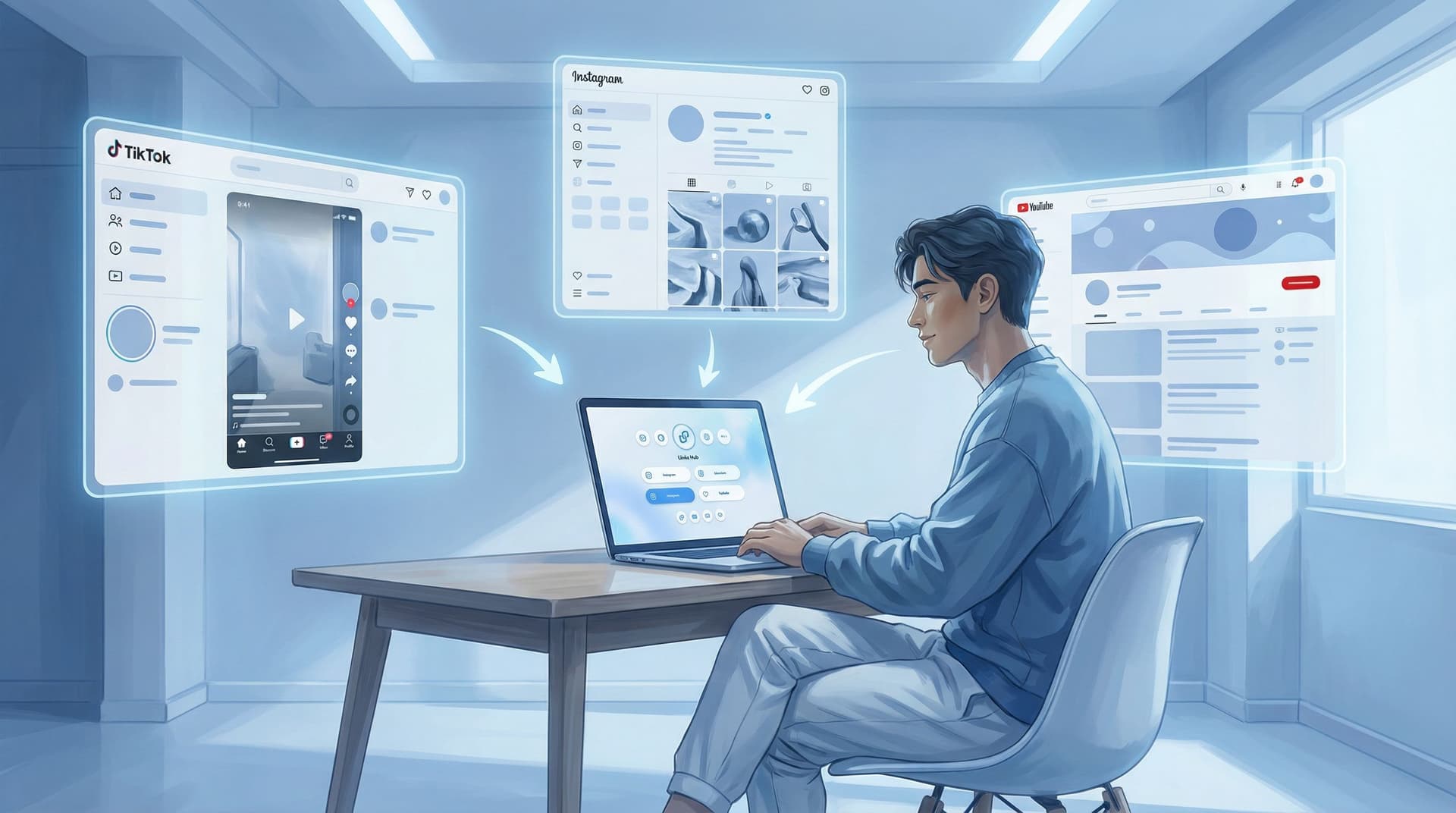
You post a new TikTok. You mention your course.
You drop a Reel. You mention your presets.
You upload a YouTube video. You mention your newsletter, your shop, your affiliate links, and that one Notion template you made at 1 a.m.
And then… you remember you now have three different bios that all need to point people to the right thing.
Welcome to creator chaos.
This post is your exit route.
We’re going to walk through how to use one central hub—your Liinks page—to keep your offers synced across TikTok, Instagram, and YouTube so:
- You’re not editing 47 bios every time you launch something
- Your audience always lands on the most current, relevant offer
- You stop leaking sales because “oh right, I forgot to update that link”
Let’s turn your link-in-bio situation from “where did I put that?” into “of course that’s where it is.”
Why This Matters (a Lot More Than It Sounds)
On paper, this sounds small: “I should organize my links.”
In reality, your link hub is the switchboard for your revenue. Every time someone taps from TikTok, Instagram, or YouTube, they’re telling you, “I’m curious enough to leave the scroll.” That’s rare.
If what they see next is:
- Outdated offers
- Broken links
- A random list of buttons that doesn’t match what you just promoted
…you don’t just lose a click. You lose trust.
A synced, centralized setup with Liinks helps you:
- Ship offers faster. Launch a new product once, route all traffic to it instantly.
- Stop confusing people. The offer in your content matches the offer they see when they tap.
- Test smarter. Try new bundles or price points without editing every profile.
- Protect your sanity. One place to update, three platforms that benefit.
If you’ve ever had that “which link did I put in my YouTube description again?” panic, you don’t need more discipline—you need a better system.
Step 1: Make Liinks Your “Single Source of Truth”
Before we talk about platforms, we need one rule:
Nothing important gets linked directly from TikTok, Instagram, or YouTube. Everything routes through your Liinks page.
That sounds dramatic, but it’s how you stop the multi-platform spaghetti.
Build a simple, offer-first hub
On your Liinks page, create a structure that’s built around what you sell (or want people to do), not around random link categories.
Think in terms of:
- Primary money-makers
- Signature course or membership
- Services or 1:1 offers
- Main digital product or shop
- Warm-up offers
- Lead magnet / freebie
- Low-ticket intro product
- “Start here” playlist or resource
- Trust builders
- Case studies or testimonials
- Best-of content bundles
If you want help structuring that menu so no click is a dead end, bookmark The Creator’s Offer Menu: Structuring Your Liinks Page So No Click Is a Dead End for later.
Once that core structure is in place, you’ll treat Liinks like your homepage:
- New offer? It gets added here first.
- Retiring an offer? Remove or demote it here.
- Running a promo? Reflect it here, then everywhere else simply points to this page.
Step 2: Give Each Platform a Clear “Job”
Not every platform needs to sell everything. That’s how you end up with bios that read like a CVS receipt.
Instead, assign each one a role in your system and let Liinks do the routing.
TikTok: Discovery → Quick Decisions
TikTok is where people meet you while eating snacks at 1 a.m.
Their brain space:
- Low attention span
- High curiosity
- “If this is easy, I’ll do it now. If not, I’ll forget.”
What to do:
- Keep your TikTok bio simple: one main CTA like “Free Notion template + shop ↓”
- Point that bio link to a TikTok-specific section or tag on your Liinks page (e.g., “From TikTok? Start here”).
- On your Liinks page, make that TikTok section:
- A top-of-page block or visually distinct area
- Focused on 1–3 actions: freebie, main offer, maybe a shop
This is also where tiny, low-lift offers shine. If you want ideas, check out Creator Revenue Experiments: 7 Low-Lift Offers You Can Test This Month Using Only Your Liinks Page.
Instagram: Relationship → Exploration
Instagram is where people decide if they like you.
Their brain space:
- Browsing Stories
- Checking your vibe
- Willing to poke around a bit more
What to do:
- Use your bio line to set expectations: “Courses, presets, & resources ↓”
- Still link to the same Liinks hub, but let Stories and posts send people to specific sections:
- “Tap my link and hit ‘Presets’”
- “Tap my link and click the top button for the free workshop”
- On your Liinks page, make sure:
- The first scroll clearly explains who you are + what you offer
- Buttons are visually grouped (e.g., “For creators,” “For brands,” “Free stuff”)
This is where your One Scroll strategy comes in handy—designing your Liinks page so one smooth scroll sells people on their next step. If you haven’t built that yet, save The ‘One Scroll’ Strategy: Designing a Liinks Page That Sells Before Anyone Ever Clicks to read next.
YouTube: Depth → Commitment
YouTube is where people are willing to hang out with you for 10–40 minutes.
Their brain space:
- “Teach me something real.”
- “I’m ready to invest time; maybe money.”
What to do:
- Put one link in your channel banner + description: “All resources & links: yourname.bio” (aka your Liinks URL).
- In each video description, link to specific offers, but make them route through Liinks URLs when possible:
- Instead of
randomcourseplatform.com/yourcourse, use a pretty, branded Liinks link or a dedicated link block you can update.
- Instead of
- On your Liinks page, create:
- A “From YouTube” section with your most mentioned offers
- A few evergreen links that match your core video topics (e.g., “My editing gear,” “My client onboarding template”).
Now, if you ever change platforms, pricing, or product details, you update one link block on Liinks and all those descriptions are effectively “fixed” without touching YouTube.
Step 3: Tag and Group Offers by Intent, Not Platform
Here’s where most people get tangled: they think in platforms.
“This is my TikTok product.”
“This is my Instagram freebie.”
Instead, think in intent levels:
- Cold-ish: “I just found you and I’m curious.”
- Warm: “I like you, show me something helpful.”
- Hot: “I’m ready to buy or book.”
On your Liinks page, group links accordingly:
-
Top Section – Hot actions
- Book a call
- Buy the main product
- Join the membership
-
Middle Section – Warm actions
- Free training or workshop
- Lead magnet that directly relates to your main offer
- “Start here” content bundles (e.g., “New to me? Watch these 3 videos first.”)
-
Lower Section – Cold-ish / Browsers
- Social links
- Blog or YouTube playlists
- General “about me” stuff
Then, from each platform, you simply point people to the right level:
- Viral TikTok? Send them to a warm or cold action (freebie or starter resource).
- YouTube tutorial? Send them to a warm or hot action (related product or service).
- Instagram carousel with case studies? Hot action (booking, application, or sales page).
Because it’s all housed inside Liinks, you can tweak what lives in each section without changing your bios.
Step 4: Create “Evergreen” Links That Survive Trend Whiplash
Trends move on. Your content about them does not.
You do not want to be manually updating bios every time a sound, format, or product angle stops performing.
Instead, build evergreen link blocks on your Liinks page that can flex behind the scenes.
Example: The “Viral Video” Link
Let’s say you have a TikTok about your editing workflow pop off.
Instead of putting “Buy my editing presets” directly in your TikTok bio, you:
- Create a dedicated Liinks block called “From the editing TikTok”.
- Point your TikTok bio and pinned comment to your Liinks URL with instructions:
- “Tap my link and hit ‘From the editing TikTok’.”
- Inside that block, you can:
- Swap which product is featured
- Add a bundle or limited-time discount
- Add an email opt-in for people not ready to buy
Your content keeps saying the same thing (“Hit my link and tap ‘From the editing TikTok’”), but what people see can evolve as your strategy does.
If you want more ideas for turning one-time spikes into long-term clicks, you’ll like From Trend Chasing to Timeless: Turning Viral Content into Evergreen Clicks with a Smarter Link in Bio.
Other evergreen link ideas
- “Latest offer” – always points to whatever you’re currently pushing
- “Creator toolkit” – your stable of go-to offers, templates, or affiliate links
- “Start here if you’re X” – niche-specific entry points (BookTok, plant parents, new coaches, etc.)
The key: your content references labels, not URLs. The URL (your Liinks page) stays the same; the contents shift as needed.
Step 5: Use Analytics to See Which Platform Actually Sells
You don’t have to guess which platform is doing the heavy lifting.
With a well-structured Liinks page, you can:
- Track which buttons get the most clicks overall
- Compare how TikTok-driven traffic behaves vs. Instagram vs. YouTube
- See which offers flop quietly so you can retire or reposition them
A few simple experiments:
-
Platform-specific labels
- Create two similar links that go to the same destination but are labeled differently, e.g., “TikTok Editing Bundle” vs. “Instagram Editing Bundle.”
- Use those as the target from each platform and watch which one gets more traction.
-
Order tests
- For a week, put your main offer first and your freebie second.
- Next week, swap them.
- See which layout leads to more purchases or signups.
-
Intent tests
- Group your links by hot/warm/cold and see where people actually click.
- If 90% of clicks are on warm offers, maybe your hot offers need clearer copy or a friendlier price point.
If you want to nerd out on this without sacrificing aesthetics, read The Aesthetic Data Nerd: Using Analytics to Design a Better-Looking (and Better-Performing) Liinks Page next.
Step 6: Build a Low-Maintenance Update Ritual
The goal here is “set it up once, tweak it lightly,” not “rebuild your funnel every Tuesday.”
A simple maintenance rhythm:
Weekly (10–15 minutes)
- Check your Liinks analytics:
- Top 3 clicked links
- Any links getting almost no clicks
- Ask:
- “Does my top content this week match what’s at the top of my Liinks page?”
- “Is there a link I can remove to reduce clutter?”
Monthly (20–30 minutes)
- Audit your offers:
- Anything outdated? Remove or archive.
- Any new products or collabs that deserve a spot?
- Refresh copy on your top 3–5 buttons:
- Swap “Learn more” for something specific like “Watch the free editing class”
- Add urgency if there’s a real deadline
If writing fresh copy every month sounds like a chore, you can absolutely outsource that brainwork to AI. Pair this post with AI-Assisted Link in Bio: Using ChatGPT and Liinks Together to Plan Offers, CTAs, and Layouts and let a “tiny creative director” handle the drafts.
Quarterly (45–60 minutes)
- Step back and look at your whole system:
- Are TikTok, Instagram, and YouTube all still pointing to the same Liinks hub?
- Have you added any rogue direct links that need to be rerouted?
- Revisit your intent groupings:
- Do your hot/warm/cold sections still reflect how you actually sell now?
This is how you keep your setup feeling intentional without turning “update my link in bio” into a personality trait.
Quick Recap: Your “Link Once, Sell Everywhere” Checklist
Use this as your sanity-saving cheat sheet:
-
Centralize everything.
Make Liinks your single source of truth. All roads (and bios) lead there. -
Give each platform a job.
- TikTok: discovery and quick actions
- Instagram: relationship and exploration
- YouTube: depth and commitment
-
Group by intent, not platform.
Organize your Liinks page into hot, warm, and cold actions. -
Use evergreen labels.
Reference “From the X video” or “Latest offer” in content, not specific URLs. -
Watch the numbers.
Let your analytics tell you which links and platforms actually convert. -
Maintain lightly.
Short weekly, monthly, and quarterly check-ins keep everything aligned.
Do this, and your bio links stop being a chore and start acting like a quiet, competent sales system running behind every TikTok, Reel, and video you publish.
Ready to Stop Copy-Pasting Links Between Apps?
If your current “system” is:
- A notes app full of half-remembered URLs
- Bios that all say slightly different things
- A lingering fear that your best offer is linked… somewhere
…it’s time to graduate to a grown-up setup.
Start by:
- Creating or logging into your Liinks account.
- Building a simple, offer-first page with clear hot/warm/cold sections.
- Updating your TikTok, Instagram, and YouTube bios so they all point to that one, beautiful hub.
You don’t need a full website, a funnel agency, or a color-coded Notion board to sell across platforms.
You just need one well-structured Liinks page—and the decision that you’re done chasing your own links around the internet.
Go link once. Then go back to making the content that actually grows your business.

