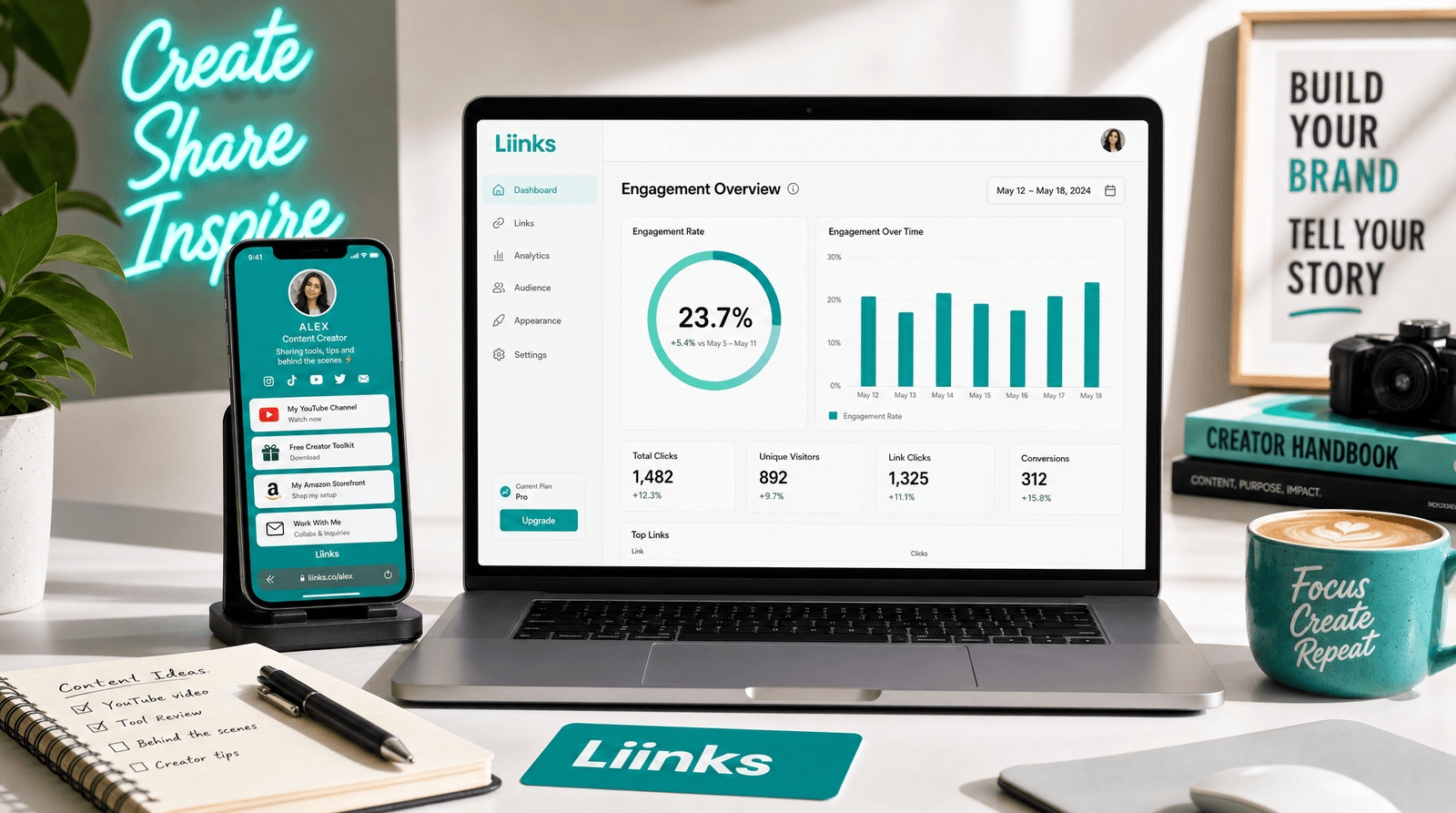
The Aesthetic Data Nerd: Using Analytics to Design a Better-Looking (and Better-Performing) Liinks Page

You don’t have to choose between “pretty” and “profitable.”
If you’re a creator, founder, or small business owner, you’ve probably swung between two extremes with your link in bio:
- Vibes-only mode: It looks gorgeous, it matches your grid, and your buttons are cute… but you have no idea if anyone is actually clicking the things that matter.
- Spreadsheet gremlin mode: You’re staring at click numbers, traffic sources, and CTRs, but your page looks like a 2009 settings panel.
Let’s retire that false choice.
The whole point of using a flexible tool like Liinks is that you can have both:
- A page that looks like your brand actually has its life together
- A page that quietly functions like a tiny, very effective funnel
The bridge between those two? Analytics.
This is your guide to becoming an aesthetic data nerd—the kind of creator who uses numbers to design a better-looking, better-performing Liinks page without turning into a full-time data analyst.
Why Your Design Decisions Should Start in the Data
Good design isn’t just “I like this color.” It’s “this layout makes it easy for people to do the thing they came here to do.”
When you ignore analytics, you end up guessing:
- “People probably want my freebie first.”
- “This button feels important.”
- “I’m sure someone is clicking my shop link.”
Meanwhile, your analytics are quietly telling you things like:
- Which links people actually click (and which are invisible)
- How many people bounce without tapping anything
- Which traffic sources send the warmest, most engaged humans
Once you know those things, you can:
- Promote the right links instead of the loudest ones
- Declutter your layout based on real behavior
- Style your page so key actions are visually obvious (without screaming at people)
If you haven’t read it yet, CTR in Real Life: What Your Liinks Click-Through Rate Is Actually Telling You (and What to Fix First) is a great companion to this post. Think of that one as “data decoding” and this one as “data-driven design.”
Step 1: Decide What “Winning” Looks Like (Before You Touch a Button)
You can’t design a high-performing Liinks page if you don’t know what “performing” means.
Ask yourself: What is the #1 thing I want people to do once they land here?
Common answers:
- Book a call or appointment
- Join your email list
- Buy a product or template
- Apply for a collab or brand partnership
- Watch a key video or playlist that does heavy lifting for your sales
Then ask: What are 1–2 strong “runner-up” actions that still count as a win?
Examples:
- Following you on a secondary platform where you sell more
- Grabbing a low-ticket offer
- Browsing your portfolio or case studies
Once you’ve got your primary and secondary goals, you can:
- Rank your links in order of priority
- Match your design choices (size, color, spacing, imagery) to that priority list
- Use analytics to check if your design is doing its job
No more “everything is important” layouts. You’re designing a page that tells people, visually, what to do next.
Step 2: Turn Your Analytics into a Story (Not Just Numbers)
Let’s translate your analytics into plain language.
Here are the main data points to watch on your Liinks page and what they mean for design.
1. Total Visits and Top Traffic Sources
These tell you where people are coming from and how many chances you get to impress them.
Design implications:
- If most of your traffic is from Instagram, assume people are coming from short-form content and want a fast, scannable layout.
- If a big chunk is from YouTube, they’re often warmer and willing to scroll more and read slightly longer descriptions.
- If you’re sending people from email, they might already know what they’re looking for—so prioritize the thing you pitched in that email near the top.
2. Overall Click-Through Rate (CTR)
CTR = total clicks on your links ÷ total page visits.
- High visits, low CTR: The page looks nice but doesn’t make it obvious what to do.
- Low visits, high CTR: Your page is doing its job; you just need more traffic.
If CTR is low, it’s usually a design and clarity problem, not a “my content sucks” problem.
3. Per-Link Clicks (and Click-Through Rate per Link)
This is where the nerdy magic happens.
Look at each link and ask:
- Is this link getting more clicks than its position deserves? (People scroll for it.)
- Is this link getting fewer clicks than its importance? (You think it’s key, but no one cares.)
Those gaps tell you what to promote visually and what to demote, restyle, or remove.
If you want to go deeper into how individual links behave as “mini offers,” pair this with The Creator’s Offer Menu: Structuring Your Liinks Page So No Click Is a Dead End.
Step 3: Use Data to Build Visual Hierarchy (So the Right Links Pop)
Visual hierarchy is the fancy term for “what your eyes notice first.” You’re going to use your analytics to decide what deserves attention—then use design to give it that attention.
Make Your #1 Goal Unmissable
Take the primary action you defined earlier and:
- Put it at or near the top of your page
- Use a bolder color or a filled button style
- Give it a short, specific micro-CTA, like:
- “Book your brand audit call”
- “Start the 5-day email challenge”
- “Watch the client onboarding walkthrough”
Then check analytics after a week:
- Did clicks on that link go up?
- Did clicks on lower-priority links go down slightly (that’s okay)?
If yes, congrats—you just used data to justify a design choice.
Use Size and Spacing Intentionally
Not every link should look identical. Use your metrics to break your page into tiers:
-
Tier 1: Primary goal
Biggest button, boldest color, maybe a subtle icon. -
Tier 2: Secondary goals
Standard button size, strong but less intense color. -
Tier 3: Nice-to-have links
Smaller text links, grouped together, or placed lower on the page.
If you notice Tier 3 links are getting zero clicks for weeks, that’s your cue to:
- Remove them
- Combine them into one “Resources” or “More from me” link
- Move them into an email footer or Linktree-style archive instead of your main Liinks hub
Color as a Data Tool (Not Just Aesthetic)
You don’t need a rainbow. You need a color system that reflects importance.
Try this:
- Use one accent color for your main CTA
- Use a neutral or softer shade for secondary links
- Use underlined text links for low-priority items
Then, once a month, check which color tier gets the most clicks. If a low-priority neutral link is secretly a click magnet, promote it to accent status and see if conversions improve.
Step 4: Match Layout to Behavior (Not Vibes Alone)
Your page layout should reflect how people actually use it.
If Most People Only Tap One Link
You’ll see this when your analytics show that one link has 60–80% of all clicks.
Design moves:
- Put that link front and center—top of the page, bold style.
- Support it with one or two related links right below (e.g., FAQ, pricing, or testimonials).
- Use sections or dividers to visually separate “money-making” links from “nice-to-explore” links.
This is very aligned with the One Scroll Strategy: your page should sell the next step within a single smooth scroll.
If People Click Around and Explore
If your analytics show a healthy spread of clicks across multiple links:
- Consider grouping links into clear sections: “Start Here,” “Work With Me,” “Free Stuff,” “For Brands,” etc.
- Use headings and subtle background blocks to make each section feel intentional.
- Add short, 1-line descriptions under key links to help people choose quickly.
The goal: keep the exploratory energy, but make sure every path leads somewhere useful (a sign-up, a sale, a deeper relationship).
If People Bounce Without Clicking
If your visits are solid but clicks are sad, it’s usually one of these:
- The page is overwhelming (too many options)
- The page is underwhelming (no clear reason to click anything)
- The page is confusing (unclear labels, vague CTAs)
Design experiments to try:
- Cut your links in half for one week and watch what happens
- Rewrite button copy to be specific and outcome-based
- Add a short intro line at the top: “Start here if you’re new →” with an arrow to your main link
Step 5: Run Tiny Design Experiments (Without Becoming a Full-Time Tester)
You don’t need full-blown A/B testing software to learn from your audience. You just need small, intentional tweaks and a habit of checking your numbers.
Pick one variable at a time and give it a week or two.
Here are simple experiments you can run directly on your Liinks page:
Experiment 1: Button Order
- Week 1: Primary offer at the top, freebie second
- Week 2: Freebie at the top, primary offer second
Compare clicks and conversions:
- If freebie-first dramatically boosts signups and your paid offer still gets clicks, that might be your new default.
- If your paid offer dies when you move it down, keep it on top and make the freebie a strong secondary.
Experiment 2: Micro-CTAs
Keep the link destination the same, change only the button text.
Examples:
- “Join my newsletter” → “Get weekly client-attracting content in your inbox”
- “Book a call” → “Book your free 15-min clarity call”
If you want help rewriting vague labels into clicky micro-CTAs, bookmark From ‘Check Out My Stuff’ to ‘Book Me Now’: Rewriting Boring Link-in-Bio Copy into Clickable Micro-CTAs.
Experiment 3: Visual Emphasis
Test how much styling alone moves the needle.
- Version A: All buttons same size and color
- Version B: Primary button larger + accent color
If Version B spikes clicks on that primary link without tanking everything else, you’ve just proven visual hierarchy is worth keeping.
Experiment 4: Sections vs. No Sections
- Try a week with simple, ungrouped links
- Then a week with clear sections like “Start Here,” “Work With Me,” and “Free Resources”
If sectioned layouts increase total clicks and reduce bounces, you’ve found your structure.
For more ideas like this, check out Beyond A/B Testing: Tiny Liinks Experiments That Reveal What Your Audience Really Wants.
Step 6: Design for Your Best Traffic, Not Your Noisiest
Not all clicks are created equal.
If your analytics show:
- TikTok sends lots of traffic, but low CTR
- YouTube sends fewer people, but they click and convert
…design for the YouTube crowd first.
What that looks like:
- Put the links that matter most to your highest-intent traffic near the top
- Use copy that speaks to what those people just watched/read from you
- Create a small “New from YouTube?” or “Just watched my Reels?” section that gives them a clear next step
This is especially powerful for service providers. If your DMs and clients mainly come from one platform, your Liinks layout should feel like a continuation of that platform’s experience.
Step 7: Make It Look Like You on Your Best Day
All this talk about data doesn’t mean you sacrifice aesthetics. It means you aim your aesthetics.
Use your analytics to decide where to focus your design energy:
- Create custom button styles or icons for your top 3 links instead of every single one
- Add imagery or a mini gallery section only if people scroll that far
- Use consistent typography and spacing so the page feels like a cohesive brand experience, not a Franken-page
If you want your page to feel like a mini homepage for your whole operation, The Creator’s Anti-Overwhelm Stack: Using Liinks to Simplify 5 Different Platforms into One Calm Hub pairs really well with this data-driven approach.
Bringing It All Together
You’re officially an aesthetic data nerd if you:
- Know your primary goal for your Liinks page
- Check your analytics often enough to notice patterns (weekly or biweekly is plenty)
- Use visual hierarchy (order, size, color, spacing) to guide people toward that goal
- Run tiny experiments instead of massive overhauls
- Let data tell you what to promote, restyle, or delete—instead of guessing at 1 a.m.
This isn’t about turning your link in bio into a science project. It’s about:
- Making your page look like your brand, not a generic template
- Helping your warmest people take the next step with you
- Quietly turning a pretty page into a working asset
Your Next Move
Here’s a simple, nerdy-but-cute checklist you can do in the next 20 minutes:
- Open your Liinks analytics.
- Write down:
- Your top 3 most-clicked links
- Any links with almost no clicks
- Your overall CTR
- Decide your #1 goal for the page this month.
- Redesign your layout so that:
- Your #1 goal is visually unmissable
- Your top-performing links are above the fold
- At least 2 low-performing links are removed, combined, or restyled
- Set a reminder in your calendar for 7–14 days from now to check what changed.
That’s it. You just used data to design a better-looking, better-performing Liinks page.
If you’re ready to give your link in bio a true glow-up that’s equal parts aesthetic and strategic, go open your Liinks dashboard, peek at your analytics, and make one small change right now.
Your future self (and your future conversion rate) will be very into it.