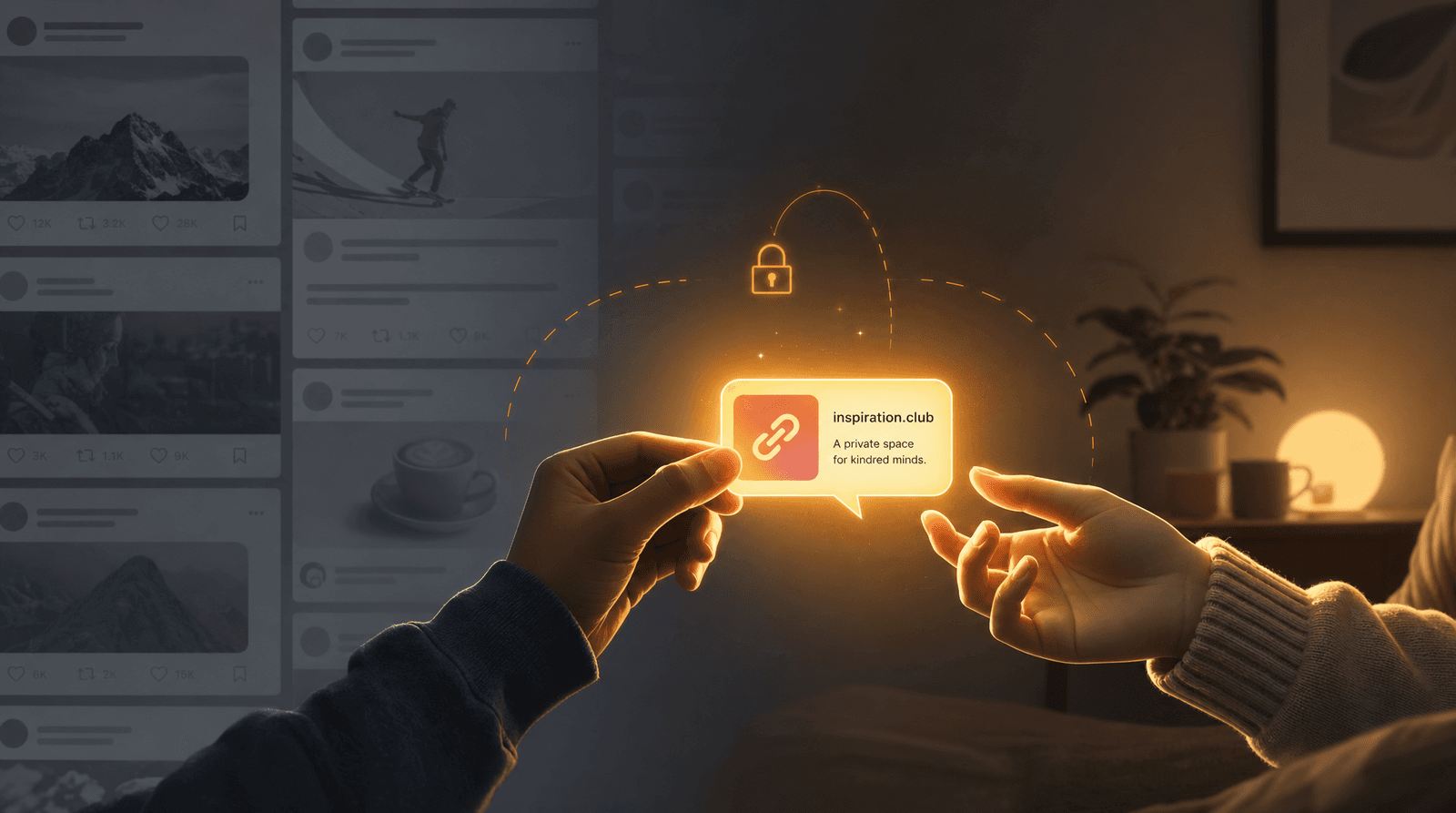
The Creator’s Anti-Overwhelm Stack: Using Liinks to Simplify 5 Different Platforms into One Calm Hub

If your current “system” is 27 open tabs, 4 half-finished Notion dashboards, and a Notes app graveyard… this one’s for you.
Creators don’t actually struggle with ideas or platforms.
You struggle with coordination.
- You’ve got Instagram for reach.
- TikTok for discovery.
- YouTube for depth.
- Email for ownership.
- A shop, or booking tool, or Patreon for money.
And every single one of them is yelling, “Put my link in your bio.”
Let’s build you an anti-overwhelm stack: one simple setup where all those platforms plug into a single, calm, on-brand hub powered by Liinks.
No more “link in bio” chaos. No more “Which link did I put where?” panic. Just one place that quietly runs your creator business while you go back to making the good stuff.
Why Your Brain Feels Like 47 Open Tabs
You’re not disorganized. You’re just:
- Juggling too many entry points. Every platform wants to be “home base.” None of them should be.
- Context-switching constantly. One minute you’re posting, the next you’re grabbing a Calendly link, then you’re hunting for that one Gumroad URL.
- Rebuilding the same thing 5 times. Bio on Instagram, bio on TikTok, description on YouTube, link in email footer… all slightly different, all slightly wrong.
The fix is not “get more disciplined.” The fix is create one hub and make everything else point to it.
That’s where Liinks comes in: a flexible, good‑looking link-in-bio tool that acts like your homepage, dashboard, and offer menu in one.
The Anti-Overwhelm Principle: One Hub, Many Doors
Here’s the mindset shift:
Every platform is a door. Your Liinks page is the house.
You don’t need to fully “organize your business.” You just need to:
- Decide what lives in the house (offers, content, key links).
- Decide how each door (platform) leads into that house.
- Make your Liinks page the one URL you memorize and use everywhere.
Once you do that, you can start treating your Liinks page like:
- A mini homepage (without a full website build)
- A conversion funnel for services, products, or content
- A test lab for what your audience actually wants (pair this with the experiments in Beyond A/B Testing: Tiny Liinks Experiments That Reveal What Your Audience Really Wants)
Step 1: Decide What Your Hub Actually Does
Before you drag a single button around, answer this:
If someone taps your bio link, what’s the one main thing you’d love them to do?
Common answers:
- “Join my email list.”
- “Book a call.”
- “Buy my product / template / preset.”
- “Binge my best content so they actually get what I do.”
Pick one primary goal and two secondary goals max.
Example:
- Primary: Get people onto your email list.
- Secondary: Sell your low-ticket product + make it easy to book a consult.
Your Liinks layout should reflect that:
- Top of page: one clear section or button for the primary goal.
- Middle: key secondary actions.
- Bottom: everything else (socials, freebies, portfolio, etc.).
If you want help turning that into a funnel, pair this with From Freebie Hunters to Paying Clients: Mapping a Simple Conversion Funnel from Your Liinks Page.
Step 2: Turn 5 Platforms into One Calm Hub
Let’s walk through how to plug five common platforms into a single Liinks page without it turning into a junk drawer.
We’ll use this stack:
- Instagram (or TikTok) – social traffic
- YouTube – long-form content
- Email – newsletter or lead magnet
- Storefront – Gumroad, Shopify, Stan, Podia, etc.
- Booking – Calendly, Acuity, or DMs
1. Social (Instagram / TikTok): One Link, Many Contexts
Instead of changing your bio link every time you mention something new, keep your Liinks URL permanent and change the top section instead.
How to set it up:
- Create a “Start Here” or “What I Mentioned Today” section at the top.
- Use short, specific micro-CTAs like:
- “Get the Notion template from today’s Reel”
- “Watch the full tutorial I teased in Stories”
- “Grab the checklist from my latest TikTok”
- Update those top 1–3 links as your content changes. Everything else on the page stays stable.
This way:
- Your audience never hits a dead link.
- Your brain never has to remember which URL is “currently” in your bio.
- You can track what’s working with Liinks analytics instead of guessing (and if you want to decode those numbers, read CTR in Real Life: What Your Liinks Click-Through Rate Is Actually Telling You (and What to Fix First)).
2. YouTube: Turn Viewers into Subscribers or Buyers
YouTube viewers are already in “sit down and focus” mode. When they tap your bio link, they’re warm.
Use a dedicated “From YouTube?” section on your Liinks page:
- Button 1: “Get the resources from this video” (link to a folder, template, or page)
- Button 2: “Join my newsletter for more deep dives”
- Button 3: “Work with me 1:1”
Then, in your video description and channel links, send people to the same Liinks URL and tell them exactly what to expect:
“All links + resources from this video live here → [your Liinks URL]”
This keeps your YouTube description from turning into a 40-link scroll while still giving viewers everything they need.
3. Email: Make Your Footer Actually Do Something
Your email list is where people are already committed enough to give you their inbox.
Instead of dropping a random set of links at the bottom of every email, point them to your Liinks hub and let that page do the heavy lifting.
In your email footer, use something like:
- “One link for everything I mentioned: [your Liinks URL]”
- “Catch up on my latest offers, resources, and tools here: [your Liinks URL]”
On your Liinks page, create an “If you’re here from my newsletter…” section with:
- Latest offer or promo
- Current waitlist or launch
- “Reply to this email if you have questions” CTA (to keep things personal)
Now you can change what you’re promoting once on Liinks instead of updating 5 email automations and 12 templates.
4. Storefront: Make Buying the Default, Not the Scavenger Hunt
Whether you’re using Gumroad, Shopify, Stan, ThriveCart, or anything else, your store should feel like the natural next step—not a separate planet.
Use your Liinks page as a curated front window for your shop:
- Feature 3–5 key offers, not everything you’ve ever made.
- Group products by outcome, not format.
- “Learn how to edit Reels faster” (course + presets)
- “Start your freelance design business” (ebook + templates)
- Use micro-CTAs that spell out value:
- “Start the 7-day content sprint”
- “Steal my exact discovery call script”
If you want to get fancy later, you can:
- Add sections like “Creator Essentials” or “Client-Only Resources.”
- Use Liinks’ design options to visually separate free vs paid.
5. Booking: Fewer DMs, More Calendars Filled
If you sell services—coaching, consulting, design, photography, styling—your anti-overwhelm stack should end in a clear way to book.
On your Liinks page, add a section like:
- “Work with Me”
- “Book a Session”
- “Services & Packages”
Inside that section:
- Button 1: “Start with a free discovery call” (Calendly/Acuity link)
- Button 2: “See all services + pricing” (Notion, PDF, or a simple page)
- Button 3: “Just DM me on Instagram” (for people who hate forms)
This turns your Liinks page into a mini booking engine—no full website required. If that sounds like exactly what you need, save From Followers to Freelance Clients: Turn Your Liinks Page into a Booking Machine (Without a Full Website) for a deeper dive.
Step 3: Structure Your Liinks Page Like a Calm, Tiny Website
To make this work, your Liinks page has to feel less like a “list of stuff” and more like a mini homepage.
Think in sections, not random buttons.
A simple structure that works for most creators:
-
Hero / Start Here
- One line that says what you do.
- One primary CTA (email list, main offer, or “Start here” guide).
-
Current Focus
- Launch, promotion, or the one thing you want people to do this month.
-
Work with Me / Shop
- Core offers, services, or products.
-
Free Stuff / Learn
- Freebies, top YouTube videos, or most helpful posts.
-
About + Social
- Quick “about you” line.
- Links to other platforms for people who want to follow elsewhere.
This is also how you make your Liinks page more discoverable in search. If you want your hub to actually show up on Google for what you do, read SEO for People Who Don’t Want a Website: How to Make Your Liinks Page Actually Rank.
Step 4: Use Design to Calm People Down (Including You)
Overwhelm isn’t just about how many links you have—it’s about how chaotic the page feels.
With Liinks, you can use design to quietly create order:
- Pick one color family. Use one main brand color and one neutral. That’s it.
- Use headings generously. Break your page into labeled sections so people can skim.
- Limit the number of buttons per section. 3–5 is plenty. If you have more, create another section.
- Use consistent button styles. Don’t make every link shout; reserve bold styles for the most important ones.
Ask yourself:
“If someone lands here for the first time, can they tell what I do and what to click in 5 seconds?”
If not, remove or demote links until the answer is yes.
Step 5: Make Updating Your Stack a 5-Minute Habit
Your anti-overwhelm stack only works if it stays… not overwhelming.
Instead of “rebuilding your link in bio” every quarter, make tiny, regular tweaks:
-
Weekly (5 minutes):
- Update the “What I Mentioned This Week” links.
- Move any outdated promos down (or off) the page.
-
Monthly (10–15 minutes):
- Check Liinks analytics: which buttons get clicks, which don’t.
- Move high-performing links higher.
- Retire anything no one has clicked in a month.
-
Quarterly (20–30 minutes):
- Revisit your primary goal. Has it changed?
- Refresh your hero copy and visuals.
- Make sure your offers and pricing are accurate.
The goal is not a “perfect” page. It’s a living hub that evolves with you.
Step 6: Examples of Simple Anti-Overwhelm Liinks Layouts
Here are a few plug-and-play layouts you can steal.
The “Creator-Educator” Stack
For coaches, course creators, or educators.
-
Hero:
- “I help beginner creators land their first paid brand deals.”
- Button: “Start here: my free pitch email template.”
-
From Instagram / TikTok:
- “Get the Notion content calendar from my latest Reel.”
- “Watch the full UGC tutorial.”
-
Work with Me:
- “1:1 Strategy Session”
- “Done-for-you Pitch Audit”
-
Learn More:
- “Binge my YouTube channel”
- “Read my most popular breakdowns”
-
Stay Connected:
- “Join my weekly creator newsletter”
- Social links
The “Service Pro” Stack
For designers, photographers, stylists, strategists.
-
Hero:
- “Brand + web design for creators who are done DIY-ing.”
- Button: “View my 3 signature packages.”
-
Portfolio Highlights:
- “See my latest client launches.”
- “Before & after transformations.”
-
Book Me:
- “Apply to work with me”
- “Grab a 20-min fit check call”
-
Free Resources:
- “Brand audit checklist”
- “How to prep for a design project”
-
About + Social:
- One-line bio + socials
The “Creator-Shop” Stack
For creators selling digital products, presets, or templates.
-
Hero:
- “Tools to help you post faster and sell more (without burning out).”
- Button: “Start with my best-selling content planner.”
-
Shop Favorites:
- “Content Planner (best for beginners)”
- “Reel Hook Swipe File”
- “Client Onboarding Bundle”
-
From YouTube / TikTok:
- “Resources from my latest video.”
-
Email List:
- “Weekly creator tactics (no spam, just screenshots).”
-
Support / Contact:
- “Need help picking a product? DM me.”
Quick Recap: What You Just Built
You now have a plan to:
- Stop treating every platform like its own separate universe.
- Use one Liinks hub as the calm center of your creator business.
- Plug Instagram, TikTok, YouTube, email, your shop, and your booking tool into that hub.
- Structure your page like a tiny, focused homepage instead of a random link list.
- Keep it updated with 5–10 minutes a week instead of full-on rebuilds.
Your future self (and your future audience) will be very relieved.
Your Next Tiny Step
Don’t go build the perfect system.
Do this instead:
- Open Liinks.
- Write one sentence at the top of your page that explains what you do.
- Add one primary button that matches your main goal.
- Add up to four supporting links for your most important platforms.
That’s your anti-overwhelm stack, version 1.0.
You can refine the layout, test new CTAs, and get fancier with sections over time. For now, give yourself the gift of one calm hub and let every other platform be just a door.
Your link in bio doesn’t need to be impressive.
It just needs to be intentional.
And that starts the moment you turn it into a single, simple home with Liinks.