Link in Bio, But Make It Local: How Creators Can Turn Neighborhood Fans into Paying Customers

Your link in bio is probably doing a decent job catching random internet traffic.
But what about the people who:
- Walk past your coffee shop every day
- See you filming in the same park every week
- Live three blocks away and already follow you on Instagram or TikTok
Those people are way easier to turn into paying customers than strangers across the country. They’re nearby, they’re warm, and they’re already halfway bought in.
The missing piece? Making your bio link work as hard locally as it does online.
That’s what this guide is about: turning your link in bio into a tiny, good‑looking local sales engine—so your neighbors stop scrolling past you and start booking, buying, and showing up.
We’ll use Liinks as our example tool here because it’s built for creators who care about aesthetics and conversions. But the principles apply no matter where your link lives.
Why “Local” Is the Secret Sauce You’re Probably Ignoring
Most creators and small businesses obsess over reach.
“More views, more followers, more impressions.”
Cool. But if you’re a:
- Fitness coach who trains in a specific city
- Nail tech, hairstylist, or esthetician with a studio
- Musician who plays local gigs
- Photographer shooting in one metro area
- Food creator who partners with local restaurants
…then a follower three time zones away is nice for the ego, but not the bank account.
Local followers are different because:
- They can become repeat customers. They can actually show up again and again—classes, appointments, events, launches.
- They’re easier to convert. They’ve seen you around. You feel familiar. Familiar = trusted.
- They do word-of-mouth for you. Local customers don’t just buy; they bring friends.
Your link in bio is where that shift happens—from “oh, I like their content” to “oh, I can book them this Friday two blocks from my house.”
Step 1: Make Your Link in Bio Obsessively Local-Friendly
If someone in your city taps your bio link, can they answer this in 5 seconds:
“Where are you, what do you offer near me, and how do I book/buy?”
If not, we fix that first.
What Your Local-Friendly Liinks Page Needs Above the Fold
When you set up your Liinks page, think of the first screen as your local billboard.
You want:
-
A clear, location-forward headline
- “NYC Strength Coach for Busy 9–5ers”
- “Austin Nail Artist • Hand-Painted Designs Only”
- “Indie Pop Artist • Live in Chicago + Suburbs”
-
A one-line explainer that mentions in-person or local
- “Book in-person sessions in Brooklyn Heights.”
- “Serving clients locally in East LA—studio near Sunset & Echo Park.”
-
Three priority buttons, max (no endless list yet):
- Book an Appointment / Class
- See Upcoming Local Events
- Join My Local List / Text Club
You can absolutely get fancy with design (and if you care about that, you’ll like Aesthetic Meets Algorithm), but clarity beats cute every time.
Litmus test:
If a stranger from your neighborhood tapped your Liinks page at a stoplight, could they figure out how to buy from you before it turns green?
If not, simplify.
Step 2: Build Local-Specific Paths (Not Just Generic Links)
Most creators treat their bio link like a junk drawer: everything they’ve ever made, tossed into one list.
For local buyers, that’s exhausting. They don’t want to scroll past your YouTube channel, your Amazon storefront, and last year’s Black Friday freebie just to find your studio booking link.
Create a “For Locals” Section
On Liinks, use grouping or headings to carve out a “For Locals / In [Your City]” block.
Inside that block, add:
-
Book In-Person [Service]
Link to your booking tool (e.g. Calendly, Acuity Scheduling, Fresha, GlossGenius for beauty pros). -
See Upcoming Events / Classes
Link to an events page, Google Calendar, Eventbrite, or a simple Liinks sub-page listing your next 3–5 dates. -
Local-Only Offers
Examples:- “10% off first visit for Brooklyn followers”
- “Bring-a-friend Friday class passes”
- “Locals-only mini sessions this weekend”
-
Where to Find Me IRL
This can be a simple page with:- Neighborhood (no need to drop your exact home address)
- Usual studio or venue
- Parking or transit tips
If your Liinks page is already overflowing, use the ideas from Stop Guessing, Start Grouping to reorganize so local stuff isn’t buried.
Step 3: Turn Local Content into Clicks (Not Just Views)
Local followers are constantly seeing you in context:
- You’re filming at the same coffee shop they love
- You’re tagging their neighborhood
- You’re duetting other local creators
But if your content doesn’t point anywhere specific for them, they’ll just keep scrolling.
Add City-Specific CTAs to Your Posts
Instead of:
“Link in bio for more.”
Try:
- “In LA and want to train with me? Tap the ‘Train in LA’ button in my bio.”
- “Toronto people: I opened 5 new slots this month—hit ‘Book Toronto Session’ in my link.”
- “If you’re in Chicago and want to catch a show, tap ‘Chicago Shows’ in my bio for dates.”
Then, on your Liinks page, literally name the buttons Train in LA, Book Toronto Session, Chicago Shows, etc. Match the wording from your content so the connection feels instant.
Use Short-Form Content as Local Funnels
You’re probably already making Reels, Shorts, or TikToks. Turn a few of them into local entry points:
- “Day in the life of a Brooklyn nail artist (and how to book me)”
- “3 best photo shoot spots in Denver (and how to get on my calendar)”
- “What I charge as a Dallas vocal coach (and how to book a trial lesson)”
Each of those should end with a very specific CTA pointing to a local button.
If you’re already using vertical video as your main content format, you’ll like SEO, But Make It Short-Form for turning those clips into a searchable hub on your Liinks page.
Step 4: Collect Local Leads You Don’t Have to Chase on Social
Relying only on the algorithm to bring your local people back is… optimistic.
You want at least one owned channel where you can talk to local followers directly about:
- Last-minute openings
- Pop-up events
- Seasonal promos
- Venue changes (“We’re rained out—moving indoors!”)
Two Easy Local Lead Channels to Add to Your Liinks Page
-
City-Specific Email List
Create a simple form (via ConvertKit, Mailchimp, Flodesk, etc.) and link it as:
- “NYC-Only Updates + Last-Minute Openings”
- “Portland Studio List (Events & Mini Sessions)”
Keep this list focused: only send things that matter to people who can actually show up.
-
Text Club or WhatsApp Channel
Tools like Community, SimpleTexting, or a broadcast channel in WhatsApp/Telegram can work.
Link it as:
- “LA Text Club: Cancellations, Pop-Ups, & Deals”
Make it clear that this is low-volume, high-value. Nobody wants 12 texts a week about your thoughts on oat milk.
On your Liinks page, keep these near your booking links so local followers see a clear path:
Discover you → Tap link in bio → Book now or join local list if they’re not ready yet.
For more ideas on turning casual scrollers into committed humans, check out From Casual Fan to Community Member.
Step 5: Make It Ridiculously Easy to Pay You (Without a Website)
You do not need a full website to start selling to local customers.
If you:
- Take deposits for sessions
- Sell tickets to small events
- Offer local-only products (like photo presets bundled with in-person workshops)
…you can run the whole thing with payment links + your Liinks page.
Simple Local Payment Flows You Can Steal
Use tools like Stripe Payment Links, Square Online Checkout, PayPal Buttons, or Shop Pay Links and connect them via Liinks.
Example setups:
-
“$25 Deposit – New Client Session (NYC Only)”
- Button on Liinks → Stripe payment link → confirmation email with next steps.
-
“Saturday Pop-Up Class – 15 Spots Only”
- Button on Liinks → Eventbrite or Square checkout.
-
“Local Merch Pickup – Pay Online, Grab In Store”
- Button on Liinks → checkout page with pickup instructions.
If you want to go deeper on running an entire mini store without a traditional site, bookmark The No-Website E‑Commerce Stack. It walks through how to pair Liinks with payment links so your whole business can technically live in your bio.
Step 6: Connect the Offline Dots (Posters, QR Codes, and Business Cards)
Your local funnel doesn’t start online; it starts when someone sees you or your brand in the wild.
You want every offline touchpoint to push people toward the same, clean Liinks hub.
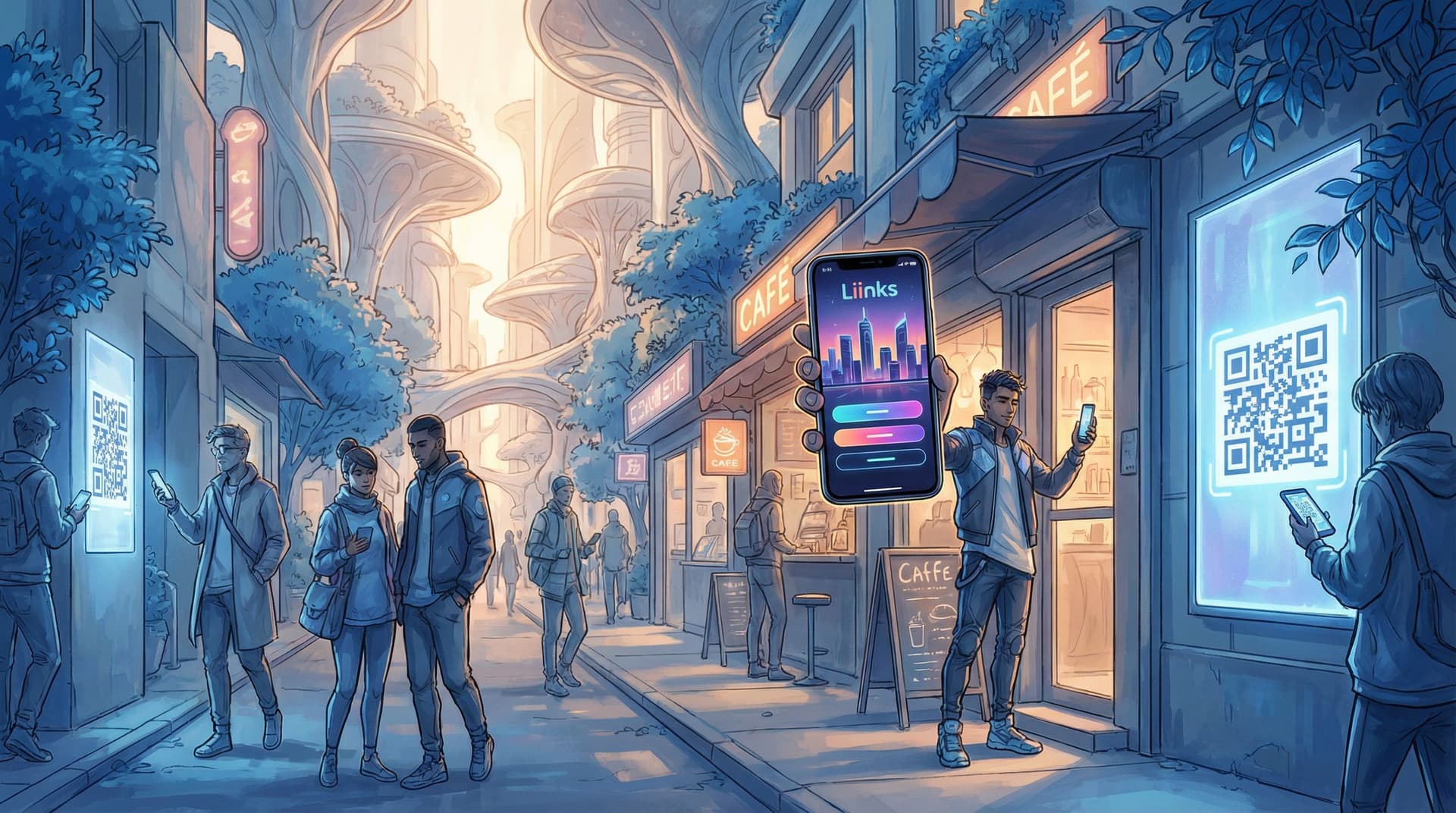
Where to Use Your Liinks URL or QR Code
- Posters and flyers
- “Scan to book your spot” → QR code to your Liinks page.
- Business cards
- Instead of 5 different URLs, just your Liinks URL.
- Table tents or menus (for cafés, pop-ups, markets)
- “See today’s menu + preorder for pickup” → link in bio.
- Merch tags or packaging
- “Tag us + tap our link for local-only drops.”
Most QR code generators (like QR Code Monkey or Beaconstac) will let you create a code that points straight to your Liinks page.
Key move:
Create a local-specific section at the very top of your Liinks layout for QR traffic:
- “You scanned this at the studio? Start here ↓”
- Buttons for: Book Again, Leave a Review, Join Local List.
That way, people who discover you offline don’t have to guess what to do next.
Step 7: Track What Your City Actually Cares About
You don’t have to become a full-time data goblin, but a little tracking goes a long way.
With a hub like Liinks, you can see which buttons get the most clicks, which helps you:
- Double down on offers locals actually want
- Kill buttons nobody touches
- Test new local ideas without committing to full launches
A Simple Local Metrics Checklist
Once a month, look at:
- Top-clicked local button
- If “Book 1:1 Session” wins, make it more prominent.
- City-specific CTAs that perform
- Did “NYC Only Mini Sessions” beat “Work With Me”? Keep the specific one.
- Conversion gaps
- Lots of clicks, few bookings? Maybe your checkout page needs clearer copy, pricing, or social proof.
You can even treat your local offers as mini experiments, similar to the approach in Creator Revenue Experiments. Start small, see what sticks, then scale.
Putting It All Together: A Local Funnel in 5 Clicks or Less
Let’s map this out in real life.
Scenario: You’re a yoga teacher in Seattle.
-
On Instagram – You post a Reel: “Beginner-friendly yoga flow for office workers in Seattle.”
CTA: “Seattle folks—tap the ‘Seattle Classes’ button in my bio.” -
On Your Liinks Page – Above the fold:
- Headline: “Seattle Yoga Classes for Stressed-Out Office Humans”
- Buttons:
- Seattle Classes & Schedule
- Book a Drop-In Class (Capitol Hill Studio)
- Seattle-Only Email List (Sub Openings + Pop-Ups)
-
On the Schedule Page – You list:
- Weekly class times
- Studio location
- Link to pay or reserve via payment link.
-
In the Studio – Posters with a QR code:
- “Scan to book your next class + get Seattle-only updates.”
- QR → same Liinks page.
-
On the Back End – Once a month:
- You check which buttons get the most clicks.
- You test a “Bring-a-Friend Friday” deposit link at the top of your Liinks layout.
All roads—online and offline—lead to one clean, local-aware hub.
Quick Recap
You don’t need more reach to make more money locally. You need a clearer path from “I follow you” to “I booked you.”
That path runs straight through your link in bio.
Here’s what we covered:
- Make your Liinks page location-obvious. City in your headline, local offers above the fold.
- Create a “For Locals” block. Booking links, events, local-only offers, and where to find you IRL.
- Match your CTAs to your buttons. If you say “Tap ‘Train in LA’” in content, that exact button should exist.
- Collect local leads you own. City-specific email lists or text clubs linked right next to your booking button.
- Use payment links instead of a full website. Take deposits, sell tickets, and run local offers directly from your Liinks hub.
- Connect offline to online. Posters, cards, and QR codes all point to the same Liinks page.
- Check your numbers. Keep what locals click, kill what they don’t.
Your Next Move (Yes, Right Now)
You don’t have to rebuild your entire online presence to get more local customers.
Take 20–30 minutes and:
- Open your current link in bio.
- Ask, as if you were a stranger in your city: “Can I see what’s local, how to book, and what it costs—within 5 seconds?”
- If the answer is no, hop into Liinks and:
- Add your city to your headline
- Create a For Locals / In [City] section
- Add one clear booking link and one local list link
That’s it. That’s your first step from “people recognize me around town” to “people pay me around town.”
Your neighbors are already watching. Your link in bio just needs to tell them where to go next.