The No-Website E‑Commerce Stack: Selling Digital and Physical Products Using Only Liinks + Payment Links

You do not need a full website to start selling.
You do not need a theme, a dev, a funnel map, and a three-hour YouTube tutorial about DNS.
You need:
- A clear offer
- A way to take money
- One simple, good‑looking place to send people
That’s it. That’s the stack.
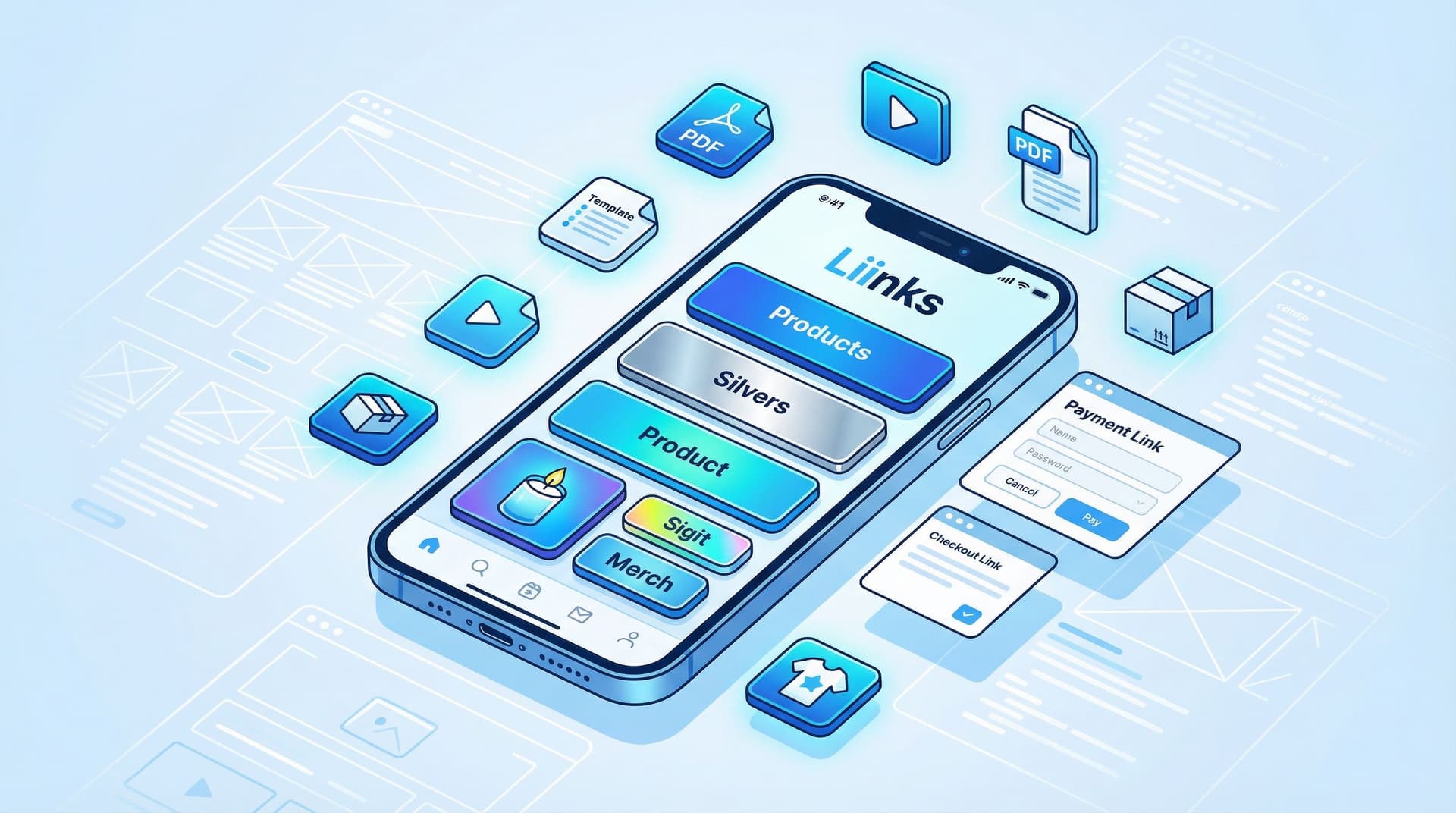
This is where the no‑website e‑commerce stack comes in: your offers live in your content, your checkout lives in a payment link, and the glue in the middle is your link‑in‑bio hub—aka Liinks.
Let’s build it.
Why Skipping the Website Is a Power Move (Not a Shortcut)
A traditional e‑commerce setup usually looks like this:
Idea → domain → website platform → theme → plugins → payment gateway → shipping setup → 9 existential crises → launch.
If you’re a creator, solo founder, or tiny shop, that’s a lot of overhead before you’ve even proven anyone wants what you’re selling.
A no‑website stack flips it:
Idea → Liinks page → payment link → launch this afternoon.
Benefits of going no‑website (for now):
- Ridiculously fast to launch – You can validate an idea in a weekend instead of a quarter.
- Way less tech drama – No themes, plugins, or “why is my header floating in space?” problems.
- Lower costs – No hosting, no premium templates you’ll regret in 6 months.
- Cleaner customer journey – Your audience goes from content → bio → checkout in 2–3 taps.
- Perfect for experiments – You can test new offers, bundles, and price points without rebuilding a site.
If you’ve read posts like “From ‘Link in Bio’ to Launchpad: Using Liinks to Soft-Test New Offers Before You Build the Whole Funnel”, this will feel like the natural next step: same low‑lift experimentation, now with actual money changing hands.
The Core Stack: What You Actually Need
Let’s keep this brutally simple.
You need three pieces:
- Your hub: A branded, skimmable Liinks page.
- Your checkout: Payment links from tools like:
- Stripe Payment Links
- PayPal Checkout / PayPal.Me
- Square Online Checkout
- Gumroad or Lemon Squeezy (especially for digital products)
- Ko‑fi or Buy Me a Coffee (for simple tips + downloads)
- Your delivery system:
- For digital products: auto‑delivery via Gumroad/Lemon Squeezy, or a simple email automation using ConvertKit, MailerLite, or even a well‑structured Gmail template.
- For physical products: a basic shipping workflow using Pirate Ship, Shippo, or your local post office + spreadsheet.
That’s the entire “stack.” Everything else is optional flair.
Step 1: Design Your Liinks Page Like a Tiny Storefront
If your Liinks page is going to replace a full site, it has to do more than just list links. It has to:
- Explain who you are
- Show what you sell
- Make the next step painfully obvious
Think of it as a one‑scroll storefront (if that phrase rings a bell, you’ll love “The ‘One Scroll’ Strategy: Designing a Liinks Page That Sells Before Anyone Ever Clicks”).
Your one‑scroll layout
Use this simple structure:
-
Header area
- Clear name or brand
- One‑sentence value statement: “Templates and tools to help creators launch offers without a website.”
- A friendly face or logo.
-
Primary offer section (top 1–3 links)
- These are your money links: your main product, bundle, or service.
- Use descriptive button text, not “Click here.”
- “Buy the Notion Content Calendar – $29”
- “Order the ‘Cozy Reads’ Candle – Ships in 3–5 days”
-
Supporting offers / categories
- Group related products into content buckets so people don’t feel lost (for a deeper dive, see “Stop Guessing, Start Grouping: How to Use Content Buckets to Organize Your Liinks Page (So People Actually Find Stuff)”).
- Example buckets:
- Digital downloads
- Physical merch
- Services / 1:1 calls
- Free stuff (lead magnets, samples)
-
Social proof + proof of life
- A link to a highlight reel: “What customers are saying” → Instagram highlight, TikTok playlist, or a UGC collage.
- Or a link titled “Start here: my most-loved videos” to warm people up before they buy.
Design choices that quietly sell for you
Because Liinks is fully customizable, you can:
- Match your brand colors to your product packaging or cover designs.
- Use section headers like “Shop My Digital Products” or “Limited‑Run Merch.”
- Add small emojis to draw attention without turning your page into a carnival.
If you want a nerdier breakdown of how design affects conversions and search, bookmark “Aesthetic Meets Algorithm: How Design Choices on Your Liinks Page Quietly Boost SEO” for later.
Step 2: Set Up Payment Links for Each Offer
Payment links are exactly what they sound like: URLs that go straight to a checkout page for a specific product, price, and currency.
No cart. No catalog. Just “here’s the thing, here’s the price, pay here.”
For digital products
Good options:
- Stripe Payment Links – Great if you want to keep everything under your own brand and connect to other tools later.
- Gumroad / Lemon Squeezy – Especially nice for creators selling:
- Notion templates
- Ebooks
- Presets
- Mini‑courses or workshops
When you create your product, you’ll get a shareable link, like:
https://yourname.gumroad.com/l/notion-calendar
That’s the link you’ll paste into a button on your Liinks page.
Checklist for digital product payment links:
- Clear product name and cover image
- Concise description (benefits > features)
- Price and currency
- What happens after payment (download, email, portal, etc.)
For physical products
If you’re not ready for a full store platform, use:
- Square Online Checkout – Create a checkout link per product.
- Stripe Payment Links – Also works for physical items.
You’ll want to include:
- Shipping cost (flat rate or region‑based)
- Estimated shipping time
- Return/refund policy (even if it’s “all sales final” – clarity builds trust)
Pro tip: Start with 1–3 core products instead of 20 variants. You can always expand once you’ve seen what people actually buy.
Step 3: Connect the Dots on Your Liinks Page
Now you’ve got:
- A clean Liinks layout
- Working payment links
Time to wire everything together.
How to structure your product links
1. Make your money links impossible to miss
Top 2–3 buttons should be:
- “🎧 Podcast Launch Toolkit – Instant Download”
- “🕯️ Cozy Reads Candle – US Shipping Only”
- “📚 60‑Minute Strategy Call – Book & Pay”
Each of these buttons goes directly to a payment link. No extra steps.
2. Use microcopy to pre‑sell the click
Instead of just a title, use the link description area to add one line:
- “Plan a month of content in one afternoon with this Notion board.”
- “Hand‑poured soy candle for book lovers; smells like vanilla, cedar, and plot twists.”
3. Group related products
Use sections like:
- Digital Shop – All downloads + templates
- Physical Goods – Merch, prints, candles, etc.
- Work With Me – Calls, audits, services
Inside each section, list your offers from most popular → most niche.
Step 4: Deliver the Product Without a Full Site
No website does not mean no system.
Digital product delivery options
-
Use the platform’s built‑in delivery
- Gumroad, Lemon Squeezy, and similar tools automatically send a download link or access email.
- You don’t need to touch anything.
-
Use an email tool for a more custom experience
- Create a simple automation: when someone buys (via Stripe, PayPal, etc.), tag them in your email platform and send a “Here’s your thing” message.
- Tools like ConvertKit and MailerLite make this pretty painless.
-
The scrappy but effective method
- For your first handful of buyers, you can manually email the product or a private Google Drive link.
- Just… don’t do this forever. Set a limit like: “Once I hit 20 sales, I’ll automate this.”
Physical product delivery
You’ll need three things:
- A way to collect addresses (your payment platform should handle this)
- A way to ship (Pirate Ship, Shippo, or your local post office website)
- A simple tracking spreadsheet (Google Sheets works great)
At small volumes, this is totally manageable. Once you’re sending out more than, say, 20–30 orders a week, that’s when you can consider a more advanced setup or a fulfillment partner.
Step 5: Drive Traffic and Test What Actually Sells
You now have:
- A mini storefront (your Liinks page)
- Working checkouts (payment links)
- Delivery systems (automated or scrappy)
Time to send humans there.
Where the traffic comes from
- TikTok / Reels / Shorts – Mention the product clearly, and always say something like, “Link in bio → first button.” If you’re already making short‑form content, you can turn it into a bingeable, shoppable hub using the ideas in “SEO, But Make It Short-Form: How to Turn Reels, Shorts, and TikToks into Searchable Liinks Hubs”.
- Pinterest – Great for evergreen traffic to digital products and printables.
- Email list – Even a tiny list is pure gold. Link straight to your Liinks page or directly to a payment link.
- DMs and comments – When people ask “Where can I get this?” your answer is always: “Bio link → [name of product button].”
How to test and optimize without a full funnel
Use your Liinks analytics + payment platform stats to answer:
- Which product buttons are getting the most clicks?
- Which payment links are actually converting?
- Are people ignoring an offer you thought would be a hit?
Then:
- Move your top sellers higher on the page.
- Rework the copy or visuals for underperforming products.
- Retire offers that never get clicks and free up mental space.
This is exactly the mindset behind “The Aesthetic Data Nerd: Using Analytics to Design a Better-Looking (and Better-Performing) Liinks Page” – you’re making design and layout decisions based on what people actually do, not what you hope they’ll do.
Realistic Use Cases (So You Can Steal the Playbook)
1. The creator selling digital templates only
- Products: Notion dashboards, Canva templates, caption packs.
- Tools: Liinks + Gumroad.
- Flow:
- Each template has its own Gumroad link.
- Top of Liinks page: “Creator Template Shop – Instant Downloads.”
- Buttons: one per product, plus a “Bundle: All Templates – Save 30%” link.
2. The small shop testing one physical product
- Product: A single candle scent, enamel pin, or print.
- Tools: Liinks + Square Online Checkout + Pirate Ship.
- Flow:
- One hero button: “Order the Cozy Reads Candle – Limited Run.”
- Description: shipping details + scent notes.
- Square checkout handles payment and address; you ship weekly.
3. The coach selling a single service + a digital bonus
- Product: 60‑minute call, plus a Notion board or PDF.
- Tools: Liinks + Stripe Payment Link + Calendly.
- Flow:
- Button 1: “Book a 60‑Minute Strategy Call – $149” → Stripe payment link.
- Thank‑you page or confirmation email includes: Calendly link + digital bonus.
Notice what none of these required: a homepage, an about page, a blog, or a “Shop” navigation bar.
Common Fears (and Why They’re Overrated)
“But won’t I look less legit without a full website?”
Not if your Liinks page is clean, on‑brand, and clearly explains what you offer. Your customers care more about:
- Is this clear?
- Is this secure?
- Do I understand what I’m buying?
Payment links from Stripe, PayPal, Square, etc. handle the “secure” part. Your Liinks layout handles the clarity.
“What if I want to build a full site later?”
Great. By then you’ll know:
- Which offers actually sell
- What language your buyers respond to
- What people click on most
That makes your eventual site 10x better—and you’ll have made money while figuring it out.
“Will I outgrow this?”
Eventually, maybe. But you’re far more likely to outgrow overthinking than a simple, clean stack that works.
Quick Recap
You can absolutely run a lean, legit e‑commerce setup without a website by pairing:
- A flexible, on‑brand Liinks page
- Simple payment links from tools like Stripe, PayPal, Square, Gumroad, or Lemon Squeezy
Your path looks like this:
- Design your Liinks page like a storefront – One‑scroll clarity, money links at the top, smart grouping.
- Create payment links for each offer – Digital and physical.
- Wire everything together – Clear button labels, short descriptions, tidy sections.
- Set up delivery systems – Auto‑delivery for digital, simple shipping for physical.
- Drive traffic and iterate – Use content, DMs, and analytics to refine what you feature.
You don’t need perfection. You need a page that looks good, a link that takes payment, and the willingness to ship something small.
Your Next Tiny Step
If you’ve been waiting to “get your site together” before you sell anything, consider this your gentle nudge:
- Pick one offer you could sell within a week. A template, a guide, a candle, a 30‑minute call.
- Set up one payment link for that offer.
- Add one clear button to your Liinks page that points directly to it.
- Mention it in one piece of content today and send people to your bio.
That’s your no‑website e‑commerce stack, version 1.0.
You can tweak, expand, and optimize later. For now, open your Liinks editor, create that top button, paste in your payment link, and give your audience something to actually buy.
They’ve been waiting on you—not on your website.