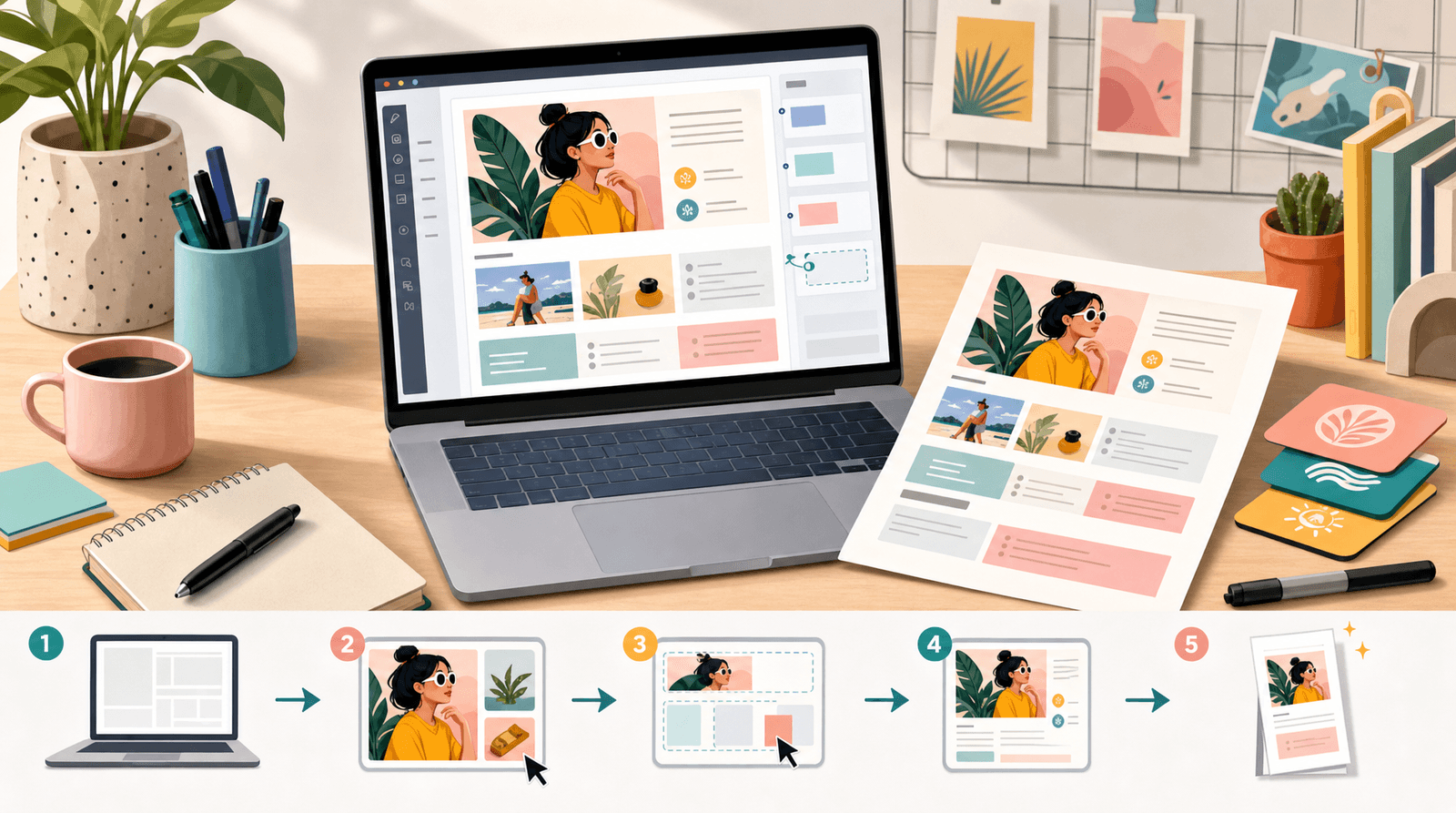
Make Every Post Shoppable: A Step-by-Step Guide to Building a Lightweight Storefront with Liinks

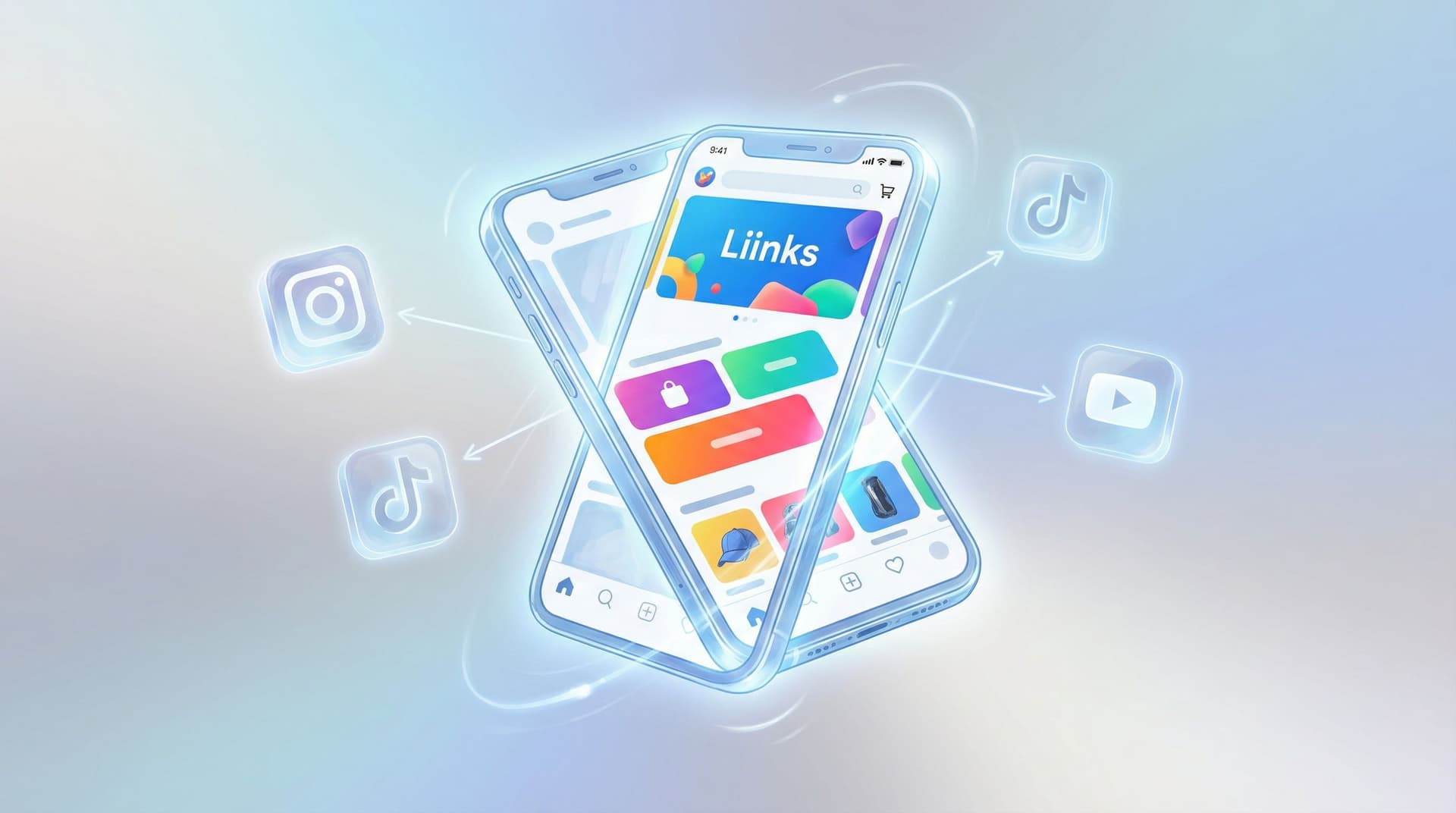
You’ve already done the hardest part: convincing strangers on the internet to care about what you make.
They’re watching your Reels, saving your TikToks, tapping through your Stories… and then?
They see “link in bio,” tap once, get lost in a maze of random URLs, and quietly disappear.
Let’s fix that.
A lightweight storefront built on your Liinks page turns every post into a shoppable moment—without forcing you to build a full-blown ecommerce site or wrestle with complicated tech. Think of it as the “pop-up shop” version of a store: focused, fast, and designed to convert.
This guide walks you through exactly how to do it.
Why Turning Every Post into a Shoppable Moment Matters
If you’re selling anything—physical products, presets, digital downloads, coaching, memberships—making people hunt for the right link is basically a tax on your conversions.
Here’s what happens when you don’t have a simple storefront experience:
- Followers see a product in your content… and then can’t immediately find it.
- They think, “I’ll come back to this later.” (They won’t.)
- You lose the sale to distraction, not to competition.
A lightweight storefront on your Liinks page solves that by:
- Reducing friction – One tap from your profile → a clean, visual layout of your key products or offers.
- Centralizing everything – Shop links, discount codes, affiliate picks, bundles, and featured items all live in one place.
- Working across platforms – TikTok, Instagram, YouTube, Pinterest—no matter where people find you, they land in the same simple store.
- Letting you move faster – New drop? Flash sale? Collab? Update your Liinks page in minutes instead of rebuilding a landing page.
If you’ve read From One Link to a Full Funnel: Turning Your Liinks Page into a 24/7 Sales Machine, this is like a focused, storefront-specific version of that strategy.
Step 1: Decide What Kind of “Store” You’re Actually Running
Before you start dragging buttons around, decide what your storefront is.
You don’t need to replicate a full ecommerce site. You just need a clean way to answer one question:
“What can I buy from you, and where do I click?”
Most creators fall into one (or more) of these categories:
1. Product Creators
You sell physical or digital products, like:
- Merch, prints, or handmade goods
- Digital downloads (templates, presets, ebooks)
- Courses, mini-workshops, or memberships
Your storefront goal: Showcase your core offers and bestsellers upfront, with clear buttons like “Shop the New Drop” or “Get the Lightroom Presets.”
2. Service Providers
You sell your time or expertise, like:
- 1:1 coaching or consulting
- Done-for-you services (design, copy, photography)
- VIP days or retainers
Your storefront goal: Make it obvious how to work with you and what’s bookable right now. Think: “Book a Strategy Call” or “Done-For-You Launch Setup.”
(You can go deeper on this with From Feed to Portfolio: Turning Your Liinks Page into a Mini Website That Actually Books Clients.)
3. Affiliate / Creator-Partner Hybrids
You monetize via:
- Affiliate links (Amazon, LIKEtoKNOW.it, etc.)
- Brand collabs and sponsored features
- Curated lists of tools, apps, or gear
Your storefront goal: Organize your recommendations so people can quickly find “that one thing from that one video.”
Most people are a blend of these. That’s fine. Just pick your primary goal so your storefront doesn’t feel like a crowded flea market.
Your first decision:
What is the one type of action you most want people to take when they hit your Liinks page? Buy? Book? Browse your top picks?
Write that down. It will control how you design everything else.
Step 2: Turn Your Liinks Page into a Visual Storefront
Now we’re getting into the fun part.
Your Liinks page can look like a mini website, not a boring list of blue buttons. Use that to your advantage.
Start with a Store-First Layout
When you’re configuring your page:
-
Put your storefront section at the top.
Your products or offers should sit above things like your newsletter, podcast, or free resources (you can still include those—just lower down). -
Use sections intentionally.
For example:- “Featured This Week” or “New Drop”
- “Best Sellers”
- “Services & Sessions”
- “Shop My Tools & Gear”
-
Limit hero options.
At the very top, have 1–3 primary actions max. Think:- “Shop the Storefront”
- “Book a Call”
- “Browse All Digital Products”
Too many choices = decision paralysis.
Design It Like a Brand, Not a Spreadsheet
Your storefront should feel like an extension of your brand, not a random template.
- Match your colors and fonts to your content and brand.
- Use a clean, high-contrast background so product names and prices are easy to read.
- Add imagery where it helps – product thumbnails, cover art, or simple icons can guide the eye.
If you want more design-specific ideas, you’ll love Template to Signature Look: How to Design a Liinks Page That Feels Uniquely ‘You’ in Under an Hour.
Step 3: Map Products to Posts (So Every “Link in Bio” Actually Delivers)
This is where most people lose sales: the content says one thing, the bio link says another.
You want a clear, predictable path:
Post → Profile → Bio link → Exact product or offer they just saw
Create a “Featured This Week” Row
The simplest way to do this:
- Add a top section on your Liinks page called something like:
- “As Seen in My Latest Posts”
- “Shop This Week’s Features”
- “From My Recent Videos”
- Inside that section, add individual buttons or cards that match your current content:
- “Blue Oversized Hoodie from TikTok”
- “Content Calendar Notion Template (from my latest Reel)”
- “November Preset Pack (YouTube tutorial)”
When you publish a new post promoting something, you:
- Add or move that product to the top of this section.
- Use the exact words from your content in the button copy so people instantly recognize it.
Use Deep Links Whenever Possible
If you’re sending people to a platform like:
- Shopify
- Etsy
- Gumroad
- Stan Store
- Kajabi
- Amazon storefront
…link directly to the product page, not just your homepage or profile. Every extra click is a chance for someone to bail.
Keep It Tight, Not Overwhelming
For your “Featured” section, aim for:
- 3–6 items max at any given time.
- Retire or move older items into a “Browse All Products” or “Full Catalog” section.
Think of it like the front table at a bookstore: curated, intentional, and easy to scan.
Step 4: Make Your Buttons Do the Heavy Lifting
Button copy is wildly underrated. “Shop” is fine. “Shop the Cozy Hoodie from My Reel” is better.
Your storefront buttons should:
- Name the product clearly – “Pinterest Template Pack,” not “New Thing.”
- Echo the platform context – “From My GRWM TikTok” or “From Today’s YouTube Video.”
- Hint at the value – “Book a 30-Min Strategy Call” instead of “Contact Me.”
If you want to geek out on this, check out Steal These High-Converting CTAs: Real-World Liinks Button Copy That Gets the Click.
Here’s a quick before-and-after for storefront-style copy:
-
Before:
- Shop
- Book
- Presets
-
After:
- Shop the Neutral Hoodie from My Latest Reel
- Book a 60-Min Strategy Session (Limited Spots)
- Download the Mobile Preset Pack (Instant Access)
Tiny changes, big difference.
Step 5: Use Liinks to Layer in Pricing, Scarcity, and Social Proof
A lightweight storefront doesn’t mean “bare minimum.” You can still sprinkle in conversion boosters—just without the clutter.
Show What Matters at a Glance
Where it makes sense, include:
- Price or price range – “from $19,” “$47 one-time,” “Free with email.”
- Format – “Digital Download,” “Physical Product,” “1:1 Service.”
- Availability – “Spots Open,” “Waitlist Only,” “Limited Drop.”
This sets expectations before they click, which builds trust and reduces drop-off.
Highlight Limited-Time Offers Up Top
If you’re running:
- A holiday sale
- A limited-edition drop
- A short-term bonus
…give it “billboard” treatment at the top of your Liinks page:
- A bold banner-style button: “Holiday Bundle – 20% Off Through December 31”
- A short description underneath: “Includes presets, content planner, and caption templates.”
Pair this with a seasonal refresh using the ideas from Seasonal Campaigns with Liinks: Simple Link-in-Bio Swaps that Drive Holiday Revenue.
Step 6: Make It Easy to Shop Across Platforms
Your storefront should work whether someone comes from TikTok, Instagram, YouTube, or your newsletter.
A few ways to make that happen:
Use Consistent Naming
If your TikTok mentions “The Content Sprint Notion Template,” don’t call it “Productivity Planner” on your Liinks page.
Match the exact phrasing from your:
- Video hooks
- On-screen text
- Captions
Consistency = instant recognition.
Create Platform-Specific Hooks (Without Making New Pages)
You don’t need a different storefront for every platform, but you can adapt your top section slightly.
For example, if you know most of your Instagram audience wants outfits and most of your YouTube audience wants presets:
- Keep your core storefront the same.
- Rotate the top 3–4 featured items based on what you’re currently promoting on each platform.
If you want more on multi-platform strategy, TikTok, Instagram, YouTube: How to Customize One Liinks Page for Every Social Platform goes deeper.
Step 7: Add a “Warm-Up” Path for People Who Aren’t Ready to Buy
Not everyone who taps your bio link is ready to pull out their card. That doesn’t mean they should bounce.
Underneath your storefront, add a simple “Start Here” or “Not Ready to Buy Yet?” section with:
- Your best free guide or lead magnet
- A “Binge the Best Content” playlist or blog round-up
- Your newsletter opt-in
This way, your Liinks page serves both:
- Hot buyers who want to shop now
- Warm lurkers who just need a bit more time
You can later convert those lurkers through email or retargeting—especially if you’re using the strategies from Newsletter Growth on Autopilot: Using Liinks to Turn Social Traffic into Email Subscribers.
Step 8: Track What’s Actually Working (So You Can Double Down)
A storefront is only “lightweight” if you’re not constantly guessing.
Use your Liinks analytics (and any connected tools like Google Analytics or your ecommerce platform stats) to answer:
- Which products get the most clicks from your bio link?
- Which button labels perform best? (e.g., “Shop the Hoodie” vs. “Limited Drop Hoodie.”)
- Do people click more when you feature 3 products or 6?
Every month, do a quick 15-minute review:
-
Promote your winners.
Move high-performing products to the top of your storefront. -
Retire the duds.
If something gets zero love after a few weeks of promotion, move it to a lower section or bundle it. -
Run one simple experiment.
- Change button copy on your bestseller.
- Swap the order of your top 3 offers.
- Test adding/removing price from the button.
Small tweaks here can quietly add up to big revenue gains over time—especially if you’re already leaning on the ideas from Optimize Once, Grow for Months: A Practical SEO and Analytics Checklist for High-Performing Liinks Pages.
Quick Example Storefront Layout You Can Steal
Here’s a simple structure you can recreate on Liinks in under an hour:
Header:
- Short line: “Shop my products, presets, and go-to tools.”
- Sub-line: “Everything I mention in my content lives here.”
Section 1 – Featured This Week
- Shop the Neutral Hoodie from My Latest Reel
- Download the Mobile Preset Pack (Instant Access)
- Book a 30-Min Strategy Call (Limited Spots)
Section 2 – Best Sellers
- Content Sprint Notion Template
- Monthly Caption Pack for Creators
- Ultimate Lightroom Bundle
Section 3 – Work With Me
- 1:1 Strategy Session (60 Min)
- Done-For-You Launch Setup
Section 4 – Free Resources
- Free Content Planning Checklist
- Join My Weekly Creator Newsletter
Clean, clear, and shoppable.
Bringing It All Together
Let’s recap what you’ve just built (or are about to build):
- A store-first Liinks layout that puts your revenue-driving offers front and center.
- A “Featured This Week” row that connects your latest posts to the exact products people came for.
- Button copy that actually sells, not just “learn more” and “shop.”
- A simple warm-up path for people who aren’t ready to buy yet.
- A habit of checking analytics so your storefront gets smarter over time.
That’s how you turn “link in bio” from a vague suggestion into a reliable, lightweight storefront that quietly converts your content into cash.
Your Next Move (Yes, This Is Your Nudge)
You don’t need a full weekend, a developer, or a 27-step funnel to start selling more.
Here’s your simple, do-it-today plan:
- Log into Liinks.
- Create a new section called “Featured This Week” and add 3 products or offers you’re actively promoting.
- Update your next post caption to say something like:
“Shop the [product name] via the ‘Featured This Week’ section in my bio.” - Check your clicks in a few days and tweak one thing: button copy, order, or featured items.
That’s it. That’s your first lightweight storefront.
Once it’s live, every new post you publish has a clear, shoppable path behind it—and your audience finally has an easy answer to, “Okay, but where do I buy this?”
Go set it up. Your next customer is probably already one tap away.