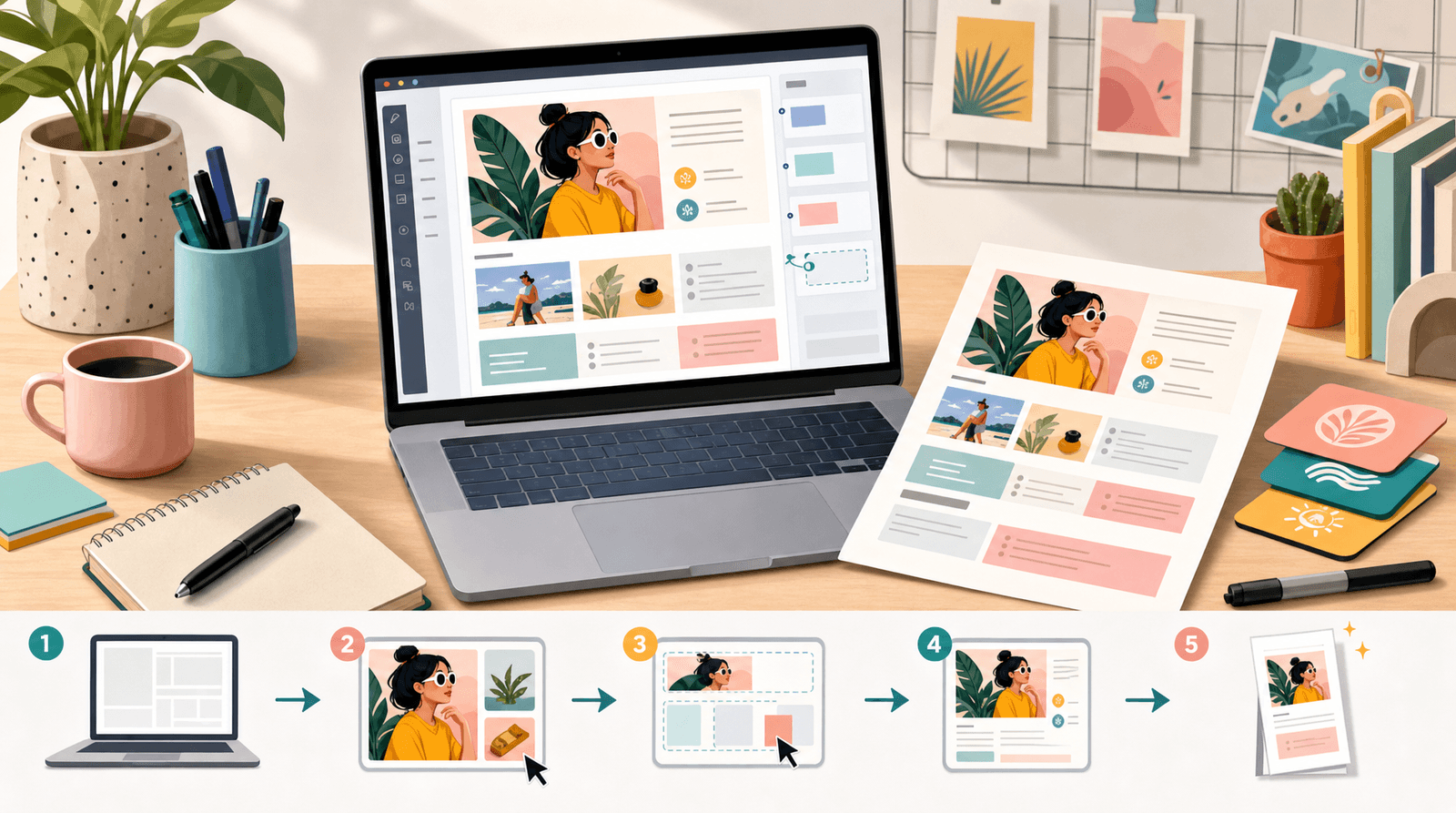
Brand Partnerships 101: How to Use Your Liinks Page to Impress Sponsors and Land Collabs

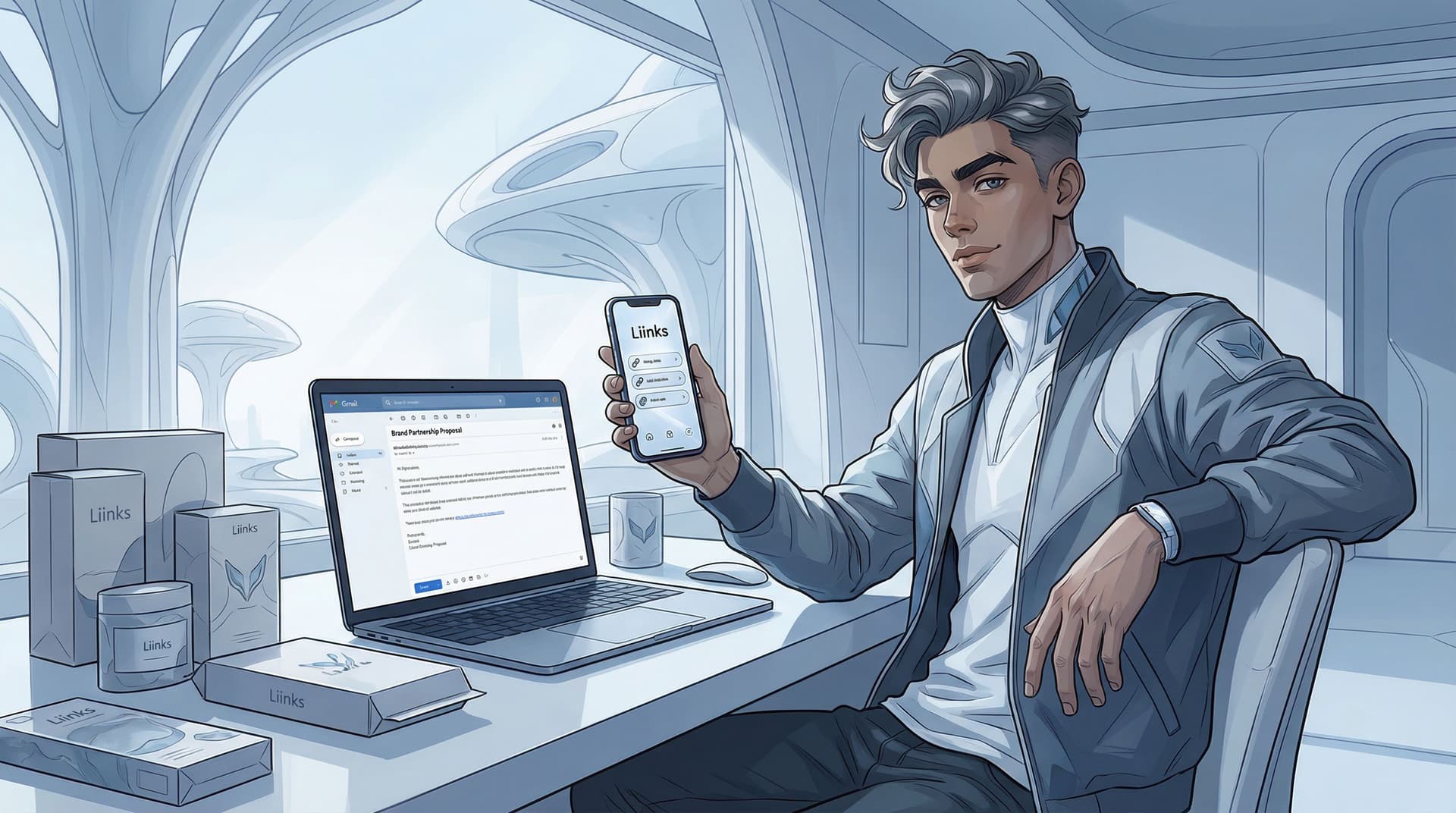
Brand deals don’t start in your DMs.
They start the second a marketing manager clicks your bio link and decides—within about three seconds—whether you look like someone they can trust with their budget.
That’s where your Liinks page comes in.
When it’s set up intentionally, your Liinks page becomes a living media kit, portfolio, and conversion hub all in one neat, mobile-friendly package. When it’s not… well, it looks like a random list of links and a prayer.
Let’s fix that.
Why your Liinks page is secretly your best pitch deck
Brands don’t have time. The person scouting you is probably juggling 20 tabs, 14 Slack messages, and a calendar full of launch dates.
When they tap your bio link, they’re scanning for answers like:
- Who are you actually? (Niche, audience, vibe.)
- Can you deliver? (Proof, past collabs, content quality.)
- What do you want from us? (Clear offers, ways to work together.)
- Will this be a headache? (Professionalism, clarity, organization.)
A strong Liinks page lets you answer all of that in under a minute without sending a 12-page PDF.
Benefits of treating your Liinks page like a brand-partnership magnet:
- You look instantly more professional than the creator with a chaotic link list.
- You can send one simple link in your pitch emails and DMs that works on any device.
- You can update it in seconds when you land a new collab or hit a new milestone.
- You quietly pre-qualify brands—they see your rates, boundaries, and style before you even hop on a call.
If you’ve already turned your page into a mini website for clients, you’re halfway there—posts like From Feed to Portfolio: Turning Your Liinks Page into a Mini Website That Actually Books Clients are a solid foundation for what we’re about to do.
Step 1: Decide what a sponsor needs to see in 60 seconds
Before you drag a single button around, get clear on this: what does a brand rep absolutely need to see to say “Let’s talk”?
Most sponsorship decisions boil down to a few categories:
- Audience & niche
- Content quality & style
- Performance & reach
- Professionalism & clarity on offers
So your Liinks page should make those four things painfully obvious.
Here’s a simple structure you can use:
-
Hero section: who you are & what you do
- Short, clear headline: “Lifestyle creator helping busy millennials romanticize everyday routines”
- One supporting line: “UGC + sponsored content across Instagram, TikTok & YouTube.”
-
Top 3–5 buttons: brand-relevant links only
Think of this as your “For brands” row:- “Start here: Partnership overview”
- “Past brand collabs & case studies”
- “Content examples (Reels, TikToks, YouTube)”
- “Audience & analytics snapshot”
- “Book a quick intro call” or “Submit a brand brief”
-
Secondary links: everything else
- Shop, newsletter, freebies, podcast, etc.
These can live below a clear divider or under a heading like For my community so brands know what’s for them and what’s for fans.
- Shop, newsletter, freebies, podcast, etc.
If you’re already using Liinks as a mini funnel for different audience types, you’re basically stacking that strategy for brands too. If not, bookmark One Link, Many Offers: How to Turn Your Liinks Page into a Mini Funnel for Every Type of Follower for later.
Step 2: Turn your Liinks layout into a mini media kit
You don’t need a fancy PDF when your Liinks page can do the same job—and is actually clickable.
Think in sections, not just buttons.
A. Lead with a “For Brands” intro block
Use your header, bio, or a text block at the top to speak directly to sponsors:
“Brand partners: I create scroll-stopping content and conversion-focused campaigns for beauty & skincare brands. Scroll for stats, examples, and how we can work together.”
This does two things:
- Signals that you actively work with brands
- Makes the page feel like it was built with them in mind—not just followers
B. Showcase your best collabs (strategically)
Create a section called Featured brand collaborations and add links like:
- “Case study: 3x ROAS for [Brand Name] via TikTok UGC”
- “Launch campaign: 250+ signups in 48 hours for [Brand Name]”
- “Long-term partner: 12-month ambassadorship with [Brand Name]”
Each link can go to:
- A Notion page with screenshots and stats
- A hidden page on your site
- A Google Drive or Dropbox folder with a tidy case study
Keep each case study simple:
- Brand & niche
- Your role (UGC, influencer post, affiliate, launch partner)
- 1–3 key metrics (saves, clicks, conversions, code usage)
- 1–2 visual examples (Reel, Story set, TikTok)
C. Create a “Ways to work together” section
This is where you make it very easy to understand what you offer.
Sample structure:
- Sponsored content packages – “Reels + Stories + static post bundles”
- UGC-only packages – “Content for your ads, not my feed”
- Affiliate & long-term partnerships – “Let’s build something ongoing”
- Event coverage / IRL content – “On-site storytelling & recap content”
Each button can link to a simple doc, form, or booking page.
Pro tip: If you’ve read From One Link to a Full Funnel: Turning Your Liinks Page into a 24/7 Sales Machine, use that same funnel thinking here—just swap “customer” for “brand partner.”
Step 3: Make your stats sponsor-friendly (without oversharing)
You don’t have to paste your entire analytics dashboard onto your Liinks page. You do want a clean snapshot that answers, “Is this creator a fit for this campaign?”
What to highlight
Pick 5–7 data points that matter most to brands:
- Primary platforms & follower counts (rounded is fine)
- Average views / reach on your main format (Reels, TikTok, Shorts)
- Engagement rate range (e.g., “Typical engagement: 4–7% on Reels”)
- Audience location (top 3 countries, especially if you’re US-, UK-, or EU-heavy)
- Audience age range (e.g., “Core: 25–34”)
- Niche tags (beauty, fitness, finance, parenting, etc.)
You can present this as:
- A simple image graphic embedded on a page you link to
- A public Notion page called “Audience & analytics overview”
- A short PDF hosted in Drive with a clean cover and 1–2 pages of stats
Then, on your Liinks page, add a button like:
- “Audience & analytics at a glance”
- “Who I reach & how we perform”
Keep it honest (brands can tell)
Inflated numbers, weird screenshots, and “average views” that don’t match your recent content are a quick way to land in the “nope” pile.
Instead:
- Use recent 30–90 day averages, not your all-time greatest hit.
- If you’re in growth mode, you can say: “Growing 20–30% MoM on TikTok (as of Dec 2025)” and show a simple chart.
- If your audience is small but engaged, lean into that: “Micro-creator with 8–10% engagement and niche, purchase-ready audience.”
Step 4: Design like a brand manager is judging you (because they are)
Your content might be chaotic and fun. Your Liinks design should feel like the competent older sibling.
A few design rules that scream “we can trust this person with a brief”:
- Consistent branding – Use your brand colors, fonts, and imagery. If you haven’t dialed that in yet, check out Brand-Safe but Still You: Designing an On-Brand Liinks Page That Matches Your Entire Online Presence.
- Clear visual hierarchy – Bigger, bolder buttons for brand-focused links; smaller or grouped links for community resources.
- Minimal clutter – If your page looks like a coupon site, a brand rep will assume working with you will feel the same.
Layout tips that impress sponsors
- Put your For Brands section above the fold—visible without scrolling.
- Use section headers like “For brands & sponsors” and “For my community” so people know where to look.
- Add icons or emojis sparingly to make key links pop (📊 for analytics, 🤝 for partnerships, 🎥 for content examples).
- Use featured blocks or pinned links for your best case study or flagship collab.
Remember: you’re not designing for your peers; you’re designing for the marketer who needs to justify choosing you over 10 other creators.
Step 5: Nail the copy brands actually want to read
Your buttons and micro-copy do a lot of heavy lifting. “Click here” is not going to close a sponsorship.
Think of your Liinks page as your quiet salesperson. Every button should answer:
- What is this?
- Who is it for?
- Why should I care?
High-impact button ideas for sponsors
Instead of:
- “Media kit” → try “Partnership overview: content, stats & rates”
- “Portfolio” → try “Watch my top-performing brand content”
- “Work with me” → try “See sponsored content packages & pricing ranges”
- “Contact” → try “Share your campaign brief (2-minute form)”
If you want more inspiration, the examples in Steal These High-Converting CTAs: Real-World Liinks Button Copy That Gets the Click translate beautifully to brand-facing buttons.
Micro-copy that reduces friction
Add short descriptions under key links:
- “Perfect for: product launches, evergreen campaigns, and UGC libraries.”
- “Includes: deliverables, timelines, and starting investment.”
- “Brands I’ve worked with: [Brand A], [Brand B], [Brand C].”
The more questions you answer on the page, the fewer emails you’ll get asking, “So what do you usually charge?”
Step 6: Make it ridiculously easy to contact you
Nothing kills a deal faster than a brand rep loving your page… and then not knowing how to reach you.
You want one clear, low-friction path for brands to get in touch.
Good options:
- A short Typeform or Tally: “Submit your campaign brief”
- A Calendly link: “Book a 15-minute intro call”
- A dedicated email button: “Email my partnerships inbox”
Place this link:
- In your top 3 buttons
- Repeated once more near the bottom of your For Brands section
And label it clearly:
- “Brands: ready to chat? Submit your brief here.”
- “Partnership inquiries: email my manager.”
If you have a manager or agency, make that obvious. Brand reps love knowing there’s someone whose entire job is answering emails.
Step 7: Use Liinks features to quietly boost your value
You’re not just trying to look good for sponsors—you want your page to perform.
Some underused Liinks powers that matter for brand deals:
- Analytics & click tracking – When a brand asks, “How many people clicked through to our site?” you can answer with actual numbers. (Also: great ammo for renewals.)
- Pinned / featured links – During an active campaign, pin that brand’s link or case study to the top so they feel like VIPs.
- Seasonal swaps – Running a holiday or launch collab? Make their campaign the star. (Our post Seasonal Campaigns with Liinks: Simple Link-in-Bio Swaps that Drive Holiday Revenue walks through this in detail.)
- Design customization – Match the look of a big collab (within reason) to show you’re invested in the partnership.
If you haven’t explored all the sneaky revenue-friendly features yet, Link in Bio, But Make It Money: 7 Underused Liinks Features That Quietly Boost Your Revenue is basically a cheat sheet for making your page more sponsor-attractive too.
Step 8: Keep your page “pitch ready” at all times
You never know when a Reel will pop off or a brand will quietly stalk you after seeing you tagged in someone else’s campaign.
Make it a habit to:
- Update your wins monthly – New collab? Add it to your featured section. Hit a new follower milestone? Refresh your stats.
- Retire old or off-brand links – If it doesn’t support your current niche or offers, archive it or move it down.
- Align with your current content – If you’ve pivoted niches, your Liinks page should reflect that first.
Set a recurring 15-minute date with yourself: “Liinks refresh – first Monday of the month.” Future you (and your future sponsors) will be grateful.
Quick recap: your brand-partnership-ready Liinks checklist
Use this as a sanity check as you tweak your page:
- Clear For Brands intro at the top
- Top 3–5 links dedicated to sponsors (overview, portfolio, stats, contact)
- Simple, honest analytics snapshot linked from the page
- Featured collaborations with 1–3 quick case studies
- Ways to work together section with clear offers
- Strong, specific button copy (no vague “click here”)
- Easy, obvious contact path (form, email, or booking link)
- Clean, on-brand design that matches your content
- Regularly updated wins, links, and priorities
If you can scroll your page and think, “A stranger at a brand could understand who I am, who I reach, and how to work with me in under a minute,” you’re in a great place.
Where to go from here
You don’t need to rebuild your entire online presence to start landing better collabs—you just need to make the path from “I like this creator” to “Let’s pay this creator” a whole lot smoother.
Your Liinks page is the easiest place to start.
Here’s your first move:
- Open your current Liinks page on your phone.
- Pretend you’re a mildly stressed brand manager with five minutes before a meeting.
- Ask yourself: “Would I know how to work with this person—and would I feel excited to?”
- Spend 30–45 minutes implementing just three upgrades from this post:
- Add a For Brands intro
- Create a Partnership overview link
- Add a clear Partnership inquiries button
That’s it. One focused session, and your bio link goes from “random list of stuff” to “quietly doing PR for you 24/7.”
Ready to impress your next sponsor before you ever hop on a call? Head over to Liinks, give your page the brand-partnership glow-up it deserves, and let your bio link start doing some of the pitching for you.