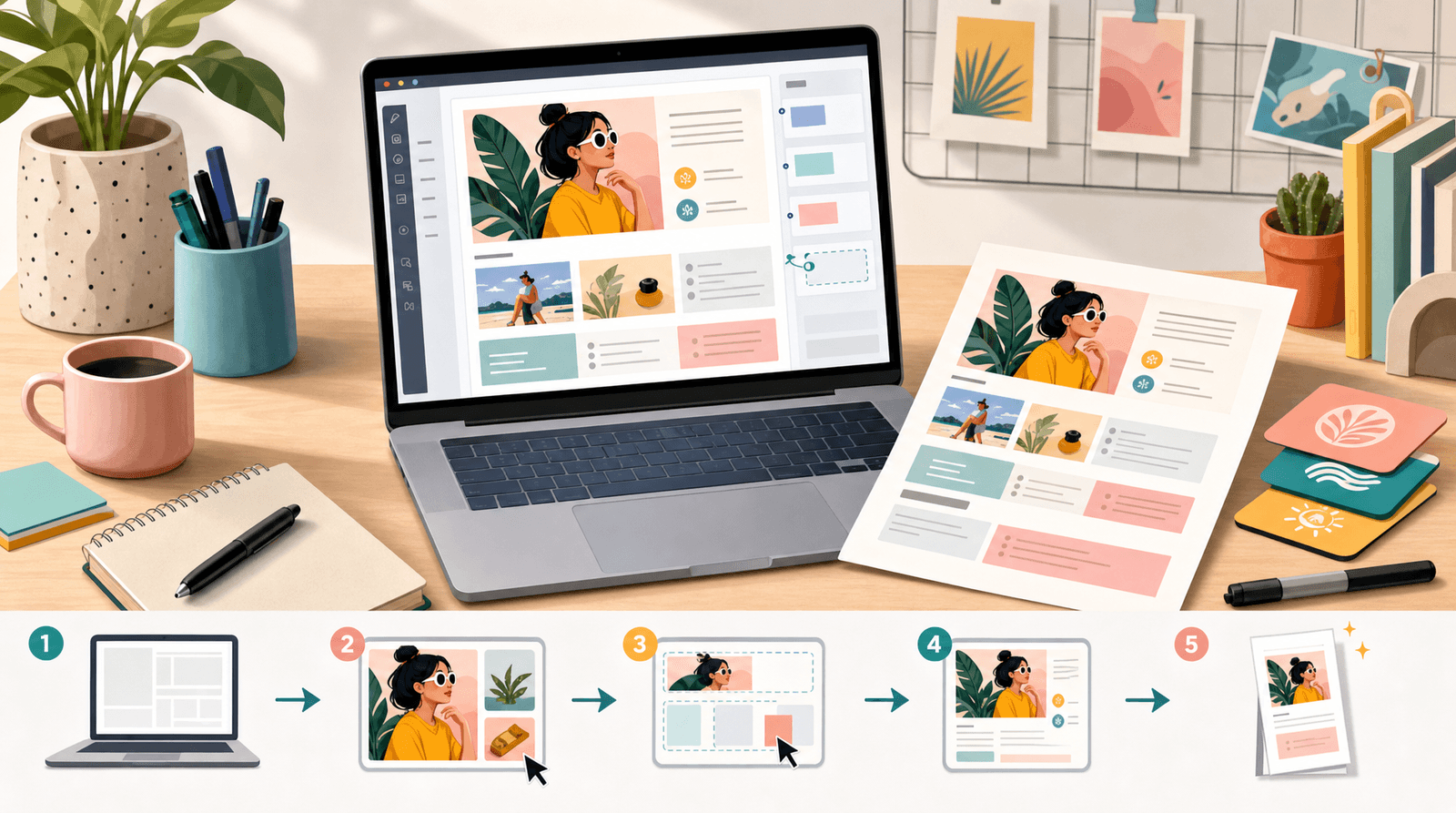
Beyond Brand Deals: 9 Unexpected Revenue Streams You Can Test This Month Using Only Your Liinks Page

Brand deals are cute… until the brief changes six times, the net-60 invoice hits month three, and you realize your entire income depends on whether a social media manager likes your vibe.
If you’re tired of refreshing your inbox waiting for “We’d love to collaborate!” emails, it’s time to flip the script: let brands be a bonus, not the business.
That’s where your link in bio—and specifically, Liinks—quietly becomes your revenue control center.
You don’t need a full site, a course empire, or a team of VAs. You need:
- A few simple offers your audience actually wants
- A way to collect money (payment links, shop links, etc.)
- One good‑looking, easy-to-edit hub (hi, Liinks)
Below are 9 unexpected revenue streams you can spin up and test over the next month using nothing but your content and your Liinks page.
Why This Matters (Especially If You Rely on Brand Deals)
Putting all your income on brand deals is like building your house on a ring light stand: looks fine… until someone bumps it.
Diversifying your revenue streams means:
- More stability – If one income source slows down, others keep things moving.
- More leverage with brands – When you can show you already sell, brands stop treating you like a “reach” and start treating you like a partner.
- More creative freedom – You can say no to off-brand deals because you’re not desperate for the check.
If you want more ideas on structuring your Liinks page to support offers, check out Creator Revenue Experiments: 7 Low-Lift Offers You Can Test This Month Using Only Your Liinks Page after this post.
First, Turn Your Liinks Page into a Tiny Revenue Lab
Before we get into the 9 ideas, set up your page so it’s actually ready to catch money:
-
Pick a clear “money” section
Create a block or group on Liinks labeled something like:- "Work with me"
- "Shop + services"
- "Ways to support the channel"
-
Limit decision fatigue
Within that block, aim for 3–6 core offers, not 17 random buttons. You can use content buckets to keep things scannable—this guide on grouping your links is a great companion. -
Use descriptive, benefit-based labels
Instead of “Tip jar” or “Consulting,” try:- "Buy me a coffee (support the channel)"
- "30-min content audit (get custom feedback)"
-
Make it look like your brand on purpose
A polished page builds trust. If your Liinks layout still screams “default template,” fix that with the style tips in The ‘Link in Bio’ Style Guide: How to Make Your Liinks Page Look Like Your Instagram, TikTok, and Website Had a Baby.
Once that’s in place, you’re ready for experiments.
1. Paid “Office Hours” or Power Sessions
You answer DMs with mini‑consults anyway. Time to get paid for it.
What it is:
Short, focused 20–60 minute sessions where people can pick your brain on a specific topic you’re known for: content, fitness, budgeting, styling, editing, etc.
Tools you’ll need:
- A booking link (e.g. Calendly, Acuity)
- A payment link (Stripe Payment Links, PayPal, Lemon Squeezy, etc.)
How to set it up on Liinks:
- Create a link titled “30-Min Strategy Session – $X”.
- Point it to a booking page that collects payment upfront.
- In the description, spell out what they get:
- 30 minutes on Zoom
- Recording + notes
- 3 concrete next steps
Quick test this month:
- Mention it in 3–5 pieces of content.
- Add a line like “Want help applying this to your account? Hit my ‘Strategy Session’ link in bio.”
- Track how many clicks and bookings you get.
2. Low-Lift Digital Downloads
You do not need a 40-module course to sell something digital. Start tiny.
Ideas that work well:
- Checklists (e.g. “Weekly content planning checklist”)
- Templates (caption templates, Notion pages, email scripts)
- Swipe files (hook ideas, subject lines, prompts)
- Simple guides (PDFs, 5–10 pages)
Tools you’ll need:
- A place to host files: Gumroad, Lemon Squeezy, Ko-fi, or even a private Google Drive link behind a paywall
How to set it up on Liinks:
- Add a link: “Hook Library: 50 Viral-Ready Ideas – $9”.
- Use an emoji or tag to make it pop (e.g. 🔥, ⭐, “New”).
- Place it near the top of your “Shop” or “Offers” section.
Quick test this month:
- Take one topic your audience already loves from your content.
- Turn it into a 3–5 page PDF or simple template.
- Price it between $5–$19 and promote it for two weeks.
3. “Pay-What-You-Want” Resources
If you’re nervous about charging, this is your gateway offer.
What it is:
You create a genuinely helpful resource—mini workshop replay, toolkit, template—and let people pay any amount (including $0).
Why it works:
- Low friction for your audience
- Great way to gauge demand
- People often pay more than you’d expect when they feel like they’re getting a deal
Tools you’ll need:
How to set it up on Liinks:
- Add a link: “Creator Toolkit (Pay What You Want)”.
- In the description, clarify: “Yes, $0 is okay. Yes, tips are appreciated.”
- Group it with your other offers so it’s easy to find.
Quick test this month:
- Repurpose a live you’ve already done into a “mini workshop replay.”
- Upload to Gumroad as pay-what-you-want.
- Feature it as a highlighted link on your Liinks page for 7–10 days.
4. Private Audio Feeds or Bonus Episodes
If you’re a talker, not a typer, this one’s for you.
What it is:
Subscribers pay for access to:
- Extra podcast episodes
- Behind-the-scenes voice notes
- Deep dives on topics you can’t cover on TikTok / Reels
Tools you’ll need:
- Private podcast tools like Supercast, Patreon, or Hello Audio
How to set it up on Liinks:
- Add a link: “Bonus Audio: Weekly Deep Dives – $5/mo”.
- Clarify what they get and how often (e.g. “New audio every Friday”).
- If you already have a free podcast, place this link directly under your “Listen to the podcast” link.
Quick test this month:
- Record 2–3 bonus episodes upfront.
- Soft-launch it to your warmest followers (Stories, close friends, email list).
- Track clicks and signups from your Liinks analytics.
5. Local Offers: Tours, Pop-Ups, and IRL Extras
If you have a local audience—even partly—you’re sitting on revenue.
Ideas to test:
- City photo walks
- Local meetups or co-working days
- “Shop with me” styling sessions
- Pop-up classes or workshops
If you want to go deeper on local strategy, bookmark Link in Bio, But Make It Local: How Creators Can Turn Neighborhood Fans into Paying Customers.
Tools you’ll need:
- Simple ticketing or payment link: Eventbrite, Ticket Tailor, or a straight payment link + form
How to set it up on Liinks:
- Create a mini “Local” section: “If you’re in [Your City]”.
- Add a link: “Join my [City] Photo Walk – Limited Spots”.
- Include date, time, and price in the description.
Quick test this month:
- Pick one simple local offer for a specific date.
- Promote it for 1–2 weeks.
- Cap spots to make it feel exclusive (and to keep it manageable).
6. Curated Affiliate “Mini-Stores” (But Not Gross)
Affiliate links don’t have to feel like a clearance aisle.
What it is:
Instead of dropping random affiliate links in every caption, you create one clean, curated hub of your must-have tools, books, gear, or products.
Tools you’ll need:
How to set it up on Liinks:
- Create a section: “My Favorites” or “Creator Toolkit”.
- Group links by mini-categories:
- Filming gear
- Editing tools
- Books I recommend
- Use honest, specific labels:
- "The mic I use in every video"
- "Tripod that survived three airport drops"
For a deeper breakdown on making affiliate hubs feel trustworthy (and high-converting), circle back to Affiliate Links, But Make Them Trustworthy: How to Design a Liinks Page That Sells Without Feeling Like an Ad Wall.
Quick test this month:
- Pick 5–10 products you genuinely love.
- Add them as separate affiliate links or one “shop” link.
- Mention it in videos: “Everything I use is in my ‘Creator Toolkit’ link in bio.”
7. Tip Jar + “Unlock Extras”
Some of your audience just wants to support you. Make it easy.
What it is:
A simple way for people to send you money—ideally with a small perk attached.
Tools you’ll need:
How to set it up on Liinks:
- Add a link: “Buy Me a Coffee (Support the Channel)”.
- In the description, add a tiny bonus:
- "Supporters get access to my monthly behind-the-scenes email."
- "Tip and send me a DM screenshot—I’ll send you my hook template." (Keep it manageable.)
Quick test this month:
- Add the link and mention it casually at the end of a few posts.
- Test different phrasings: “If this helped you, my tip jar is in the bio.”
8. One-Page “Sponsor Menu” for Smaller Creators
This one still involves brands—but on your terms.
What it is:
A simple page or PDF that outlines:
- What you offer (UGC, sponsored posts, shoutouts, newsletter placements)
- Your audience stats
- Your starting rates
You then link this as a public-facing “Sponsor Me” link on your Liinks page.
Why it’s powerful:
- Makes you look organized and professional
- Filters out unserious inquiries
- Lets warm brands self-qualify before they ever email you
Tools you’ll need:
- A simple PDF (Canva) or a hosted page (Notion, Google Doc, or a standalone landing page tool)
How to set it up on Liinks:
- Add a link: “Sponsor This Channel (Media Kit + Rates)”.
- Place it near the bottom of your page, under your audience-facing offers.
For more on using your Liinks page as proof of concept for brands, you’ll like The Micro-Influencer Proof of Concept: Use Liinks to Prove Your Value to Brands Before You Pitch.
Quick test this month:
- Build a one-page sponsor menu in Canva.
- Link it on your Liinks page.
- Add a line in your bio or description: “Brand? Check my Sponsor link in bio.”
9. Tiny Cohorts, Clubs, or Accountability Pods
Before you launch a full membership, test a micro-community.
What it is:
A small, time-bound group with a clear goal, for example:
- 4-week “Post Daily” challenge
- 30-day “Finish Your Draft” group
- 6-week “Beginner Lifting Basics” pod
Tools you’ll need:
- A group space: private Discord, Slack, WhatsApp, Telegram, or a private Instagram broadcast channel
- A way to take payments (Stripe, Gumroad, Patreon, etc.)
How to set it up on Liinks:
- Add a link: “Join the 30-Day Content Sprint (Limited Spots)”.
- In the description, clearly state:
- Start/end dates
- What they get (calls, prompts, feedback)
- Price and capacity
Quick test this month:
- Choose one clear outcome your audience already asks you for.
- Cap the group at 10–20 people.
- Run it once as a test and gather feedback.
How to Decide What to Test First
If you’re staring at these 9 ideas thinking, “Cool, but which one?” use this quick filter:
-
Time vs. money tradeoff
- Short on time? Start with digital downloads, affiliate hub, or a tip jar.
- Have time for calls? Test power sessions or a tiny cohort.
-
Audience readiness
Ask: What do people already DM me about?- If it’s “Can I pick your brain?” → office hours.
- “What gear do you use?” → affiliate store.
- “Can you make this into a template?” → digital download.
-
Risk tolerance
- Nervous about charging? Start with pay-what-you-want.
- Ready to go? Launch a small paid offer at a clear price.
Remember: your Liinks page is a lab, not a monument. You can:
- Pin 1–2 offers as “featured” for a couple of weeks
- Swap underperforming links out
- Keep the winners
Quick 7-Day Implementation Plan
If you want to move from “this is inspiring” to “this is making money,” here’s a simple one-week plan:
Day 1–2: Pick & Build
- Choose one revenue idea from this list.
- Set up the basic infrastructure (payment link, PDF, booking page, etc.).
Day 3: Update Your Liinks Page
- Add the new offer as a clearly labeled link on your Liinks page.
- Place it near the top of your “Offers” section.
- Make sure your page design matches your brand so it feels legit.
Day 4–6: Promote Lightly but Consistently
- Mention the offer in 3–5 pieces of content.
- Use one clear CTA: “Link in bio → [Name of Offer].”
Day 7: Review the Data
- Check your Liinks analytics: clicks, top links, etc.
- Note:
- Did people click but not buy? Maybe your price or description needs tweaking.
- Did nobody click? Maybe you need clearer messaging in your content.
Then either:
- Iterate on that offer for another week, or
- Pause it and test a different one from the list.
Wrapping It Up
You don’t need to wait for a brand manager’s blessing to start making real money.
With a well-structured Liinks page, you can:
- Test power sessions without a full coaching site
- Sell tiny digital products without a course platform
- Run local events without an event agency
- Build recurring revenue from audio feeds, pods, or mini-memberships
All from the same link your followers already know: the one in your bio.
Your Next Move (Yes, This Week)
Here’s your permission slip:
- Pick one idea from this list that feels 70% doable.
- Block off two hours to set up the bare minimum version.
- Add it to your Liinks page with a clear, benefit-driven label.
- Talk about it in your content like it’s the most normal thing in the world.
You can always make your offers fancier later. You can’t improve what doesn’t exist.
Turn your Liinks page from a cute list of links into a low-key revenue engine—and let brand deals be the cherry on top, not the whole sundae.