How to Download YouTube Thumbnails for Free With the Liinks YouTube Thumbnail Downloader

You spent three hours on that YouTube thumbnail. You tested six fonts, agonized over the color of the text outline, and A/B tested two facial expressions. The video went up, the thumbnail did its job, and now you need that image for something else — a media kit, a blog post, a case study, your Liinks page.
So you right-click the thumbnail on YouTube. Nothing. You try inspecting the element. You get a mangled URL pointing to a CDN with query parameters that look like a password generator had a seizure. You screenshot it, crop it, and end up with a 400-pixel-wide JPEG that looks like it was faxed.
This is a problem that should not exist in 2026. And now it doesn't.
What the YouTube Thumbnail Downloader Does
The Liinks YouTube Thumbnail Downloader is a free tool that extracts every available thumbnail size from any YouTube video — regular uploads, Shorts, and embeds. No sign-up, no watermarks, no "download after watching this ad" nonsense.
Paste a YouTube URL or video ID, and the tool instantly displays every thumbnail resolution YouTube stores for that video:
- Max Resolution (1280×720) — the full HD thumbnail, ideal for blog headers and media kits
- Standard Definition (640×480) — a solid mid-size option for social posts
- High Quality (480×360) — compact but sharp enough for previews
- Medium Quality (320×180) — good for email thumbnails and small cards
- Default (120×90) — the tiny version YouTube uses internally
Each size comes with a one-click download button and a copy-URL option so you can hotlink directly if you prefer.
How to Use It (Step by Step)
1. Find Your YouTube Video URL
Copy the URL from your browser's address bar, the share button on the YouTube app, or even from an embed code. The tool accepts all standard YouTube URL formats:
https://www.youtube.com/watch?v=VIDEO_IDhttps://youtu.be/VIDEO_IDhttps://www.youtube.com/shorts/VIDEO_ID- Just the video ID itself (e.g.,
dQw4w9WgXcQ)
2. Paste It Into the Tool
Head to liinks.co/youtube-thumbnail-downloader and paste the URL into the input field. The tool detects the video ID automatically and fetches all available thumbnails instantly — no submit button required.
3. Download or Copy the URL
For each thumbnail size, you have two options:
- Download — saves the image directly to your device
- Copy URL — copies the direct image URL to your clipboard for embedding in websites, documents, or social media tools
That's it. Three steps, zero friction.
Why You Actually Need YouTube Thumbnails
If you're thinking "when would I ever need to download a thumbnail?" — you might be surprised how often this comes up.
Building a Media Kit or Press Page
Brands and sponsors want to see your best content at a glance. Embedding YouTube thumbnails in a media kit or on your Liinks page gives visitors a visual preview of your video content without autoplay or heavy embeds. A grid of your top-performing thumbnails tells a visual story about your brand faster than any paragraph of text.
Repurposing Content Across Platforms
That thumbnail you designed for YouTube? It's probably the best visual asset you created for that piece of content. Download it and repurpose it as a blog header, a Pinterest pin, or a newsletter image. You already did the design work — extract the value from it.
This is especially powerful if you batch-produce content. Record five videos on a Sunday, design five thumbnails, and suddenly you have five ready-made social graphics for the week. The thumbnail is already optimized for attention (that's literally its job), so it tends to outperform generic stock imagery when used in other contexts.
Curating Content for Your Link-in-Bio Page
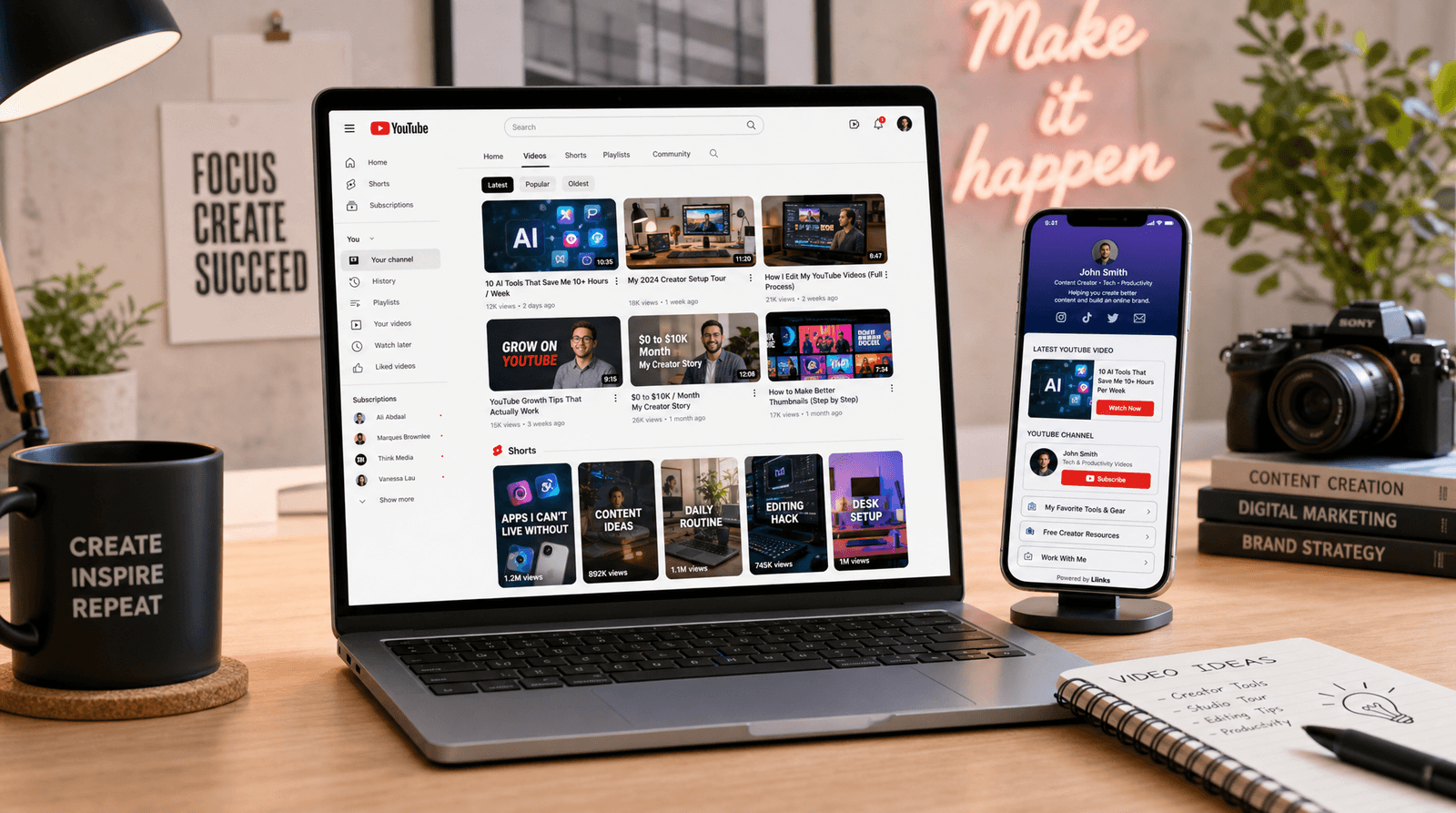
If your Liinks page links to your YouTube videos, pairing those links with the actual video thumbnails makes your page dramatically more clickable. Button order matters, but so does visual context — a thumbnail preview tells visitors exactly what they're about to watch before they tap.
Competitive Research and Inspiration
Want to study what's working in your niche? Download thumbnails from top-performing videos in your category and analyze the patterns — text placement, color choices, facial expressions, composition. Build a swipe file of thumbnails that consistently get clicks. This is how the best creators reverse-engineer virality.
Pay attention to the details: are the top performers in your niche using faces? Bold text? Split compositions? Specific color palettes? Downloading and comparing thumbnails side by side is faster and more revealing than trying to analyze them in YouTube's tiny sidebar previews. Print them out, pin them to a wall, or drop them into a Figma board — whatever helps you see the patterns.
Embedding in Blog Posts and Newsletters
If you're writing about a video (yours or someone else's), embedding the actual thumbnail with a link is cleaner and faster-loading than an iframe embed. It also gives you control over the layout in ways that YouTube's embed code doesn't.
A YouTube iframe embed loads multiple scripts, tracking pixels, and the entire video player — even if the reader never presses play. A thumbnail image with a link to the video loads in milliseconds, keeps your page fast, and still gives readers a clear, clickable preview of the content. For email newsletters, this is especially important since most email clients strip iframes entirely — a thumbnail image is the only reliable way to link to video content in email.
Tips for Getting the Most Out of Thumbnails
Always Grab the Largest Available Size
Start with Max Resolution (1280×720) whenever possible. You can always scale down, but you can't scale up without losing quality. Not every video has a max-resolution thumbnail — older videos and some Shorts may only have smaller sizes available. The tool shows you exactly what's available for each video.
Pair Thumbnails With Your Link-in-Bio Strategy
If you're a YouTuber using Liinks as your link-in-bio, think about your thumbnails as part of your page's visual identity. Your most recent video thumbnails should appear on your page — they're the most recognizable visual assets your audience associates with you. Combine them with a custom background that complements your thumbnail style for a cohesive look.
Use Thumbnails in Your Bio and Pitch Materials
When you're pitching to brands or applying to creator programs, include thumbnails from your best-performing videos. They're proof of quality content at a glance. Pair them with a strong social media bio and you've got a creator profile that stands out.
Batch Download for Content Audits
If you're auditing your channel's visual consistency, paste each video URL one at a time and download the thumbnails. Line them up in a grid — do they look like they belong to the same brand? If not, that's your cue to develop a more consistent thumbnail template.
Visual consistency is one of the most underrated growth levers on YouTube. Channels that use a recognizable thumbnail style build browse-page recognition — viewers learn to spot your videos in a sea of recommendations before they even read the title. Downloading your own thumbnails and reviewing them as a collection (instead of one at a time in YouTube Studio) makes inconsistencies obvious in a way that the upload flow never does.
Why We Built This
Liinks builds free tools that solve small but real problems for creators and small businesses. The YouTube Thumbnail Downloader exists because we kept hearing the same complaint: "I designed this thumbnail, it's my best visual asset, and I can't even get a clean copy of it off YouTube."
YouTube doesn't make it easy on purpose — thumbnails are served through a CDN with multiple resolution endpoints, and none of them are exposed through the UI. You'd need to know the URL pattern (https://img.youtube.com/vi/VIDEO_ID/maxresdefault.jpg) and even then, you'd have to guess which sizes are available for a given video.
The tool handles all of that for you. Paste a link, see every size, download what you need.
TL;DR
- The Liinks YouTube Thumbnail Downloader grabs every available thumbnail size from any YouTube video — free, instant, no sign-up
- Supports regular videos, Shorts, and embeds
- Download the image directly or copy the URL for embedding
- Use thumbnails in media kits, blog posts, newsletters, Liinks pages, and competitive research
- Always grab the largest size available and repurpose your best visual assets across platforms
Start Using It Now
Head to liinks.co/youtube-thumbnail-downloader and paste any YouTube URL to try it out. While you're there, check out Liinks — the link-in-bio platform built for creators who care about how their online presence looks and performs. Your YouTube content deserves a home page that does it justice.