
The ‘Link in Bio’ Rebrand: How to Soft-Launch a New Offer on Liinks Without Freaking Out Your Audience

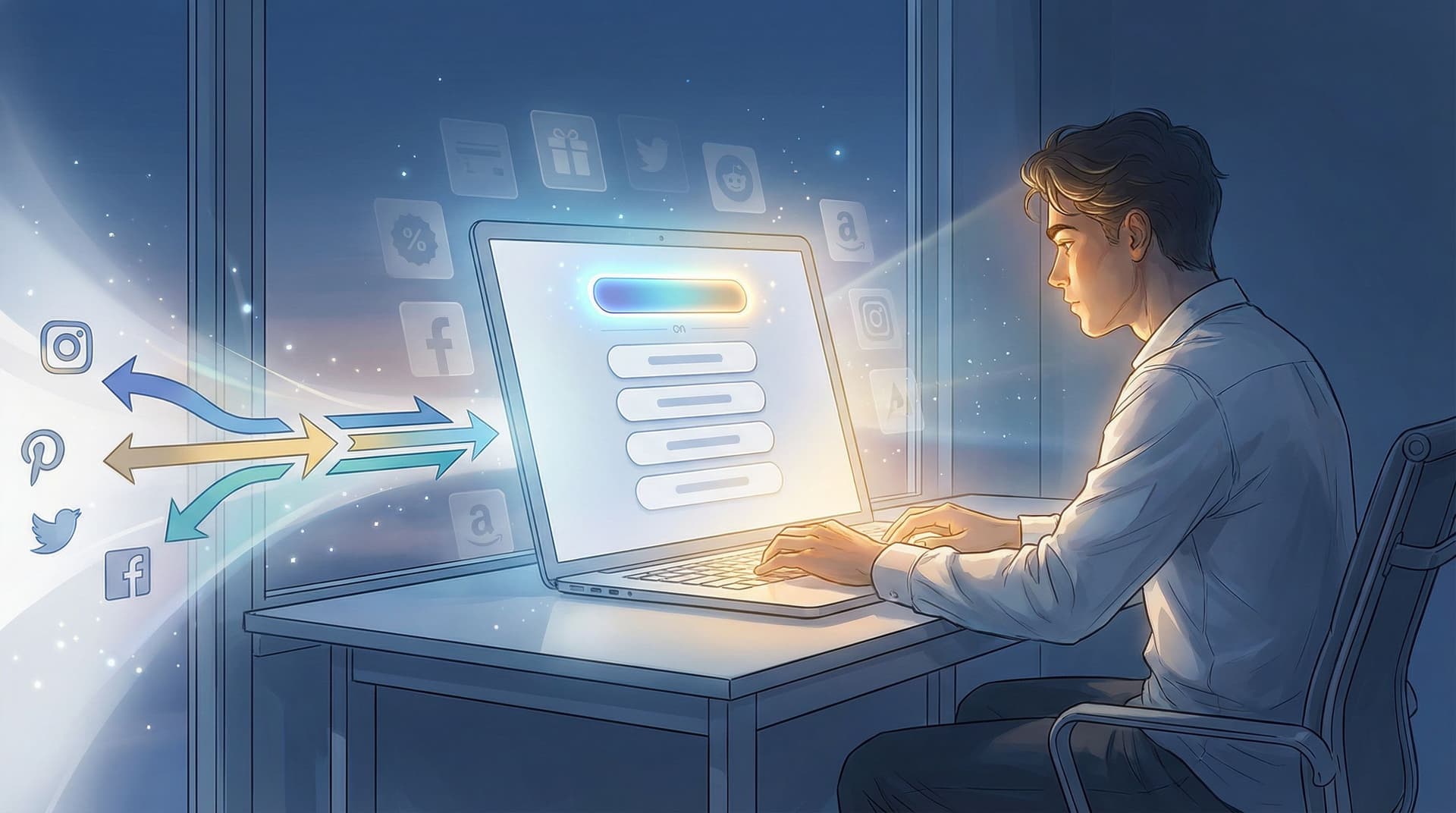
You want to launch something new.
A different offer. A new niche. A fresh direction that feels way more you than whatever your bio currently says.
But you also have:
- Existing followers who know you for one thing
- A mild fear of “What if everyone hates this and unfollows me?”
- Zero desire to do a dramatic “I’m rebranding!!” announcement followed by… crickets
Enter: the soft launch.
Specifically, the link-in-bio soft launch—using your Liinks page as the quiet control center for your new offer, before you blast it all over your content.
This is the rebrand equivalent of changing your hair color in stages instead of going platinum overnight.
Why Your Soft Launch Should Start in Your Link in Bio
Your link in bio is the one place where people raise their hand and say, “I’m curious. Show me more.”
That makes it the perfect test lab for a new offer or direction:
- Low risk – You can add, remove, or rename things on Liinks in minutes. No full website redesign. No 12-step funnel build.
- High signal – People who tap are already warm. If they click your new thing? That’s real data.
- No drama – You don’t have to announce a full rebrand. You can quietly rearrange your page and see what happens.
If you’ve read Mini Shops, Major Receipts: Turning Your Liinks Page into a Test Lab for New Offers, you already know your link page is secretly the best place to validate ideas. Here, we’re zooming in on rebrands and new offers specifically—and how to do it without confusing the people who already like you.
Step 1: Decide What’s Actually Changing (and What’s Not)
Rebrands feel scary because we treat them like identity swaps: “I used to be this, now I’m that.”
But most creator pivots are more like outfit changes. Underneath, a lot is the same.
Before you touch your Liinks page, get clear on three things:
-
Your throughline
What’s staying consistent no matter what you sell?- Your values (e.g., “simple marketing,” “no hustle culture,” “creative freedom”)
- Your style (funny, direct, educational, cozy, etc.)
- The type of people you serve (freelancers, moms, indie brands, etc.)
-
What’s sunsetting vs. what’s just backgrounded
Not every old offer needs to be dramatically “retired.” Some can:- Move lower on the page
- Be grouped under a single button (e.g., “Archived Workshops”)
- Stay live but de-emphasized
-
What the new priority is
You get one main star. Not three. Not seven.- Is it a new 1:1 service?
- A new digital product?
- A new niche (e.g., from “general design” to “podcast branding”)?
Your Liinks page should reflect this hierarchy: one main star, a couple of solid supporting roles, and everything else politely in the background.
If you’re juggling multiple directions at once, bookmark From Niche to Multi-Hyphenate: Using Liinks to Transition Your Brand Without Confusing Your Audience for a deeper dive on that specific chaos.
Step 2: Create a “Soft Launch” Version of Your Liinks Page
You don’t need a full redesign. You need a soft-launch layout: a version of your page where the new offer is clearly featured, but nothing old is abruptly deleted.
Here’s a simple structure you can build on Liinks in under an hour:
-
Top section: One clear, curious headline
Replace your generic “Welcome to my stuff” vibe with something that hints at the new direction.Examples:
- Old: Helping creators grow on social media
New: Helping creators turn their content into paid offers (starting with tiny, low-pressure launches). - Old: Wedding photographer & educator
New: Photographer-turned-coach helping creatives pivot into premium clients.
This doesn’t scream “I have a brand-new thing!” but it gently reframes how people see you.
- Old: Helping creators grow on social media
-
Primary button: Your new offer, framed as an experiment
Your top button is now your soft launch. Name it in a way that feels low-pressure and intriguing:- “New: 1:1 Strategy Sessions (Beta)”
- “Test Offer: Done-With-You Sales Page Audit”
- “New Workshop: Book Clients Without a Website”
Adding words like New, Beta, Test, or Early Access sets expectations: this is evolving, you’re experimenting, and feedback is welcome.
-
Secondary buttons: Familiar things that still work
Right under your new offer, keep 2–3 links your audience already recognizes:- Your best freebie
- Your main social or content hub
- A proven offer that still sells
This reassures returning visitors: “Yes, the things you loved are still here. Also, look at this new shiny thing.”
-
Tidy the rest into grouped sections
Instead of 14 random buttons, use Liinks sections and labels:- “Client Work & Services”
- “Free Resources”
- “Past Workshops & Replays”
For help making this feel organized instead of overwhelming, see From Chaos to Clicks: How to Turn Your Content Dump into a Curated Liinks Resource Hub.
Step 3: Rebrand Quietly Through Microcopy (Not a 40-Slide Announcement)
Most creators overestimate how closely people read their captions and underestimate how much they read button labels.
Your microcopy—the tiny bits of text on your Liinks buttons and sections—is where the rebrand really lands.
Upgrade your button labels
Swap vague labels for specific, story-driven ones that hint at the new direction:
-
Instead of: “Work With Me”
Try: “New: Strategy Sessions for Creators in Pivot Mode” -
Instead of: “Shop”
Try: “Mini Shop: Tiny Offers to Test Your Next Direction” -
Instead of: “Free Guide”
Try: “Free Guide: How I Pivoted Offers Without Losing Followers”
This kind of copy does three things at once:
- Signals your new focus
- Validates your audience’s feelings (“pivot mode,” “without losing followers”)
- Makes clicks feel like a natural next step
Add a short explainer line (but keep it chill)
At the top of your Liinks page, add a one-liner that acknowledges the shift:
- “You’ll see some new things here—I’m testing offers for creators who want to sell smarter, not louder.”
- “Soft-launching a new direction for multi-passionate creatives. Start with the top button if you’re curious.”
- “Yes, things look a little different. I’m pivoting into coaching—here’s where to start.”
No essay. No apology tour. Just context.
Step 4: Use Liinks as Your Soft-Launch Sales Page
You do not need a 3,000-word sales page to validate a new offer.
You need:
- A clear promise
- A simple breakdown of what’s included
- A way to pay or apply
You can absolutely do this directly on Liinks, especially if you’re in “let’s see if anyone bites” mode.
What to include on your Liinks-based soft-launch offer
When someone taps your new-offer button, send them to a Liinks block (or external doc) that covers:
-
Who it’s for
One or two lines. Example:- “For creators who are pivoting offers and want a low-pressure way to test what sells.”
-
The core promise
Finish this sentence: “By the end of this, you will…”- “…have a simple launch plan you can run from your link in bio.”
- “…know exactly which offer to lead with and how to position it.”
-
What’s included
Short, skimmable bullets:- 60-minute live call on Zoom
- Customized Liinks layout for your new direction
- One week of follow-up via email or DM
-
How it works logistically
- “Click to book a time and pay”
- “Apply first, then I’ll send a booking link if it’s a fit”
-
Why it’s ‘beta’
- “This is a test version of a future program. You’re getting a lower price in exchange for honest feedback.”
You can connect this to a simple checkout tool like Lemon Squeezy, Gumroad, ThriveCart, or a Calendly link with payment enabled. No need for full course platforms or membership builds yet.
If you’re a service provider, pairing this with the booking-focused strategies from From Followers to Freelance Clients: Turn Your Liinks Page into a Booking Machine (Without a Full Website) works beautifully.
Step 5: Soft-Launch in Public, Test in Private
Now that your Liinks page is set up for the new offer, you can start gently pointing people to it—without a giant “I’m changing everything” speech.
Low-key ways to send people to your updated Liinks page
Use small, casual mentions like:
- “I’ve been quietly testing a new offer—details are at the top of my link in bio.”
- “If you’re pivoting your niche or offers, I’ve got something new for you. Tap the first button on my Liinks page.”
- “Updated my link in bio with a new beta offer for creators in rebrand mode.”
Places to sprinkle this:
- Instagram Stories (with a “link in bio” reminder sticker)
- TikTok captions
- YouTube description blurbs
- Your email newsletter P.S.
No launch week. No content calendar. Just repeated, casual mentions over 2–4 weeks.
What to track during your soft launch
You don’t need complex analytics tools to learn a lot. Start with:
- Profile views vs. Liinks clicks – Is your content actually sending people to your link in bio?
- Top button click-through – Are people curious enough about the new offer to tap it?
- Conversion rate – Of those who hit the offer page, how many buy, apply, or book?
Patterns to watch:
- High profile views, low Liinks taps → Your content isn’t clearly pointing people to your link.
- High Liinks taps, low new-offer clicks → The offer title or placement isn’t compelling.
- High new-offer clicks, low purchases → The offer itself (price, promise, or clarity) needs tweaking.
This is why starting with your link in bio is so powerful: you can adjust headlines, button order, and copy in minutes, not weeks.
Step 6: Iterate Your Rebrand Based on Real Behavior (Not Vibes)
Here’s the part where we avoid a full identity crisis.
Instead of deciding your rebrand is a failure because one post flopped, look at what people actually do on your Liinks page.
If you notice:
-
Your new offer is getting the most clicks
→ Start centering more content around that topic. Your audience is telling you what they want. -
People still mostly click an older offer
→ Don’t kill it yet. Maybe the rebrand is more of an expansion than a full pivot. -
Your free resource is outperforming everything
→ Great. Use that as a bridge: update the freebie to align with the new direction, and nurture people into the new offer from there.
Small tweaks that can make a big difference:
- Rename the new offer to match the language people use in your DMs
- Swap the top two buttons and see what happens for a week
- Add a line under the new offer button like “Most popular with creators who are pivoting” once you have proof
Remember: a rebrand isn’t one big switch. It’s a series of tiny, public experiments.
Step 7: When (and How) to Go From Soft Launch to “This Is My Thing Now”
At some point, you’ll have enough data to move from “beta” to “this is the main event.” Signs you’re ready:
- People are booking or buying the new offer consistently
- You’re getting referrals or repeat clients for it
- Talking about it feels natural in your content
When that happens, you can:
-
Promote the new offer to permanent headliner status
- Keep it as the top button on your Liinks page
- Remove the “beta” label
- Update the description to feel more confident and permanent
-
Retire or repurpose old offers
- Fold them into the new offer as bonuses
- Move them into a lower “Archive” or “Past Offers” section
-
Refresh your overall Liinks design to match the new brand vibe
- Colors, fonts, and visuals that support where you’re headed, not where you were
- For help with this, see The “Link in Bio” Glow-Up: Tiny Visual Tweaks That Make People Actually Want to Click.
By the time you post a “So… things look a little different around here” carousel, your Liinks page will already be doing the heavy lifting. You’re not announcing a theoretical rebrand—you’re just letting everyone else in on what your warmest fans already know.
Quick Recap
If your brand or offers are evolving and you’re scared of freaking out your audience, your link in bio is the safest place to start.
Here’s the play:
- Clarify what’s actually changing and what stays the same
- Build a soft-launch layout on Liinks with one clear new headliner and familiar supporting links
- Let your microcopy do the rebrand work—especially button labels and short explainer lines
- Use Liinks as a simple sales page for your beta offer instead of waiting on a full website
- Soft-launch in your content with casual mentions that point to your updated link in bio
- Watch behavior, not feelings, and iterate based on where people actually click
- Promote the winner once you have proof, then let the rest of your brand catch up
No dramatic reveal. No panic unfollows. Just a series of small, reversible decisions that add up to a brand that fits who you are now.
Your Next Right Step
You don’t need to “do a full rebrand.” You just need to quietly rearrange one page.
Here’s what to do as soon as you finish reading:
- Log into Liinks (or create your page if you haven’t yet).
- Move your most likely new offer to the very top as a clearly labeled “New” or “Beta” button.
- Add one short explainer line at the top of the page that acknowledges the shift.
- Mention it once in your next Story or caption and invite people to tap your link in bio.
That’s it. That’s your soft launch.
You can refine, redesign, and re-announce later. For now, let your link in bio quietly lead the rebrand—one curious click at a time.

