How to Make a Free Media Kit With the Liinks Media Kit Generator

A brand emails you. They liked the last video, they have a campaign in Q4, and there is one small ask buried in the last line: "Can you send over your media kit?"
And there it is. The quiet panic. You do not have a media kit. You have a Notes app file with your follower counts from March, a screenshot of your best week of analytics, and a vague memory of a Canva template you started and abandoned. So you say "sure, sending shortly," and then you spend an evening rebuilding a document that the brand will look at for roughly thirty seconds.
That gap between "they asked" and "you sent" is where deals go cold. Not because your numbers are bad. Because the packaging took four days and by then the campaign had a shortlist. The new Liinks Media Kit Generator closes that gap: it is a free tool, no account required, that turns your stats into a downloadable one-page media kit in about five minutes.
What a media kit actually needs to do
Before the how-to, it helps to be honest about what a media kit is for, because most creators overbuild theirs.
A media kit is not a portfolio. It is not a pitch. It is a reference document a brand manager skims while deciding whether to put you on a list. That person is looking at six other creators the same afternoon. They are not reading your origin story. They want four things, fast:
- Reach. Which platforms, and how big is each one.
- Quality of reach. Engagement rate, so they can tell whether the follower number is real.
- Who the audience is. Age, gender skew, country, and any behavioural signal that maps to their product.
- What things cost. Because if your rates are a mystery, you become a meeting instead of a line item.
Everything else is decoration. A twelve-slide deck with a mood board and a mission statement does not beat a single page that answers those four questions in the time it takes to scroll. This is the same argument we made in Screenshots, Not Spreadsheets: How to Build a Liinks Media Kit Brands Can Skim in 30 Seconds, and the free generator is basically that advice turned into a button.
Meet the free Liinks Media Kit Generator
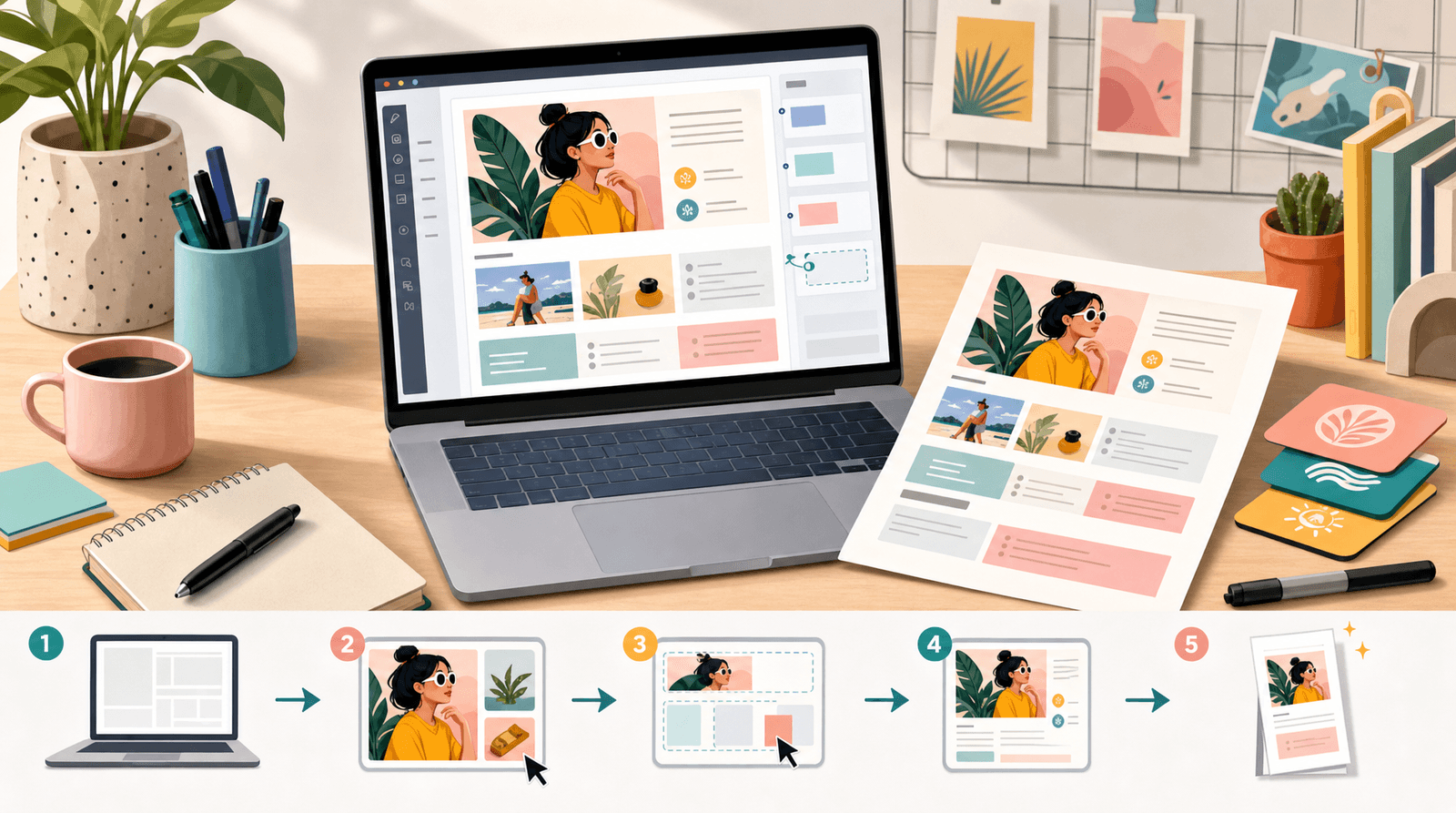
The Media Kit Generator is one of the free tools Liinks builds for creators and small businesses. Open the page, fill in a form on the left, watch a live preview build on the right, and download the finished file. There is no sign-up, no watermark, and no trial that expires.
A few things worth knowing before you start:
- It outputs a 1200 by 1700 pixel PNG in A4 proportions. That is deliberate. A4 means it prints cleanly, slots into a slide deck without weird letterboxing, and opens as a normal image on a phone. Brand managers read email on phones.
- It renders in your browser. The kit is drawn on a canvas on the page, so your numbers, rates, and headshot never leave your machine.
- There are five themes. Ocean, Midnight, Sunset, Forest, and Sand. Pick the one closest to your brand colors and move on. Nobody has ever lost a deal over a gradient.
- There is a "Try a sample" button. If a blank form makes you freeze, load the sample, see what a finished kit looks like, then overwrite it with your own numbers.
How to fill it in, field by field
Here is the whole flow, in the order the form asks for it.
1. Pick a theme
Five swatches at the top of the form. Click one and the preview redraws instantly. If your brand is warm and food or lifestyle adjacent, Sunset or Sand tend to look right. If you are in tech, finance, or B2B, Ocean or Midnight read as more serious.
Do not spend more than thirty seconds here. The theme is the least important decision on this page.
2. Name, handle, and tagline
Your name or brand name goes in first, then your primary handle, then a short niche line.
The tagline is the field people waste. It is not a slogan. It is a positioning line that tells a stranger what you make and who it is for. "Home cooking, small kitchens, big flavour" works because it names a format and an audience in six words. "Creator and storyteller" works for nobody, because it describes half the internet.
Write it as: [what you make] for [who]. You can always soften it afterwards.
3. Short bio
Two or three sentences, maximum. The job of this paragraph is to explain why your audience is worth reaching, not to list your career highlights.
The strongest bios name a behaviour: what your audience actually does after they watch. "My audience shows up for the weeknight dinner ideas and stays for the honest kitchen gear reviews" tells a cookware brand exactly where they fit. Compare that to "I am passionate about food and community," which tells them nothing they can act on.
4. Photo or logo
Drop in a headshot or a logo. Square images crop best. If you skip it, the tool falls back to your initials in a circle, which looks fine, so do not stall on this.
5. By the numbers
Up to four platforms, each with a follower count and an engagement rate. The form takes plain numbers and formats them for you: type 84200 and the kit renders 84.2K. If you have already formatted something by hand, like 1.2M, it leaves it alone.
Two rules for this section:
Pick your four strongest platforms, not all of them. A kit that lists a 2,000-follower Facebook page next to a 160,000-follower TikTok makes the TikTok look like an accident. Newsletters and podcasts count, and they often carry more weight than a bigger social number because the audience is opted in.
Do not guess the engagement rate. If you are not sure what yours is, the tool links straight through to the free Liinks Engagement Rate Calculator from the preview panel. Run your numbers there, paste the result back in. We wrote a full walkthrough of that tool in How to Calculate Your Engagement Rate for Free With the Liinks Engagement Rate Calculator if you want the formula and the benchmarks.
An honest 3.1% beats an invented 9%, because a brand manager who pulls your last ten posts will find the truth in about a minute, and the only thing they will remember is that the number was wrong.
6. Audience highlights
Three stats, each with a value and a label. This is the section that separates a kit that gets a reply from one that gets filed.
Good highlights are specific and relevant to the kind of brand you want:
72%/Women 25 to 3458%/United States310K/Monthly views18 min/Avg. listen time41%/Europe
Pull these from your platform analytics. Every major platform gives you an audience breakdown, and the numbers are usually more flattering than you expect. If one of your three slots is uninteresting, swap it for a behaviour stat rather than a demographic one. "Avg. listen time" or "Saves per post" tells a brand something a country split cannot.
7. Work with me: your rates
Up to four rows, each a deliverable and a price. This is the section creators most want to leave blank, and leaving it blank is usually a mistake.
Listing rates does three things for you:
- It filters out brands with no budget before you spend an hour on a call.
- It anchors the negotiation at a number you chose rather than a number they opened with.
- It makes you look like a business, which quietly raises what people expect to pay.
You do not have to publish a final price. "From $900" and "Reel + Story bundle" are both legitimate entries. Bundles in particular are worth listing, because they nudge the conversation toward a bigger deal without you having to ask for one.
If you have no idea where to start, price from your engagement, not your follower count, and add a row for the deliverable you actually enjoy making. A rate card is also a preference card.
8. Selected partners
A comma-separated list of brands you have worked with. Social proof, in its simplest form. If you have never done a paid partnership, it is fine to leave this out, or list brands whose products you have genuinely featured organically, framed honestly.
9. Contact and website
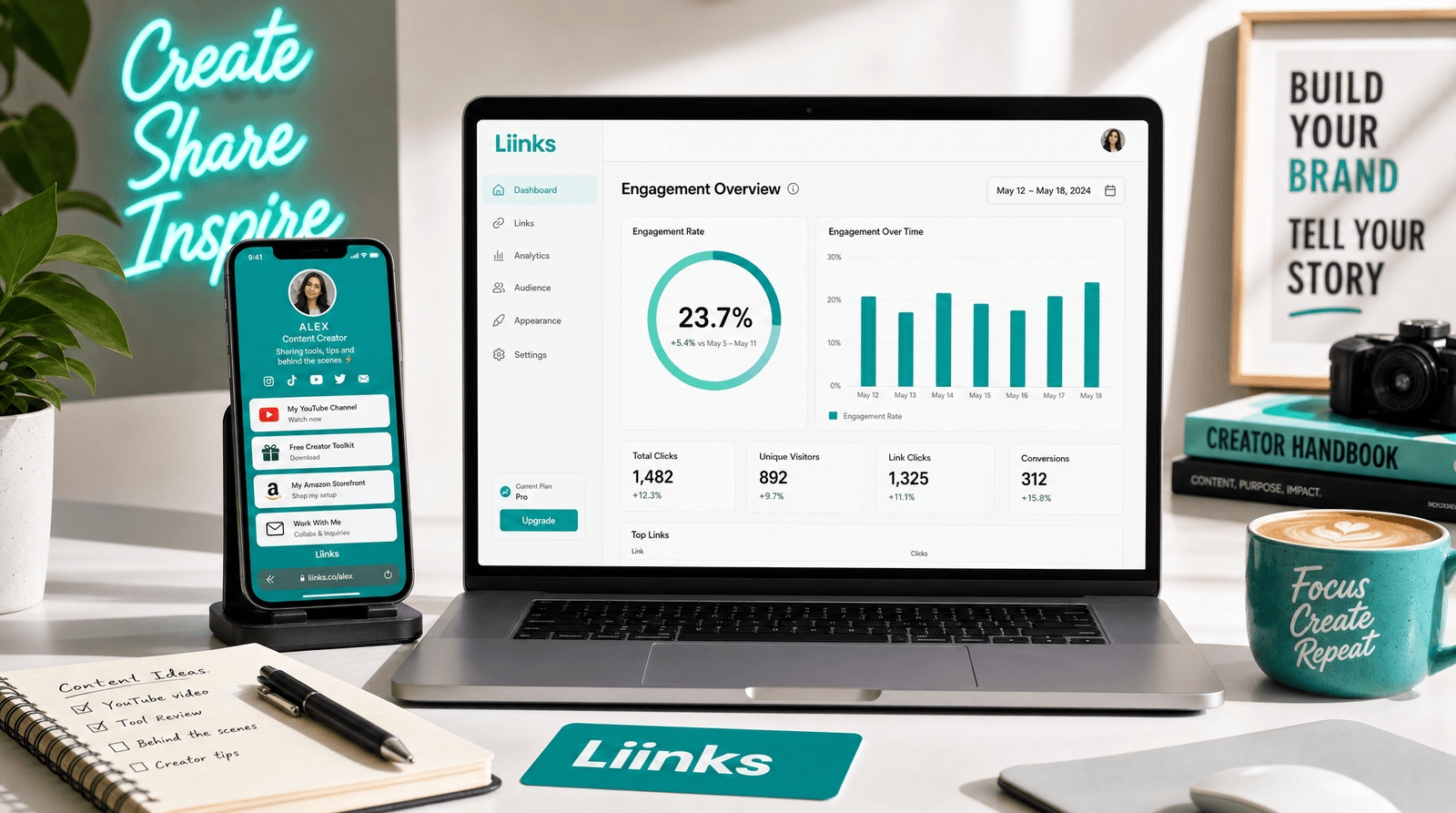
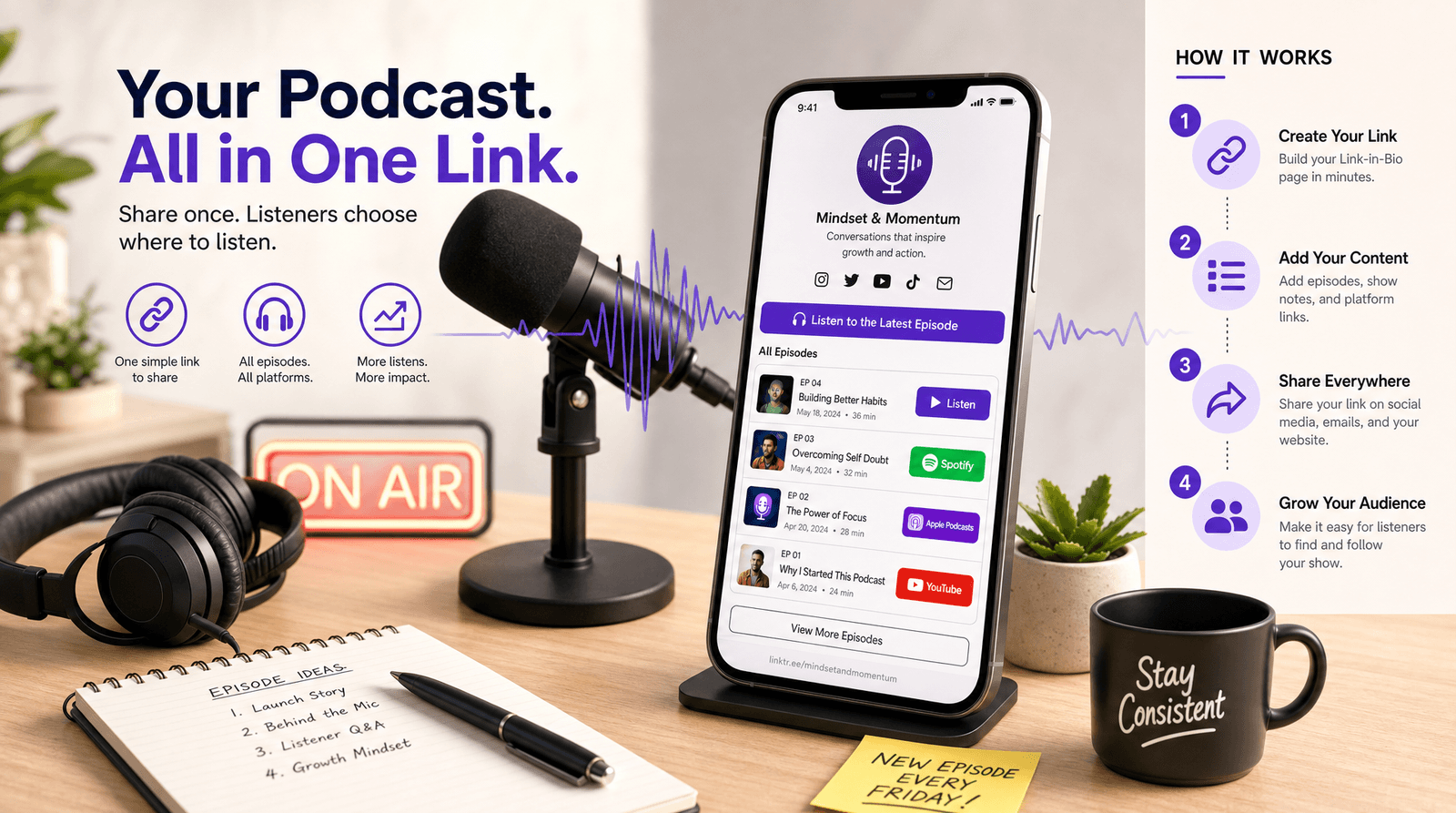
Your email, and the URL you want them to land on. This is where your Liinks page earns its keep. Instead of sending a brand to an Instagram profile with a bio full of emoji, you send them to a page you control: portfolio, past campaigns, booking form, rate details, and every platform link in one place.
The kit gets the reply. The page gets the click.
10. Download
Hit Download media kit and you get a 1200 by 1700 PNG. Attach it to the reply. Do not zip it, do not put it behind a Drive link that asks for access, and do not send it as a PDF the brand has to open in another app. An image opens inline on a phone in about one second, which is the entire point.
Three things to do after you download it
Send it the same day you are asked. The kit's biggest advantage is speed. A one-page PNG delivered in an hour beats a beautiful deck delivered on Thursday.
Regenerate it every quarter. Your numbers move. A kit with March follower counts in August makes a brand wonder what else is stale. The whole thing takes five minutes to redo, so put a recurring reminder in your calendar for the first of each quarter.
Point it at a page that is actually ready. If a brand manager likes the kit, the next thing they do is open the link on it. Make sure whatever is there answers the follow-up questions: past work, contact, and a way to book you. Our guide to Brand Deals Without a Manager walks through exactly which sections to add to a Liinks page so it does that job on its own.
Who this is for
Not just full-time influencers. The generator is useful for anyone who gets asked "what are your numbers?":
- Micro-creators pitching their first paid partnership, who need to look organised more than they need to look big.
- Podcasters selling pre-roll and mid-roll, where listen time matters more than downloads.
- Newsletter writers selling sponsorship slots, where open rate is the headline metric.
- Small businesses and local shops pitching collaborations with other brands, where audience overlap is the sell.
- Nonprofits approaching corporate partners, where the audience story matters more than the rate card.
In every one of those cases, the ask is the same: prove, on one page, that reaching your people is worth money.
TL;DR
- A media kit's only job is to answer four questions fast: how big, how engaged, who, and how much.
- The free Liinks Media Kit Generator builds one in about five minutes. No sign-up, no design software, and it renders in your browser.
- You get a 1200 by 1700 PNG in A4 proportions, so it prints, drops into a deck, and opens inline on a phone.
- Pick your four strongest platforms, not all of them. Newsletters and podcasts count.
- Use real engagement numbers. The Engagement Rate Calculator is linked from the preview panel if you need to work yours out.
- Fill in the rates section. It filters out brands with no budget and anchors the negotiation on your number.
- Make audience highlights behavioural where you can, not just demographic.
- Point the contact URL at a page that is ready for a brand manager, then regenerate the whole kit every quarter.
Build the kit, then build the page it points to
A media kit is one half of the pitch. The other half is where it sends people.
Liinks gives you a page for that: customizable sections for your portfolio and past campaigns, a booking or contact form so brands can reach you without a DM, analytics so you can tell which links actually get clicked, and full control over how the whole thing looks. It takes a few minutes to set up and it works as the permanent address for everything you make.
Try the free Media Kit Generator, download your kit, and then build the page you want it pointing at.