How to Calculate Your Engagement Rate for Free With the Liinks Engagement Rate Calculator

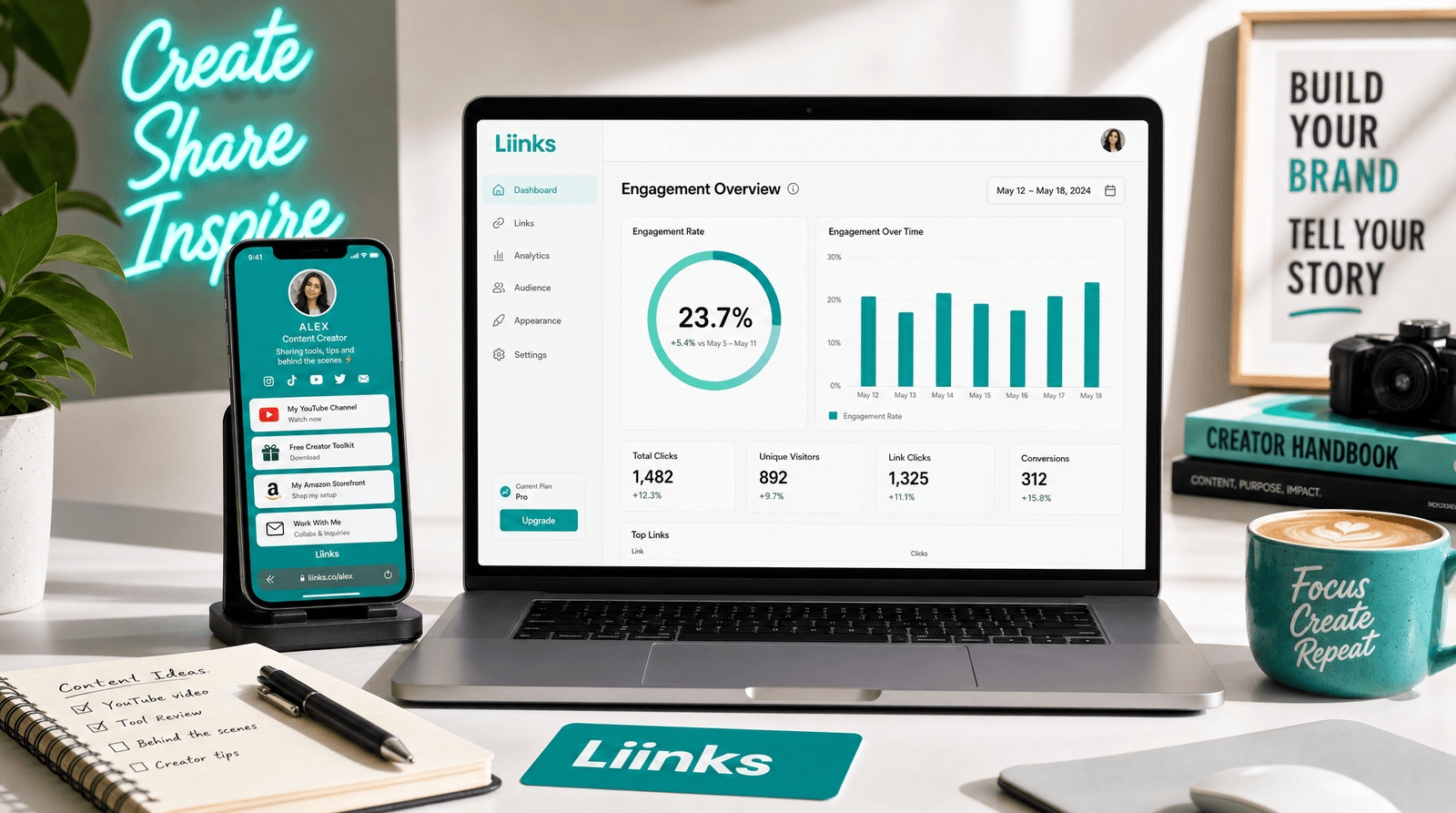
There is one number every brand, sponsor, and agency asks for before they spend a dollar with you, and it is not your follower count. It is your engagement rate.
Follower count is the number you put in your pitch. It looks impressive on a media kit and it feels good when it ticks up. But anyone who pays creators learned a long time ago that a big audience can be quiet, bought, or simply tuned out. So they ask the more honest question instead: when you post, what share of your people actually do something about it?
That share is your engagement rate, and the frustrating part is that it is annoyingly easy to get wrong. People plug in the wrong numbers, compare themselves to creators ten times their size, and walk away thinking they are underperforming when they are actually doing great. This guide fixes that. We will cover what engagement rate really measures, the exact formula, what counts as good for an account your size, and how the free Liinks Engagement Rate Calculator does the math for you in a few seconds.
What Engagement Rate Actually Measures (and Why It Beats Follower Count)
Engagement rate is the percentage of your audience that interacts with a typical post. Likes, comments, saves, shares, reposts: each one is a small signal that a person did more than scroll past. Add those signals up, divide by the size of your audience, and you get a single number that says how alive your community is.
It matters more than follower count for one simple reason. Followers measure how many people once tapped a button. Engagement measures how many of them still care. A creator with 8,000 engaged followers will out-earn a creator with 80,000 silent ones almost every time, because the engaged audience clicks, buys, and shows up. That is also why a strong rate is worth far more than a viral spike. We made that case in full in Going Viral Is the Easy Part. Being Ready Is the Hard Part., and engagement rate is the metric that proves whether the attention you earn actually sticks.
The other reason to track it: engagement rate is one of the few metrics you can benchmark fairly. A like is a like whether you have 2,000 followers or 2 million. Follower counts are not comparable across creators, but engagement rates are, which is exactly why the people writing the checks lead with that number.
The Engagement Rate Formula (and the One Most People Get Wrong)
The standard formula is straightforward:
(Likes + Comments + Saves or Shares) divided by Followers, times 100.
So if an average post earns 480 likes, 32 comments, and 54 saves from a 12,500-follower account, that is 566 interactions divided by 12,500, times 100, which works out to a 4.53 percent engagement rate.
A few details trip people up:
- Use averages, not your best post. Pull your numbers from your last five to ten posts and average them. One viral hit makes your rate look better than your baseline really is, and your baseline is what matters.
- Count the interaction that actually matters on each platform. Saves carry weight on Instagram, shares drive TikTok and YouTube, and reposts are the currency on X. The third input changes depending on where you post, and ignoring it understates how engaged your audience really is.
- Followers or views? Dividing by followers tells you how engaged your existing audience is. On TikTok and YouTube, where a huge share of views come from people who do not follow you, it is also worth measuring engagement against views, which tells you how compelling the content is to strangers.
Doing this by hand for every platform, every month, gets old fast. That is the entire reason the calculator exists.
How to Use the Free Liinks Engagement Rate Calculator (Step by Step)
The Liinks Engagement Rate Calculator runs entirely in your browser. No signup, no download, no email. Here is the whole loop.
- Pick your platform. Tabs at the top switch between Instagram, TikTok, YouTube, and X / Twitter. The inputs adapt to each one, so you are always entering the metric that actually counts there.
- Enter your audience size. Followers for Instagram, TikTok, and X, or subscribers for YouTube.
- Add your average likes, comments, and the third metric. That third box changes per platform: saves on Instagram, shares on TikTok and YouTube, reposts on X. Use your averages from the last five to ten posts.
- Optionally add average views. On TikTok and YouTube you can enter average views to get a second engagement rate measured against views, not just followers.
- Read your result. Your rate appears instantly, along with a rating of Low, Average, Good, or Excellent, the total engagements per post, and the benchmark thresholds for your follower tier.
If you just want to see how it behaves, hit Try a sample to load realistic numbers, or Clear to start fresh.
The whole thing takes about thirty seconds, and you can rerun it for every platform you are on to see where your audience is most engaged.
What Counts as a "Good" Engagement Rate in 2026
Here is where most calculators quietly mislead you. They hand you a single benchmark, usually something like "3 percent is good," and let a creator with 2,000 followers compare themselves to a celebrity with 5 million. Those are not the same game.
Smaller accounts almost always post higher engagement rates. A tight, niche audience interacts more per person than a massive, diffuse one. So holding a nano creator and a mega creator to the same bar is meaningless. The Liinks calculator handles this by scaling its benchmarks to your follower tier:
- Nano (under 10K): held to the highest bar, because small engaged audiences should punch above their weight.
- Micro (10K to 50K): still expected to run strong, the sweet spot brands love.
- Mid-tier (50K to 500K): benchmarks ease off as reach grows.
- Macro (500K to 1M) and Mega (1M+): lower thresholds, because engagement naturally thins out at scale.
The benchmarks also differ by platform. TikTok rates run far higher than Instagram, which runs higher than X, so the calculator uses platform-specific thresholds rather than one flat number. A 4.53 percent rate on Instagram for a micro account lands in the Good band; the same rate would read very differently on a platform where the norm is higher.
The practical takeaway: do not panic over a rate in isolation. Read it against your size and your platform, which is exactly what the rating badge and the benchmark list on the calculator are doing for you. If you want to understand the inputs that move that number, our piece on why The Best Time to Post Is a Myth digs into what actually decides whether people interact.
Turn a Strong Engagement Rate Into Clicks
Knowing your engagement rate is step one. The bigger question is what all that interaction is leading to. A high rate means people care. The job after that is giving them somewhere to go.
This is the gap a lot of engaged creators miss. Your audience is liking, saving, and commenting, but every one of those actions happens inside an app that owns the relationship and caps where you can send people. The one place you fully control is the link in your bio, and that link is where engagement turns into something you can measure and monetize: a sale, a sign-up, a booking, a stream.
A Liinks page is built for exactly that handoff. One clean, customizable page holds your content, products, socials, and whatever you are pointing people toward, so an engaged follower is one tap from doing the thing you actually want. And because Liinks gives you built-in analytics on what gets clicked, you close the loop: your engagement rate tells you the audience is warm, and your link analytics tell you what they do next. Most of that activity is invisible inside the social apps, a point we made in Your Best Marketing Is Happening Where You Can't See It. Your link-in-bio page is where it finally becomes visible.
TL;DR
- Engagement rate beats follower count. It measures the share of your audience that actually interacts, which is the number brands and sponsors care about.
- The formula: (likes + comments + saves, shares, or reposts) divided by followers, times 100. Use averages from your last five to ten posts, not your best one.
- The free Liinks Engagement Rate Calculator does the math instantly for Instagram, TikTok, YouTube, and X, with platform-specific inputs and an optional rate by views.
- "Good" depends on your size and platform. The calculator scales its benchmarks across nano to mega tiers and rates you Low, Average, Good, or Excellent against the right bar.
- A strong rate is only worth what it leads to. Point your engaged audience at a Liinks page so all that interaction turns into clicks you can actually track.
Calculate Yours in Under a Minute
You do not need a paid analytics suite or a spreadsheet to know where you stand. You need your average likes, comments, and shares, and about thirty seconds.
Run your numbers through the free Liinks Engagement Rate Calculator, see how you rate for your size, and then create your free Liinks page so the audience you just proved is engaged has one clear place to go next.