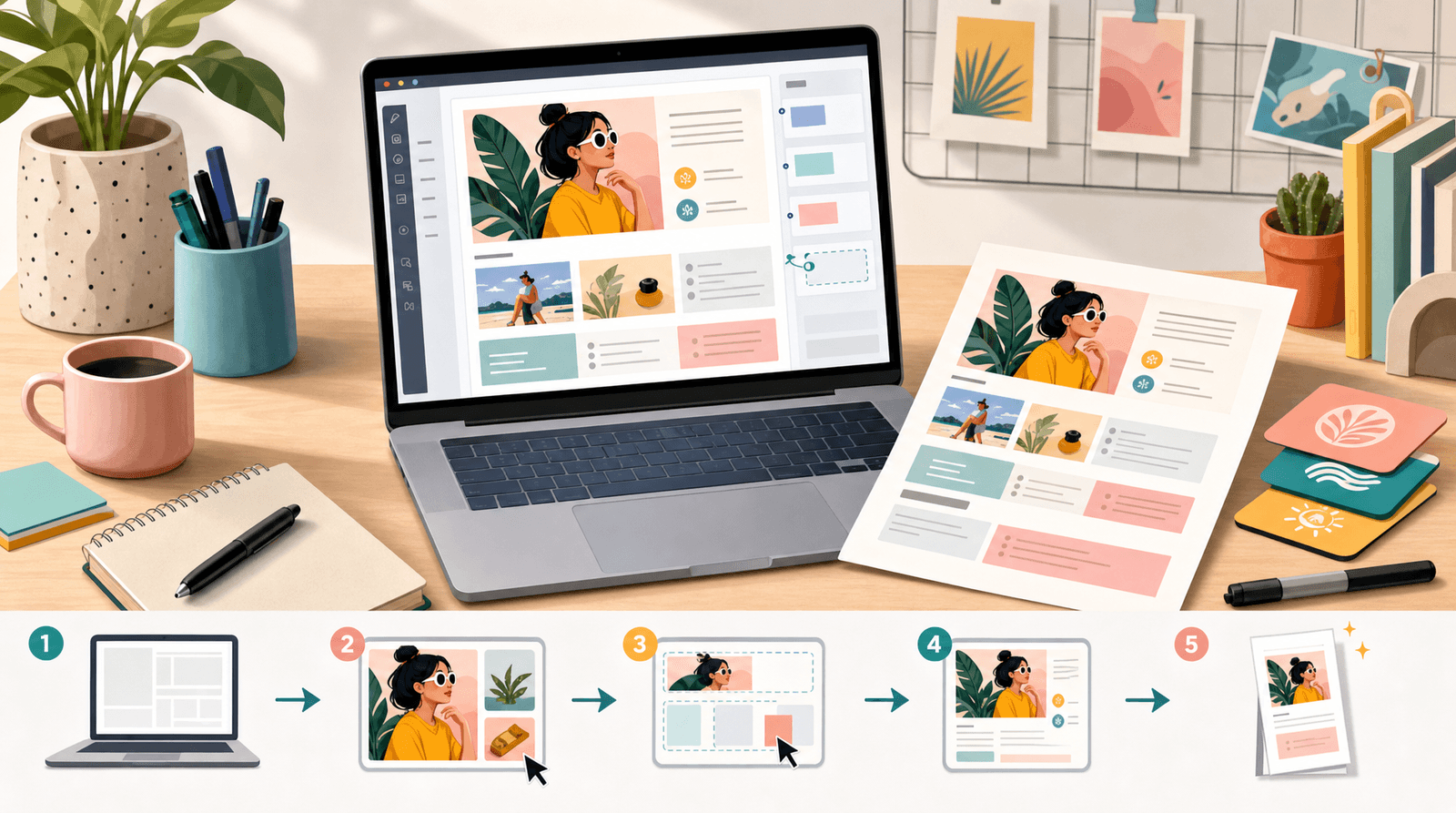
Brand Deals Without a Manager: How a Strategic Liinks Page Makes You Look ‘Campaign-Ready’ on Every Platform

Brand deals used to be “I post, you pay, we both hope for the best.”
Now? Brands are pouring serious money into creators and expecting creator operations to look way more professional. U.S. creator ad spend alone is projected to hit tens of billions of dollars in 2025, and brands are treating creators like a real media channel, not a side hobby.
That’s great news… unless your whole system for brand deals is:
“Uh, yeah, just email me” + a chaotic Notes app + a bio link you haven’t touched since 2023.
You do not need a manager to look like you have your life together.
You do need one thing: a strategic, campaign‑ready hub that makes brands think, “Oh, this person is easy to work with.” That’s where a well‑built Liinks page quietly does the job of a junior talent manager.
Why Looking “Campaign‑Ready” Actually Matters
Brands are drowning in creators to choose from. Reports on creator marketing in 2025–2026 all say the same thing in different fonts:
- Brand spend on creators is way up,
- But picking the right creator is still their biggest headache,
- And they’re prioritizing credibility, clear results, and smooth operations.
Translation: if you look buttoned‑up and easy to brief, you jump the line.
Being “campaign‑ready” signals a few things instantly:
- You understand brand goals. Your page shows what you do, who you reach, and how you drive action.
- You respect timelines. Your links, examples, and info are all in one place—no 12‑email scavenger hunt.
- You’re not a risk. Brands can see proof (stats, past work, niche) without having to beg for screenshots.
A smart Liinks setup lets you package all of that into one live link you can drop:
- In your Instagram, TikTok, and YouTube bios
- Inside cold outreach emails
- In your media kit as the “live portfolio” link
No manager required. Just a page that does half the pitching for you.
Step 1: Decide What “Campaign‑Ready” Means For You
Before you drag a single button around, decide what you want a brand to know within 30 seconds of tapping your link.
Think of a brand manager opening your page while half‑watching a meeting. They should be able to answer:
- Who are you and what do you create? (Niche, vibe, formats.)
- Who listens to you? (Audience basics, not a 40‑page demographic report.)
- What can we book you for? (Deliverables and packages.)
- Do you have proof this works? (Stats and past campaigns.)
- How do we start a conversation? (Clear contact path.)
Those five answers are the backbone of your “campaign‑ready” Liinks page.
If you want help making that info scannable, bookmark this post on structuring your page for skimmers: SEO for Attention Spans Under 8 Seconds: Structuring Your Liinks Page for Skimmers, Scrollers, and Serial Multi‑Taskers.
Step 2: Turn Your Liinks Page Into a Live Media Kit
A static PDF media kit is cute… until your numbers change, your niche evolves, or you forget to update the “last 30 days” stats from six months ago.
Instead, use your Liinks page as a live media kit that’s always current.
Here’s a simple layout that works across niches and platforms.
1. A Tight, Brand‑Facing Intro
Right at the top, above the fold:
- 1–2 sentence positioning line aimed at brands, not fans.
- Example: “Lifestyle + productivity creator helping busy women buy less junk and use what they own. Seen in X, worked with Y.”
You can design this as a short text block or a pinned “About” section. Keep it punchy.
2. Audience Snapshot (Without Oversharing)
Brands don’t need your entire analytics dashboard. They need to know:
- Primary platforms (TikTok, IG, YouTube, etc.)
- Follower ranges (e.g., “TikTok: 48K, IG: 12K”)
- Core audience traits (e.g., “US‑based, 25–34, majority women, interested in fitness & wellness”)
On Liinks, this can be:
- A short text section titled “Who I Reach”
- Or a link labeled “Audience Snapshot (Updated Monthly)” that goes to a simple stats overview (Google Doc, Notion, etc.)
The key: put it where a brand can’t miss it.
3. Clear Brand‑Ready Offers
Most creators lose deals right here. Your page says “Let’s work together!” but never clarifies… how.
Create a small “menu” of ways brands can book you. For example:
- UGC Content Packages – 3–5 videos for brand use only
- Sponsored TikTok / Reel – 1x post + 3x story frames
- YouTube Integration – 60–90s mid‑roll mention
- Launch or Campaign Bundle – multi‑platform package
Each offer can be its own link on Liinks that goes to:
- A one‑pager with details and starting rates, or
- A Typeform/Google Form for campaign briefs, or
- A booking/intro call link.
Make the link labels insanely clear, like:
- “Brand Collabs: Start Here”
- “UGC Packages for Brands”
- “Q4 Campaign Bundle Details”
Step 3: Add Case Studies That Talk Money (Without Sharing NDAs)
Brands are under pressure to prove ROI, not just vibes. The creators who can connect their content to real outcomes are the ones who keep getting rehired.
You don’t need a full analytics team. You just need 2–3 simple case studies linked from your Liinks page.
Create a section called “Brand Results” or “Campaign Highlights” and link to short, skimmable write‑ups. Each one should answer:
- Brand & niche – “Clean beauty brand (US)”
- What you created – “1x TikTok + 3x IG stories”
- Goal – “Drive traffic to new product page”
- Results – Clicks, saves, signups, discount code redemptions, etc.
- Why it worked – A one‑sentence insight about your audience.
Example:
Clean skincare launch (US)
1 TikTok + 3 IG Stories
24K views, 1,100 clicks to product page, 9.2% code usage in first 72 hours
Audience loved the “before/after in 5 days” framing and the honest routine breakdown.
Link that from your Liinks page as:
- “Case Study: Skincare Launch”
- “Case Study: Productivity App”
Two or three of these is enough to show brands you know what you’re doing.
If you want more ideas on how to set your page up as proof of value, this deep dive will help: The Micro‑Influencer Proof of Concept: Use Liinks to Prove Your Value to Brands Before You Pitch.
Step 4: Make It Stupid‑Easy to Start a Deal
There’s a creator‑side myth that brands love long back‑and‑forths.
They don’t. Most brand managers are juggling dozens of creators and campaigns. Anything you can do to reduce friction makes you more bookable.
Use your Liinks page to create a friction‑free starting line.
Add one or two of these:
- “Brand Inquiry Form” – A simple form that asks for budget range, timeline, deliverables, and goals.
- “Book a 15‑Minute Intro Call” – A Calendly/Cal.com link with limited slots.
- “Download My Brand Collaboration Guide” – A 1‑page PDF explaining how you work.
Label them clearly:
- “Brands: Submit Campaign Details Here”
- “Schedule a Quick Fit Check Call”
Pro tip: if you handle a lot of DMs, add a link specifically for them:
- “If we’ve been DMing, send your brief here →”
That way, when someone says, “We’d love to collab, what’s your email?” you can reply with:
“Amazing, here’s my collab hub with case studies + a quick brief form: [your Liinks URL].”
If you’re already juggling a lot of DMs, you’ll like this guide on coordinating DMs and clicks: DM Me? Or Click Here: How to Split Traffic Between Liinks and DMs Without Losing Warm Leads.
Step 5: Design Your Page Like a Brand Deck, Not a Link Dump
You don’t need agency‑level design, but you do need a page that looks like you take your brand seriously.
A few design rules of thumb for your Liinks layout:
- Match your socials. Use the same colors, fonts, and vibe as your Instagram/TikTok so brands instantly recognize they’re in the right place.
- Group links by intent. One cluster for brand collabs, one for audience offers (products, newsletter, etc.). Don’t make brands wade through merch and freebies to find your “Work With Me” info.
- Prioritize brand‑facing links toward the top. Audience freebies can sit below.
- Use short, specific labels. “Q4 Brand Collabs” > “Click here.”
If you want a deeper design walkthrough, this style guide is a great next read: The ‘Link in Bio’ Style Guide: How to Make Your Liinks Page Look Like Your Instagram, TikTok, and Website Had a Baby.
Step 6: Make Your Liinks Page the Single Source of Truth Everywhere
You’re not just building a cute page. You’re building infrastructure.
Once your Liinks page is campaign‑ready, plug it into everything so you don’t have to constantly resend the same info.
Use the same URL:
- In every social bio (TikTok, IG, YouTube, X, Pinterest, LinkedIn)
- In your email signature (“Brand collabs + media kit → [Liinks URL]”)
- In your media kit PDF as the “Live stats + case studies” link
- In your outbound pitches
When you update your page—new case study, new package, new rates—every link updates with it. That’s the power move.
This also helps when you’re testing new offers or revenue streams beyond brand deals. You can quietly add a new product, service, or affiliate hub to your Liinks page and see what people click before you go all‑in. If that sounds fun, you’ll love: Beyond Brand Deals: 9 Unexpected Revenue Streams You Can Test This Month Using Only Your Liinks Page.
Step 7: Keep It Updated Without Losing Your Mind
A page that looks campaign‑ready but quietly shows last year’s stats? Instant red flag.
The good news: you don’t need to babysit your Liinks page daily. Just build a simple maintenance ritual.
Try this:
Weekly (10–15 minutes):
- Swap in your best recent content examples
- Update any “last 30 days” stats if you show them
- Archive expired campaigns or time‑limited offers
Monthly (20–30 minutes):
- Add 1 new mini case study if you’ve done a campaign
- Review your offers—do they still match what you want to do?
- Check that all forms, booking links, and discount codes still work
If you’re using AI tools (hi), you can even have ChatGPT help you rewrite your offer blurbs, CTAs, and case study summaries so your page always sounds fresh and on‑brand.
TL;DR: Your Liinks Page Is Your No‑Manager Required Campaign Hub
Let’s zoom out.
A strategic Liinks page makes you look “campaign‑ready” because it:
- Tells brands who you are and who you reach in under 30 seconds
- Packages your offers into clear, bookable options
- Shows proof with simple, outcomes‑focused case studies
- Makes it easy to start a deal with forms, calls, or guides
- Looks cohesive with your brand across every platform
- Stays current as your audience and offers evolve
You don’t need a manager to get taken seriously.
You need a page that quietly says, “I know what I’m doing, here’s the evidence, and here’s exactly how we can work together.”
Your Next Step (Do This Before Your Next Brand DM)
You can absolutely keep waiting for the “perfect” talent manager to slide into your inbox.
Or you can spend one focused afternoon turning your Liinks page into a campaign‑ready hub and start:
- Drafting your brand‑facing intro and audience snapshot.
- Creating 2–3 clear collaboration offers with simple labels.
- Writing 1–2 mini case studies and linking them from your page.
- Adding a friction‑free starting point (form or call link).
- Dropping that same Liinks URL into every bio, email signature, and pitch.
By the time your next “We’d love to collaborate” DM lands, you’ll be able to reply with a single link that does all the heavy lifting.
Start with the tool that’s built to make that page look good and work hard: Liinks. Your future brand‑deal‑getting self will be very, very pleased with you.