
AI-Generated, You-Approved: Using ChatGPT to Draft Entire Liinks Layouts in One Sitting (Without Sounding Like a Robot)

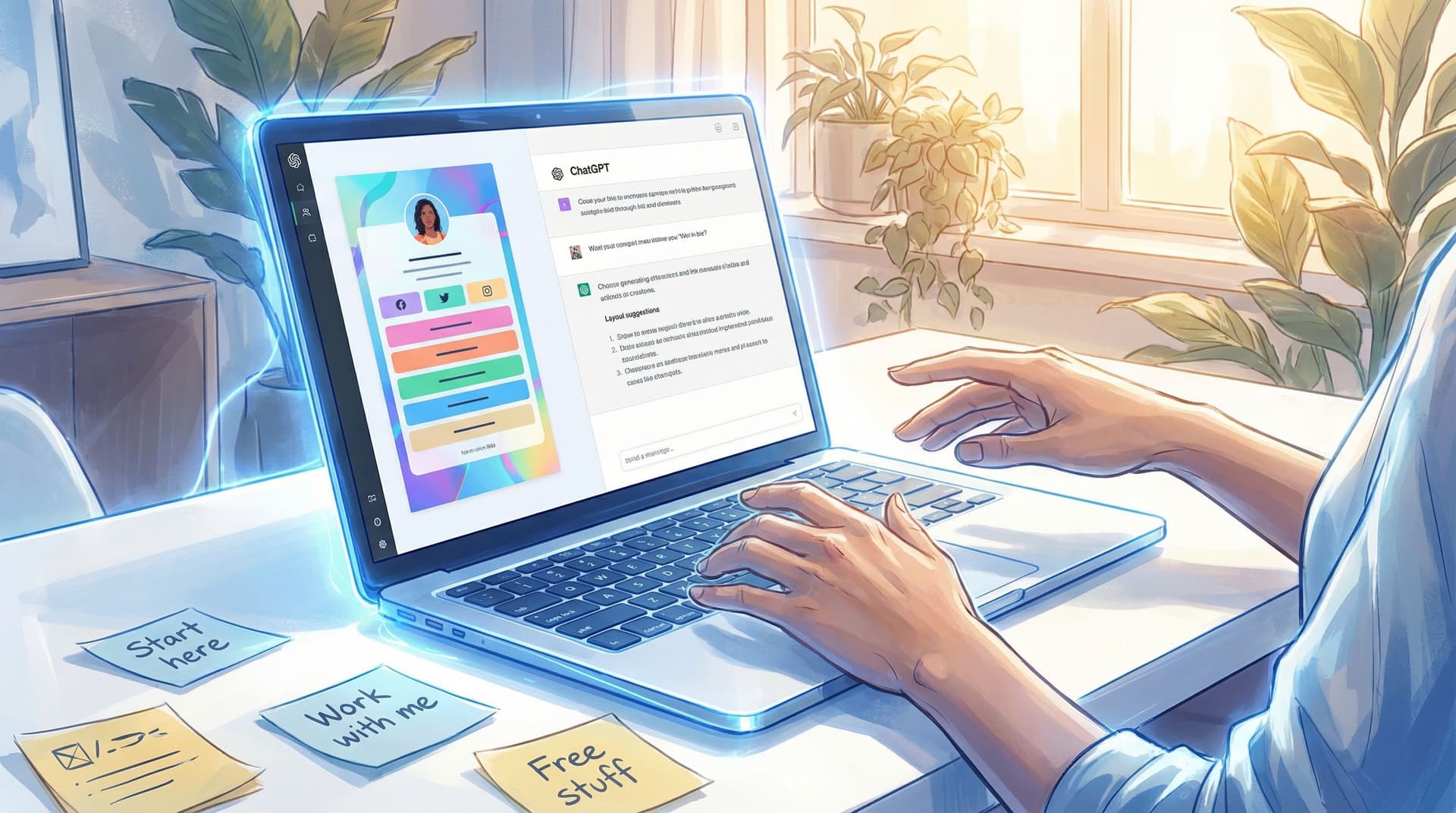
You know that moment when you finally sit down to fix your bio link… and 45 minutes later you’re still staring at a blank page, wondering if “Click here” is a strong enough CTA to justify your entire career?
Let’s not do that anymore.
This guide is all about using ChatGPT as your behind-the-scenes layout assistant so you can draft an entire, on-brand layout for your Liinks page in a single sitting—without ending up with AI-flavored word salad.
We’ll walk through:
- How to get ChatGPT to think like a tiny UX strategist for your Liinks page
- Prompt formulas that generate full layouts (sections, link groupings, CTAs, microcopy)
- A simple “humanizing pass” so your page sounds like you, not a corporate chatbot
- Real examples of what to ask ChatGPT for—and what to edit yourself
By the end, you’ll have a repeatable system: open ChatGPT, drop in a prompt, copy the layout into Liinks, tweak, publish, done.
Why Let AI Touch Your Layout at All?
You’re not lazy. You’re overloaded.
Your bio link has to do a lot at once:
- Welcome new people who just found you on TikTok
- Catch warm leads from your Stories
- Make it easy for brands, clients, or buyers to figure out what you actually do
- Look good enough that you’re not embarrassed to send it to someone on a Zoom call
That’s a lot of decisions:
- What goes at the top?
- How many links is too many?
- Should you feature your newsletter, your course, your shop, or your latest collab first?
This is where AI is genuinely useful. Not to replace you, but to:
- Get you past the blank-page stage. ChatGPT can draft 2–3 layout options in seconds.
- Force structure. Instead of “vibes and vibes alone,” you get clear sections and hierarchy.
- Batch your thinking. In one sitting, you can generate layouts for multiple personas (creator, client-facing, brand-partnership-ready, etc.).
If you like this approach, you’ll probably also love using AI to refresh copy and SEO on your existing page—check out AI-Optimized, Human-Approved: Using ChatGPT to Batch-Refresh Your Liinks Page for SEO and Conversions for that.
Step 1: Decide the Job of This Liinks Layout
Before you ask ChatGPT for anything, you need one crucial decision:
What is the main job of this Liinks layout—right now?
Not “in general.” Not “for my whole brand.” For the next few weeks, what do you want this page to over-deliver on?
Some options:
- Grow your email list
- Drive sales for one main offer
- Soft-test a new product idea
- Make brand partners think, “Oh, they’re legit”
- Turn viral traffic into subscribers or buyers
You can absolutely have secondary goals, but you need one priority outcome. That priority will shape:
- Which section goes at the top
- How many links you show
- What your CTAs say
If you’re not sure what the job is, this is a great time to skim:
- From ‘Link in Bio’ to Launchpad: Using Liinks to Soft-Test New Offers Before You Build the Whole Funnel
- The Creator’s Offer Menu: Structuring Your Liinks Page So No Click Is a Dead End
Those will help you decide whether this layout should behave more like a test lab, a menu, or a mini sales page.
Once you’ve picked the job, you’re ready to talk to ChatGPT.
Step 2: Feed ChatGPT the Right Ingredients (So It Doesn’t Guess)
If you just tell ChatGPT, “Design my Liinks page,” it will do what all AIs do when they’re confused: make stuff up.
You want to overfeed it context instead.
Here’s what to have ready before you start:
-
Your quick brand snapshot
- Who you are
- Who you serve
- What you’re known for
- 2–3 content pillars or topics
-
Your current “money links”
- Main offer(s)
- Email list / lead magnet
- Shop, booking, or key affiliate links
- Any time-sensitive promos
-
Your personality sliders (so it nails your tone):
Rate yourself 1–10 on things like:- Playful vs. serious
- Casual vs. polished
- Short-and-snappy vs. descriptive
-
The job of the page (from Step 1)
Then you can give ChatGPT a prompt like this:
Prompt Template: Layout Brief
“You are a UX copywriter helping me design a high-converting layout for my Liinks page.About me: [1–3 sentences about who you are and who you serve].
My audience: [who they are, what they want, what they’re frustrated by].
My main goal for this page over the next 30 days: [e.g., grow my email list by 300 subscribers / get 10 discovery calls booked / drive people to my new digital product].
My key links:
- [Offer 1 – short description]
- [Offer 2 – short description]
- [Freebie / lead magnet – short description]
- [Other important links].
My voice: [e.g., playful 8/10, casual 9/10, short-and-snappy 7/10].
Please propose 2 different Liinks layouts. For each layout, include:
- Section order and titles
- Which links go in each section
- A suggested header tagline (max 12 words)
- A short bio line (max 20 words)
- Button labels for each link (max 30 characters each).
Keep everything sounding human, not corporate. Avoid generic phrases like ‘unlock your potential’ or ‘transform your life.’”
Now you’ve given ChatGPT a sandbox. It can play inside it instead of inventing a whole new playground.
Step 3: Turn AI Output into a Real Liinks Layout (Fast)
You’ll usually get something like:
- Layout A: Email-first (newsletter / freebie at the top)
- Layout B: Offer-first (main product or service front and center)
Here’s how to turn that into a live page on Liinks in one sitting.
1. Pick a “base layout” to test first
You’re not marrying it. You’re testing it.
Ask yourself:
- Which layout best serves the job I picked in Step 1?
- If someone only scrolls once, which layout makes the most sense?
If you’re optimizing for sales, an offer-first layout often wins. If you’re building a list, email-first is your friend. (For a deep dive on that “one smooth scroll” idea, read The ‘One Scroll’ Strategy: Designing a Liinks Page That Sells Before Anyone Ever Clicks.)
2. Map sections to Liinks blocks
Inside Liinks, you can:
- Add headings for each section ChatGPT suggests
- Group related links under those headings
- Use different styles (buttons, text links, thumbnails) depending on importance
Example mapping:
-
Section: Start Here
- Button 1: “Take the Quiz”
- Button 2: “Binge My Top Tutorials”
-
Section: Work With Me
- Button 1: “Book a Strategy Call”
- Button 2: “Done-For-You Setup”
-
Section: Free Resources
- Button 1: “Notion Content Planner”
- Button 2: “Email Welcome Sequence Templates”
Copy over the structure first. Don’t overthink the exact words yet.
3. Paste in AI copy… then immediately break it
Now you bring in the AI-generated bits:
- Header tagline
- Short bio line
- Button labels
- Section titles
Paste them in, then do a 10-minute “rip and replace” pass:
- Replace any phrase you would never say out loud
- Shorten anything that feels like a sentence when a phrase would do
- Add one tiny personal detail (location, niche, or signature phrase)
Example before/after:
-
AI: “Transform your content into a profitable personal brand.”
-
You: “Turn your chaotic content into a real, functioning business.”
-
AI: “Join my exclusive newsletter for weekly tips and insights.”
-
You: “Get one no-fluff email a week with what’s actually working.”
That’s the difference between robot-adjacent and recognizably you.
Step 4: Use ChatGPT As Your “Microcopy Editor,” Not Your Voice
The fastest way to sound robotic is to let AI write everything.
Instead, let ChatGPT handle the tiny, repetitive copy tasks and keep the “voicey” stuff for yourself.
Let AI draft:
- Variations of button labels
- Short CTAs under embeds or featured content
- Link descriptions (1–2 lines)
- Micro-explanations like “Who this is for” vs. “Who this is not for”
Prompt Template: Microcopy Assist
“Here’s my current Liinks layout and copy:
[Paste your sections, headings, and current button labels.]My voice: [describe your voice again].
Please suggest 5 alternative button label options for each main link that:
- Are clear and specific
- Use everyday language
- Avoid clichés like ‘unlock,’ ‘discover,’ ‘transform,’ ‘exclusive.’
Then, for each section, write one short supporting line (max 12 words) that feels conversational, not salesy.”
You’ll end up with a menu of options like:
- “Start the quiz”
- “Find your creator stage”
- “See where you’re at”
- “What type of creator are you?”
You pick the one that sounds most like something you’d say on Stories.
Keep for yourself:
- Your main intro line
- Any spicy opinions or “hot takes”
- Stories, examples, and personal details
That’s what keeps your Liinks page feeling like an extension of your content, not a generic landing page.
Step 5: Have ChatGPT Generate Variants for Different Use Cases
Once you’ve got one solid layout, you can use ChatGPT to spin up variations for different scenarios—without rebuilding from scratch.
Ideas:
-
Launch Mode Layout
For when you’re pushing one main offer for a few weeks.Ask:
“Using Layout A as the base, create a ‘launch mode’ version of my Liinks page that prioritizes [offer name]. Move that offer to the very top, reduce the total number of links to 5, and add urgency-based but non-hypey CTAs. Keep everything aligned with my voice.”
-
Brand Partnership Layout
For when you’re pitching or expecting sponsor traffic.Ask:
“Using Layout A as the base, create a ‘brand-partnership-ready’ version of my Liinks page. Add sections that highlight:
- My best-performing content
- Audience stats and demographics
- A clear ‘Partner with me’ section with 2–3 options.
Keep it concise and professional but still in my voice.”
Pair this with the ideas in Brand Partnerships on Easy Mode: The Exact Liinks Sections That Make You Look ‘Sponsor-Ready’.
-
Experiment Mode Layout
For when you’re testing new offers or ideas.Ask:
“Create an ‘experiment mode’ version of my Liinks layout that makes it easy to test 3 new low-lift offers this month. Each experiment should have:
- A clear, curiosity-driven button label
- A one-line description
- A simple next step (buy, book, sign up).
Keep my existing core links, but make these experiments stand out visually.”
This pairs perfectly with Creator Revenue Experiments: 7 Low-Lift Offers You Can Test This Month Using Only Your Liinks Page.
Because Liinks is so quick to edit, you can rotate these layouts based on what you’re promoting, instead of trying to cram everything into one forever-page.
Step 6: Run a Quick “Human Vibes Only” Checklist
Before you hit publish, run your page through this 2-minute check.
1. The Out-Loud Test
Read your header, bio, and top 3 button labels out loud. Ask:
- Do I sound like myself… or like a brochure?
- Would I say this on Stories or in a voice note?
- Is there any phrase that makes me cringe a little?
If yes, change just that phrase.
2. The One-Scroll Story
Open your Liinks page on your phone.
- Scroll once, slowly.
- Can a new person answer, within that scroll:
- Who is this?
- What do they help with?
- What should I click first?
If not, adjust section order or headings. (Again, The ‘One Scroll’ Strategy is your playbook here.)
3. The “Too Many Choices” Check
If you have more than 8–10 links visible:
- Can you:
- Hide or de-emphasize older, less relevant offers?
- Combine similar resources into one “hub” link?
- Move edge-case links to the bottom?
If it feels like a scavenger hunt, revisit The Anti-Overwhelm Offer Stack: How to Organize Freebies, Tripwires, and Core Offers on a Single Liinks Page and simplify.
Step 7: Treat the Layout as a Draft, Not a Monument
The magic combo is:
AI for speed + you for taste + Liinks for flexibility.
Your layout is not a stone tablet. It’s a working draft that can evolve as you:
- Launch new offers
- Learn what people click most
- Shift your content focus
You can even ask ChatGPT to interpret your analytics:
“Here are my current Liinks analytics: [paste click data].
Based on this, suggest 2 layout tweaks that might increase clicks on [priority link], and rewrite the button label and section heading to better match what people seem to want.”
Now you’re not just guessing—you’re iterating with data and help.
Quick Recap
You do not need to be a conversion copywriter, UX strategist, and designer on top of being a creator.
To use ChatGPT to draft your entire Liinks layout in one sitting—without sounding like a robot:
- Give your page a job. Decide the #1 outcome this layout should drive.
- Overfeed ChatGPT context. Brand snapshot, money links, personality sliders, page goal.
- Get 2–3 layout options. Sections, order, headings, CTAs, link groupings.
- Build the structure in Liinks first. Paste sections and links before obsessing over wording.
- Use AI for microcopy, not your entire voice. Let it suggest options; you choose and tweak.
- Create variants for launches, sponsors, and experiments. Swap layouts instead of cramming everything into one.
- Run the human vibe check. Read it out loud, test the one-scroll story, trim the clutter.
Do this once, save your prompts, and the next time you need to overhaul your page, it’s a 20–30 minute job—not a “stare at your phone for an hour and then give up” situation.
Your Next Step (Yes, Right After You Finish This Paragraph)
You don’t need a whole afternoon. You need one focused session.
Here’s what to do next:
- Open a doc and answer these in 3–4 bullet points each:
- Who you are / who you serve
- Your top 5 links
- The main job of your Liinks page for the next 30 days
- Paste that into ChatGPT with the Layout Brief prompt from above.
- Pick your favorite layout, open Liinks, and build the structure.
- Spend 10 minutes “humanizing” the copy so it sounds like you.
By tonight, you could have a Liinks page that:
- Looks like you actually planned it
- Guides people where you want them to go
- Was drafted in minutes with AI—and approved by the only person who matters: you.
Go spin up that first layout. Your future self (and your future clicks) will be very into it.

