Stop Sending Brands Your Media Kit as a PDF: Build a Living, Breathing Version on Liinks Instead

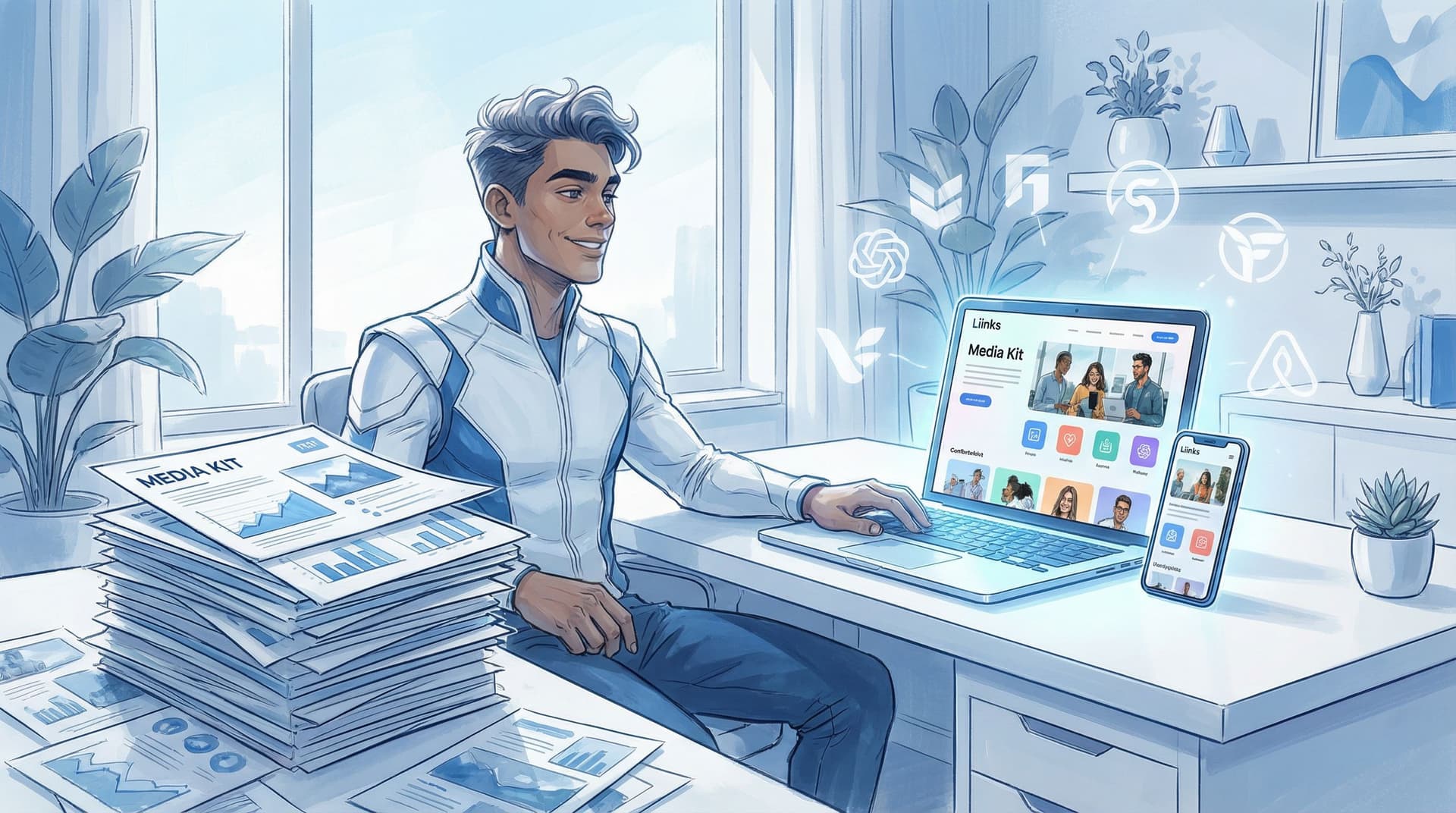
Let’s be honest: somewhere on your laptop right now is a folder called something like MEDIA KIT_FINAL_v7_REAL_FINAL.pdf.
You spent hours designing it. You exported it. You felt accomplished.
And brands? They’re opening it once (maybe), skimming page one between Zoom calls, and never seeing it again.
Meanwhile, your follower count, content, and results have changed three times since you sent it.
It’s time to retire the static PDF and build a living, breathing media kit on Liinks instead.
Why PDFs Are Quietly Sabotaging Your Brand Deals
PDF media kits made sense when everyone was emailing attachments back and forth. Now they’re… kind of a headache.
Here’s why they’re holding you back:
1. They go stale—fast.
Your audience grows, your rates shift, your niche evolves. Your PDF? Frozen in time. Every update means:
- Opening your design file
- Tweaking stats and screenshots
- Re-exporting
- Re-uploading
- Re-attaching to every new pitch email
That’s not “professional.” That’s admin punishment.
2. They’re annoying to open on mobile.
Brand managers are checking you out on their phones between meetings. A 12-page PDF that needs pinching and zooming is an instant eye-roll. A clean, scrollable Liinks page? Tap, skim, done.
3. They’re not built for quick skimming.
Most PDFs read like school projects: long intros, dense text, charts that look like homework. Brands want:
- A 10-second vibe check
- A 20-second proof check (stats, audience, past partners)
- A 30-second decision: Do we move forward?
If you haven’t read our post on why brands skim, not study, your info, go bookmark Screenshots, Not Spreadsheets: How to Build a Liinks Media Kit Brands Can Skim in 30 Seconds next.
4. They’re not link-friendly.
Sure, you can technically add links in a PDF, but:
- Half the time they break
- People are viewing screenshots, not the actual file
- It’s hard to move from “this looks good” to “let me see their actual content”
Your media kit shouldn’t be a dead end. It should be a launchpad.
5. They don’t show you’re current.
A static PDF says, “Here’s who I was when I last had time to update this.”
A living media kit on Liinks says, “Here’s who I am right now.”
What a “Living” Media Kit Actually Is
Think of your media kit less like a brochure and more like a mini homepage just for brands.
A living media kit:
- Lives at a single URL you can drop everywhere
- Updates in minutes, not hours
- Works beautifully on mobile
- Links directly to your best work, not just screenshots of it
- Looks on-brand enough to make a brand manager think, “Oh, they’re serious.”
This is where Liinks quietly shines. You get a fully customizable, good-looking page that you can treat as your brand-facing hub—no full website required. If you want inspo for making that page look expensive (without hiring a designer), you’ll love Broke but Branded: A No-Designer Guide to Making Your Liinks Page Look Shockingly High-End.
Why Build It on Liinks Instead of a Traditional Website Page?
You could build a media kit page on your main site. But using your Liinks page as your living media kit comes with a few unfair advantages:
- It’s built for quick edits. Swap stats, add a new campaign, or bump a testimonial to the top in seconds.
- It’s designed for skimmers. A single scrollable page, no confusing menus, no hunting for the right tab.
- It doubles as your link-in-bio. You don’t need separate “creator site,” “media kit,” and “link hub.” One URL can do all three.
- It looks good without a dev or designer. Layouts, buttons, colors, fonts—tweak until it feels like you.
- It plays nicely with everything else. Drop that same URL in DMs, emails, pitches, speaker applications, and platforms like Instagram, TikTok, YouTube, and Pinterest.
If you’re already using Liinks as your main hub, you can either:
- Add a dedicated “For Brands” section to your existing page, or
- Create a separate Liinks page just for partnerships (and share that link only with brands).
The Core Sections Your Liinks Media Kit Needs
Here’s how to turn your Liinks page into a media kit brands can skim in 30 seconds and say, “Let’s book a call.”
1. A Clear, Confident Intro Block
This is your “elevator pitch” for brand managers.
Include:
- Your name and niche – “Lifestyle creator focused on realistic wellness and work-from-home routines.”
- Your audience shorthand – “Reaching 25–34-year-old women in the U.S. who care about productivity and gentle self-improvement.”
- Your brand fit – “Partnering with brands that make everyday life feel 10% easier or more joyful.”
Format it as a short paragraph or 3–4 punchy bullets. No life story. No “since I was a little girl I always loved…” monologue.
2. Snapshot Stats (Not a Spreadsheet)
Brands want the big picture at a glance, not a census.
Use a simple stat block or a row of buttons/tiles to highlight:
- Total audience size (or top 2–3 platforms)
- Average views per Reel/TikTok/Short
- Engagement rate range
- Email list size (if relevant)
Keep it honest, rounded, and readable. Think:
- “IG: 38k followers | 4–6% engagement”
- “TikTok: 120k followers | 50k–80k avg views”
Update this monthly or after a big growth spike. That’s the beauty of a living kit—you don’t need a total redesign to tweak two numbers.
3. Your Best Work, Front and Center
This is where Liinks beats a PDF by a mile.
Instead of static screenshots, link directly to:
- Your top-performing sponsored posts
- UGC examples
- A case study highlight (e.g., “40% lift in swipe-ups in 48 hours”)
- A playlist or collection of branded content
You can:
- Use buttons like “Watch: Sponsored Morning Routine with [Brand]”
- Group links under a section heading like “Proven Brand Collabs”
- Add thumbnails or screenshots as visuals alongside the links
This turns your media kit into a clickable portfolio, not just a brag sheet.
4. Who Your Audience Actually Is
Brands care less about your follower count and more about whether your people look like their people.
Include a short audience section with:
- Demographics: age range, top countries/cities, gender breakdown
- Psychographics: what they care about, what they buy, what they’re trying to solve
- Context: “My audience comes to me for honest reviews, budget-friendly recs, and realistic routines they can actually follow.”
Make it human, not clinical. This is where you show you actually know your community.
5. What You Offer (and How You Like to Work)
Spell out what you actually do with brands:
-
Deliverables you offer
- Sponsored Reels/TikToks/Shorts
- Story sequences
- Static posts or carousels
- UGC-only packages
- Newsletter features
- Podcast reads or guest interviews
-
How you like to partner
- “I prefer multi-post campaigns over one-offs so we can build a story and measure real impact.”
- “I’m happy to join brainstorms early to help shape concepts that will actually resonate with my audience.”
You don’t have to list rates publicly if you don’t want to. Instead, you can add a line like:
“Rates and packages available on request—use the form below to share what you have in mind.”
6. Social Proof That Does the Heavy Lifting
This is where you make it very easy for a brand manager to say, “Okay, they’re legit.”
Add:
- Logos of brands you’ve worked with
- Short testimonials from previous partners (1–2 sentences each)
- Mini case study bullets, like:
- “Helped [Brand] sell out a limited drop in 72 hours”
- “Drove 1,200+ clicks to landing page from a single Story sequence”
Short, specific, and outcome-focused wins here.
7. A Frictionless Next Step
Don’t make them guess what to do.
End your page with:
- A bold button: “Submit a Brand Collaboration Inquiry”
- A simple form link (Typeform, Tally, Airtable, etc.)
- Or a direct email CTA: “Email me with ‘Partnership Idea’ in the subject line.”
If you want to get more strategic about how this fits into your overall revenue flow, check out Brand Partnerships 101: How to Use Your Liinks Page to Impress Sponsors and Land Collabs for a bigger-picture view.
How to Turn Your Existing PDF into a Liinks Media Kit (Without Starting From Scratch)
Good news: you don’t have to throw your PDF in the trash and start over. You just need to unpack it into a format that works better.
Here’s a simple migration plan:
Step 1: Audit your PDF
Skim your current media kit and highlight:
- What’s actually still accurate
- What brands have commented on or asked about
- What you’re secretly proud of
Everything else? Optional.
Step 2: Turn sections into scrollable blocks
Match your existing sections to the Liinks building blocks:
- Intro → Hero text at the top
- Stats → A short bullet list or stat row
- Portfolio → Individual buttons or grouped links
- Testimonials → Quote text blocks
- Contact → Final CTA button
Step 3: Swap screenshots for real links
Anywhere you have a screenshot of a post in your PDF, ask:
“Can I link directly to this instead?”
If yes, add a button like:
- “See the full campaign post on Instagram”
- “Watch the TikTok that did 1.2M views”
Step 4: Simplify your copy
Your PDF probably has more words than it needs. On your Liinks page, keep things:
- Short
- Skimmable
- Specific
Use bullets, headings, and bold text to guide the eye.
Step 5: Make it look like your brand (not a template)
Use your:
- Brand colors (or a simple, elevated palette)
- Consistent button style
- One or two clean fonts
If design makes your brain itch, circle back to Broke but Branded: A No-Designer Guide to Making Your Liinks Page Look Shockingly High-End for a plug-and-play visual glow-up.
Step 6: Add it to your ecosystem
Once your living media kit is ready, plug that URL into:
- Your email signature (“For brand partnerships: [Your Liinks URL]”)
- Your Instagram/TikTok bio (or a dedicated “For Brands” button on your main Liinks page)
- Your pitch templates and DM scripts
- Your LinkedIn “Featured” section
One link. Everywhere.
How This Makes You Look to Brands (Spoiler: Very Put-Together)
When a brand manager clicks your Liinks media kit link, here’s what they experience:
- Immediate clarity – They know who you are, who you reach, and what you do within a few seconds.
- Proof without digging – They can tap straight into real posts and campaigns instead of zooming in on tiny screenshots.
- Current information – Your stats and examples match what they’re seeing on your socials.
- Professionalism – Your page looks intentional, not like a random list of links.
- Easy next steps – They’re never wondering, “Okay, but how do we actually start this?”
That experience alone can be the difference between:
- “We’ll keep you in mind for future campaigns,” and
- “Can you hop on a call this week?”
If you want to go even deeper on using Liinks to turn casual interest into long-term partnerships, add From One-Off Collabs to Long-Term Partners: How a Polished Liinks Page Keeps Brands Coming Back to your reading list.
Quick Recap
You don’t need to burn your media kit PDF in a ceremonial fire. But you do need something better than a static attachment if you want to:
- Show brands who you are right now, not six months ago
- Make it easy for busy managers to skim, click, and say yes
- Keep your proof, portfolio, and pitch all in one place
- Update your stats and offers without a full redesign
A living media kit built on Liinks gives you:
- A single URL you can drop anywhere
- A scrollable, mobile-friendly layout made for skimming
- Direct links to your strongest work
- On-brand design without hiring a designer
- A clear path from “I’m interested” to “Let’s work together”
Ready to Ditch the PDF?
Here’s your low-drama starting point:
- Sign up for or log into Liinks.
- Create a new page titled something like “Media Kit” or “For Brand Partners.”
- Add these sections in order: intro, stats, best work, audience, offers, social proof, contact.
- Copy your best bits from your existing PDF, then ruthlessly simplify.
- Send that link in your very next pitch email instead of attaching a file.
Your media kit doesn’t need to be perfect to start working for you. It just needs to be alive.
Let the PDFs retire. Your living, breathing Liinks media kit is ready to take over.