How Many Links Should You Actually Have on Your Link-in-Bio Page?

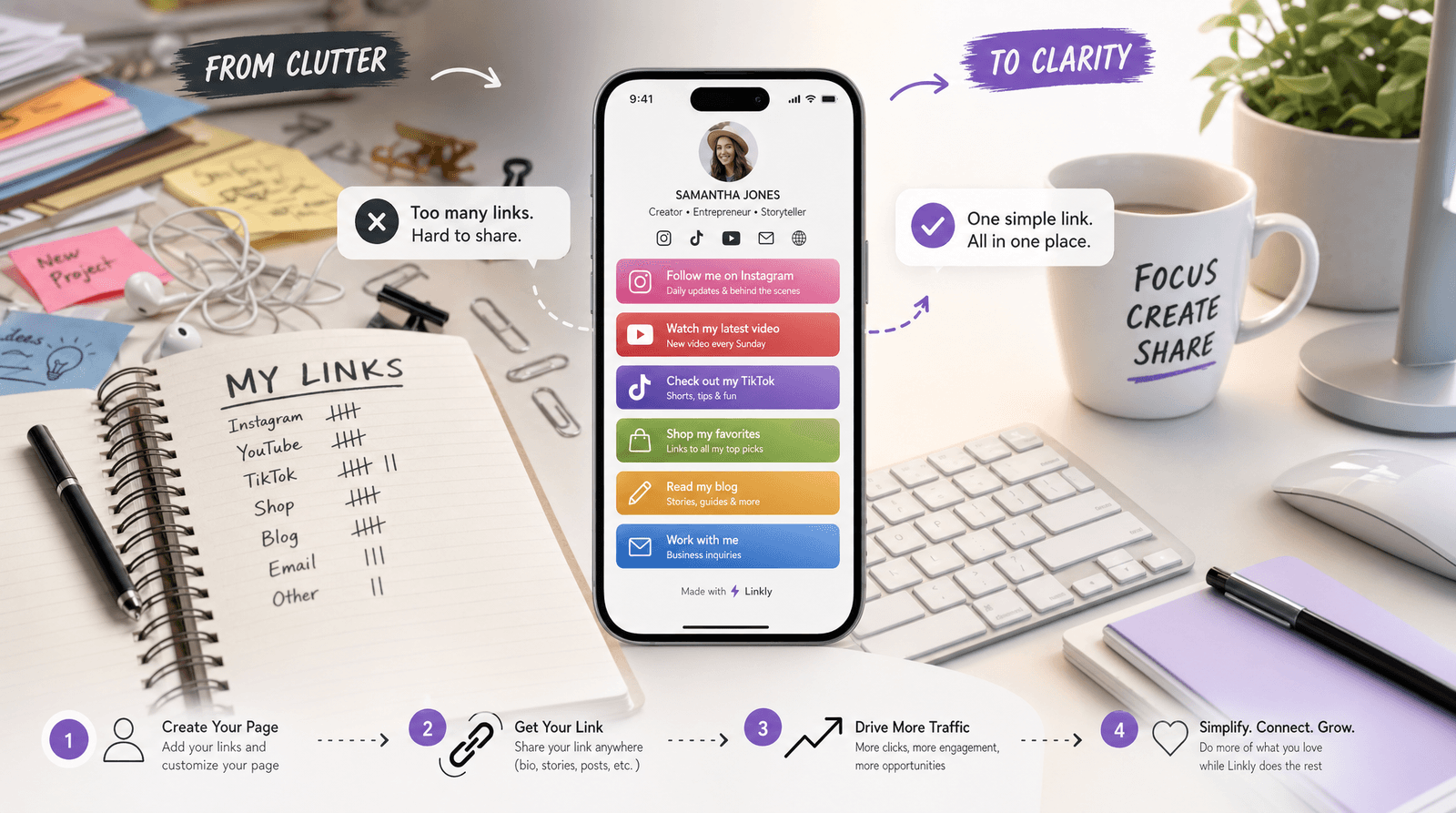
You've got a new podcast episode. A product launch. A collab. A newsletter. A course waitlist. An affiliate deal. A booking link. Your latest YouTube video.
So you add them all to your link-in-bio page.
Now your page is fifteen buttons long, and your analytics dashboard looks like a flatline. Everything is there, but nobody is clicking on anything.
Sound familiar?
The question every creator and small business owner eventually asks — "how many links should I have?" — doesn't have a clean universal answer. But it has a much better answer than "as many as possible." And getting it right might be the single highest-leverage change you can make to your page today.
The Paradox of Choice (Applied to Your Bio Page)
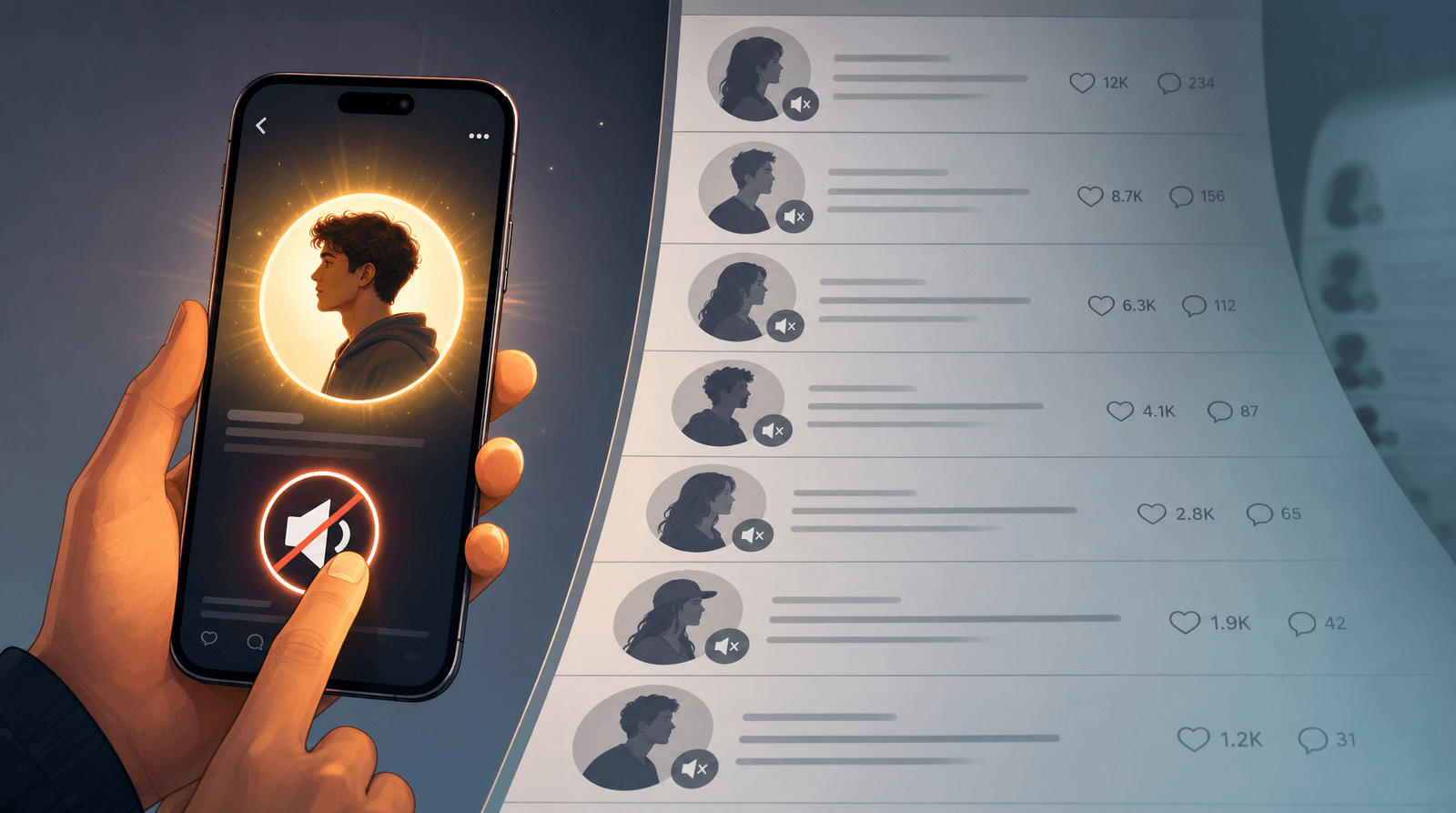
In 2000, psychologist Barry Schwartz popularized the idea that more options don't make people happier — they make people freeze. His research showed that when faced with too many choices, people are more likely to choose nothing at all.
Your link-in-bio page is a textbook example of this in action.
A visitor lands on your page from Instagram, TikTok, or X. They had a reason for tapping — something in your post or bio made them curious. They arrive at your page and see... sixteen buttons. Their eyes scan. They scroll. Nothing stands out as the obvious next step. They leave.
This isn't hypothetical. It happens thousands of times a day across link-in-bio pages everywhere. The visitor wanted to do something, but you gave them too many somethings to pick from.
The fix isn't to strip your page down to one link. It's to understand that every link you add doesn't just add an option — it dilutes every other option on the page.
The Sweet Spot: What the Data Suggests
There's no magic number that works for every page, but patterns emerge across high-performing Liinks pages:
5–7 links tends to be the sweet spot for creators focused on a single goal (growing a newsletter, selling a product, booking clients). This gives visitors enough context about who you are without overwhelming the decision.
8–12 links works well for multi-offer pages — think creators with a shop, a podcast, a course, and a community. The key is that each link serves a distinct audience need, and the page uses sections or visual hierarchy to group them.
13+ links is where conversion rates start to dip noticeably. Not because the links are bad, but because the page starts feeling like a directory instead of a destination. Visitors stop scanning with intent and start scrolling passively.
Here's the rule of thumb: if a visitor can't find what they're looking for within 3 seconds of landing, you have too many links for the way your page is currently organized.
How to Decide What Stays and What Goes
The hardest part isn't knowing you have too many links. It's deciding which ones to cut. Here's a framework.
1. Check Your Analytics
If you're using Liinks, open your analytics dashboard and look at click-through rates for each button over the past 30 days. Sort by clicks. You'll almost certainly find a pattern:
- The top 3–4 links account for the vast majority of clicks
- Several links in the middle get occasional clicks
- The bottom few links get almost zero clicks
The zero-click links aren't just dead weight — they're actively hurting your page. They push your high-performers further down, add visual noise, and make the whole page feel less intentional. Remove them, or move them to a less prominent position.
2. Apply the "One Visit" Test
Imagine someone visits your page exactly once, for exactly ten seconds. What do you want them to do? Not what could they do — what's the single most valuable action?
That action should be your top link. Everything else on the page should either support it or serve a clearly different audience segment.
If you can't articulate what the most important action is, that's the real problem — not the number of links.
3. Rotate Instead of Accumulate
One of the biggest mistakes creators make is treating their link-in-bio page like an archive. Every new project gets a new link, but nothing ever gets removed.
Instead, think of your page as a rotating storefront window. When you launch something new, it goes to the top. When the launch is over, it comes down. Evergreen links (your website, your newsletter signup, your booking page) stay permanent. Everything else earns its spot based on what's current and relevant.
This is how the best Liinks pages stay fresh. Not by growing endlessly, but by swapping strategically.
When More Links Actually Makes Sense
Before you go on a deletion spree, there are legitimate reasons to have a longer page:
You serve genuinely different audiences. A musician who needs links for fans (merch, streaming, tour dates) AND industry contacts (press kit, booking inquiry) might need 10–12 links. The key is using sections with clear headers so each audience can find their cluster immediately.
You're running a time-sensitive campaign. During a launch week, it makes sense to temporarily add extra links — a pre-order page, a countdown, a discount code. Just make sure you remove them when the campaign ends.
You're a resource hub. Some pages function as directories by design — a community organizer linking to multiple events, a teacher linking to class resources. In these cases, volume is the point, but clear organization becomes even more critical.
The difference between a 12-link page that works and a 12-link page that doesn't is almost always structure. Sections, headers, and visual hierarchy let you have more links without creating decision paralysis.
The Button-by-Button Audit
Here's a quick exercise. Go through every link on your page right now and ask these three questions:
-
Has anyone clicked this in the last 30 days? If not, it's a candidate for removal. Every link is a promise — a link nobody clicks is a promise nobody cares about.
-
Does this link serve my current priority? If you're focused on growing your newsletter but half your links point to social profiles, you've got a misalignment. Your page should reflect what you're working toward right now, not everything you've ever worked on.
-
Would a first-time visitor understand why this is here? You know what "EP3 BTS" means. Your audience might not. Every link should make sense to someone who's never heard of you. If the button copy needs an explanation, either rewrite it or consider whether the link belongs on your page at all. When you do keep a link, make sure the button copy earns the click.
If a link fails two out of three questions, remove it. If it fails all three, remove it immediately.
Quality Over Quantity (Yes, for Links Too)
The creators who obsess over follower counts tend to have the same problem with their link-in-bio pages: they optimize for more when they should optimize for better.
Five links that are each clear, current, and connected to your goals will outperform fifteen links every single time. Your visitors don't need a menu of everything you've ever done. They need a clear path from "I'm curious" to "I'm in." You don't need more followers — you need better clicks, and the same principle applies to links.
This isn't about minimalism for its own sake. It's about respecting your visitor's attention and making the most of the few seconds you have with them.
TL;DR
- 5–7 links is the sweet spot for most single-focus pages
- 8–12 links works if you use sections and clear organization
- 13+ links usually hurts conversion unless you're a resource hub by design
- Check analytics monthly — remove any link with zero clicks in 30 days
- Rotate links for launches and campaigns instead of accumulating them forever
- Every link you add dilutes every other link on the page
- When in doubt, cut. You can always add it back if you miss it (you probably won't)
Ready to Simplify?
If reading this made you realize your page needs a trim, Liinks makes it easy to reorganize. Drag to reorder, add section headers to group related links, and check your analytics to see what's actually getting clicked. Your visitors will notice the difference — even if they can't put their finger on why everything suddenly feels clearer.
Sometimes the best thing you can add to your page is a little space.