Creator Starter Pack: The Essential Links Every New Liinks Page Should Have (and What to Skip)

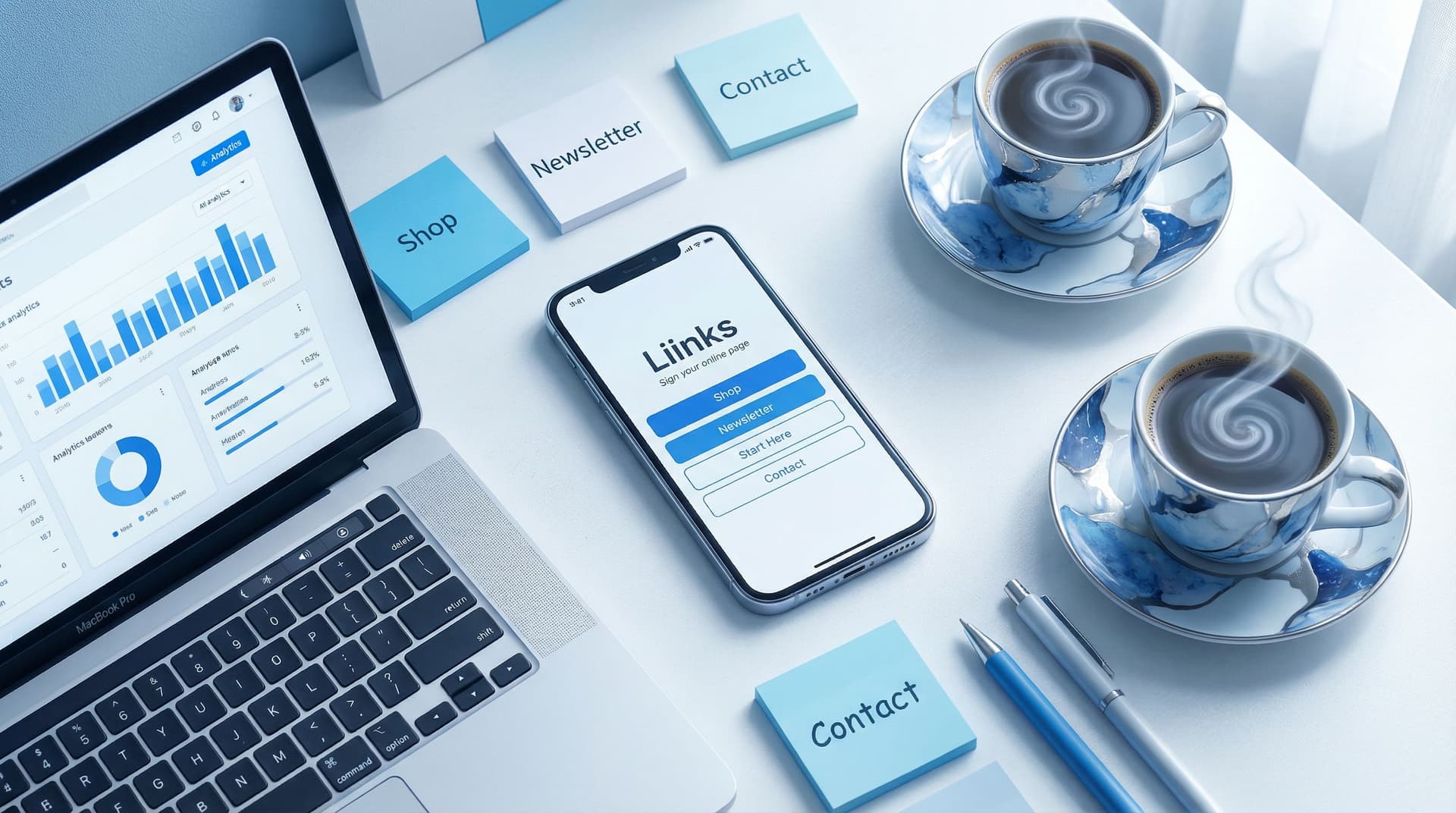
You’ve done it: you picked your username, wrote a bio that doesn’t make you cringe (much), and now you’re staring at that tiny “link in bio” field like it’s a final exam.
What goes behind that link? Your shop? Your latest post? Your newsletter? Your dog’s TikTok?
This is where most new creators quietly stall. Not because they don’t have links, but because they have too many — and no idea which ones actually matter.
That’s why a smart starter setup on Liinks is such a power move. When you’re just getting going (or finally getting serious), your page doesn’t need to do everything. It needs to do the right things.
This guide is your “don’t overthink it” blueprint: the essential links every new Liinks page should have, what can wait, and what you can skip entirely.
Why Your First Liinks Layout Matters More Than You Think
When someone taps your bio link, they’re sending you a tiny love note that says: “I’m interested. Show me more.”
You have about 3–5 seconds to:
- Prove you’re legit
- Show them where to go next
- Not overwhelm them with 27 options and a minor identity crisis
A clean, intentional starter setup helps you:
- Turn curiosity into action. Instead of “oh cool, they do a lot of stuff,” you get “oh cool, I know exactly what to click.”
- Look put-together early. Even if you’re still figuring things out, a simple, well-designed Liinks page makes you look like you have a plan.
- Avoid link chaos later. Starting with a clear structure makes it way easier to grow into more offers, not drown in them.
If you’re juggling multiple passions or offers already, you might want to bookmark The Multi-Passionate Creator’s Map: Structuring One Liinks Page When You Do… Everything for your next read—it pairs nicely with this starter pack.
The Non-Negotiables: 5 Links Every New Liinks Page Should Have
Think of this as your “bare minimum but actually strategic” setup. If you only add these five, you’re already ahead of most creators.
1. Your Primary Offer (or Goal) Link
This is the main character. The star of the show. The link that, if people only clicked one thing, you’d want it to be this.
Depending on where you’re at, this might be:
- Your online shop (Etsy, Shopify, Gumroad, etc.)
- A service booking page (Calendly, Squarespace Scheduling, Acuity)
- A signature offer (coaching package, course, membership)
- A tip jar / Patreon / membership platform
How to set it up well:
- Put it at the very top.
- Use a clear, benefit-driven label:
- Bad:
My Shop - Better:
Shop My Presets & Templates - Bad:
Work With Me - Better:
Book a 1:1 Strategy Session
- Bad:
- Match the design to its importance—on Liinks, give it a standout color, button style, or size.
If you’re in a season where you’re pushing one core offer hard, you’ll love The ‘One Offer’ Liinks Makeover: How Simplifying Your Page Can Actually Boost Sales for deeper ideas.
2. Email List or Lead Magnet
Yes, even if you “don’t really do email yet.” Future you will send you flowers for this.
Your email link might be:
- A simple newsletter signup (Substack, Beehiiv, ConvertKit, FloDesk, MailerLite)
- A freebie / lead magnet (checklist, mini-guide, template, challenge)
Why this matters early:
- Social platforms come and go; your list is yours.
- It gives people a low-pressure way to stay in your world.
- You can start building relationships before you have a full product suite.
Label it like this:
Get My Weekly Creator Tips NewsletterFree Notion Template: Plan Your Content in 1 HourJoin 500+ Creators Getting My Weekly Behind-the-Scenes Email
Place this second, right under your main offer.
3. Your Main Social or Content Hub
Yes, people tapped from a social platform to get here. No, that doesn’t mean they know where else to find you.
Choose one primary content home to feature, usually where you:
- Publish long-form content (YouTube, podcast, blog)
- Are most active
- Want people to binge your stuff
Examples:
Watch My YouTube TutorialsListen to the PodcastRead My Latest Blog Posts
This link is about depth, not breadth. You can always add more socials later, but for a starter pack, focus on the place you want people to spend time.
4. “Start Here” or Best-of Content
New followers don’t know where to start. A curated “Start Here” link does the hand-holding for them.
Options:
- A
Start Herepage on your site - A playlist of your best YouTube videos
- A collection of your top tutorials or most-saved posts
- A Liinks section that acts as a mini resource hub
Label ideas:
New? Start HereStart With These 3 TutorialsMy Most Helpful Posts
If you want to turn your existing content into something like this without creating anything new, check out The ‘No New Content’ Strategy: How to Turn Your Existing Posts into a High-Converting Liinks Resource Library.
5. Contact / Inquiry Link
Make it easy for people to reach you for the right things.
This could be:
- A simple inquiry form (Typeform, Tally, Google Forms, your website)
- A dedicated brand / collab form
- A
Contactpage with clear instructions
Avoid just slapping your email address in a button. A short form:
- Filters out unserious inquiries
- Helps you collect the info you actually need
- Feels more professional, even when you’re just starting
Label ideas:
Brand & Collab InquiriesHire Me for UGC / Content CreationContact / Questions
Nice-to-Haves: Links to Add Once the Basics Are Live
Once your essentials are set, you can start layering on a few extras—strategically, not chaotically.
6. One “Money Now” Link
This is the fastest path to revenue, even if it’s small. Think:
Tip Jar / Buy Me a CoffeeLow-Ticket Digital Product(template, preset, mini-training)Shop My Favorites(affiliate storefronts like Amazon Storefront, LTK, or ShopMy)
Place it near the top if it’s something you’re actively promoting. Otherwise, keep it a little lower but still visible.
7. One “Authority Builder” Link
This is the link that makes people go, “Oh, they’re serious.” Examples:
- A
Press / Featurespage - A
Case StudiesorClient Resultspage - A
Portfolio(Behance, Dribbble, personal site)
Even if your “portfolio” is just a simple Liinks section with a few screenshots and links, that still counts.
8. One “Community” Link
If you host people anywhere outside your main platforms, add a single link for it:
- Discord server
- Facebook group
- Circle / Skool / Geneva community
Label this clearly so people know what they’re getting into:
Join the Free Creator CommunityContent Creators Discord
Keep it to one community link at this stage. You can always expand later.
What to Skip (For Now): Links That Dilute Your Page
Let’s lovingly drag a few common link-in-bio habits.
1. Every Single Social Platform You’ve Ever Touched
If your Liinks page looks like a social media graveyard—RIP Clubhouse, we hardly knew ye—it’s time to prune.
Skip for now:
- Links to platforms you rarely use
- Duplicate links (e.g.,
TikTokandShortsandReelsplaylists doing the same job)
Do this instead:
- Feature one main content platform
- Add a subtle row or section for secondary socials only if they support your goals (e.g., brands want to see your TikTok stats)
2. Old Launch Pages and Dead Freebies
If the offer is closed or the freebie is outdated, it doesn’t belong in your starter setup.
Outdated links:
- Confuse new followers
- Make you look less active than you are
- Send traffic to places that can’t convert
Use a simple rule: If you’d be annoyed someone clicked it, remove it.
3. Hyper-Specific, Low-Impact Links
Do you really need a dedicated button for:
- One random podcast interview from two years ago?
- A single guest blog on a site no one knows?
- Your personal Pinterest where you mostly save recipes?
Probably not.
Instead, fold these into:
- Your
Start Here/Best Oflink - Your
PortfolioorPresslink
4. “Just In Case” Links
If you catch yourself saying, “I’ll add this just in case someone needs it,” that’s your sign to stop.
Your Liinks page is not a junk drawer. It’s a curated menu.
How to Order Your Links So People Actually Click Them
You don’t just need the right links—you need them in the right order.
Here’s a simple, no-math-needed hierarchy you can use on day one.
The 5-Second Stack
From top to bottom:
- Primary Offer / Goal – What you most want people to do
- Email / Lead Magnet – How they stay in your world
- Main Content Hub – Where they binge your best stuff
- Start Here / Best Of – How they orient themselves
- Contact / Inquiries – How serious people reach out
- Money Now – Tips, low-ticket, affiliate shop
- Authority Builder – Portfolio, case studies, press
- Community – Group, Discord, membership
If a link doesn’t clearly fit one of these roles, ask yourself why it’s there.
Keep It Short (Yes, Really)
For a starter setup, aim for 5–8 links total. You can absolutely grow beyond that later, but this range:
- Feels manageable to scan
- Forces you to prioritize
- Keeps your page from feeling like homework
If you’re tempted to add more, you might actually be in a multi-hyphenate season. In that case, From Niche to Multi-Hyphenate: Using Liinks to Transition Your Brand Without Confusing Your Audience will help you expand without losing clarity.
Making It Look Good (Without Spiraling Over Design)
You don’t need a designer. You do need to not blind people.
A few quick wins you can implement right away on Liinks:
- Pick one accent color and use it for your primary button. Don’t rainbow your links.
- Use short, punchy labels. Aim for 2–5 words plus a benefit if needed.
- Group related links with subtle headings (e.g.,
Work With Me,Free Resources). - Add one photo or brand element (like your logo or a simple avatar) so the page feels personal.
If you want a deeper dive on making your page look premium without hiring anyone, bookmark Broke but Branded: A No-Designer Guide to Making Your Liinks Page Look Shockingly High-End.
Quick Setup Checklist: Your 30-Minute Starter Build
Open your notes app (or, you know, a sticky note) and run through this:
- Define your main goal for the next 60 days.
- Grow your list? Book clients? Sell a product? Pick one.
- Choose your 5 essential links:
- Primary offer / goal
- Email list or freebie
- Main content hub
- Start Here / Best Of
- Contact / inquiries
- Decide on up to 3 extras:
- Money Now link (tip jar, low-ticket, affiliate shop)
- Authority builder (portfolio, case studies, press)
- Community link
- Order them using the 5-Second Stack.
- Log into Liinks and build it out.
- Test it on mobile. Tap every link. Fix anything weird.
- Update your bios everywhere with your shiny Liinks URL.
You don’t have to get it perfect. You just have to get it live.
TL;DR: Your Starter Pack, Summarized
If you skimmed (relatable), here’s the condensed version:
- Your link in bio is not a scrapbook; it’s a menu.
- Start with 5 essentials:
- Primary offer / goal
- Email list or freebie
- Main content hub
- Start Here / Best Of
- Contact / inquiries
- Add up to 3 supporting links:
- One Money Now link
- One Authority Builder
- One Community link
- Skip for now:
- Dead offers and outdated freebies
- Every social platform you’ve ever signed up for
- Hyper-specific, low-impact links
- “Just in case” buttons
- Keep it to 5–8 links total in your starter phase.
- Make it look intentional with simple colors, clear labels, and smart grouping.
Your Next Step (Yes, This Is the Part Where You Take Action)
You don’t need a rebrand, a funnel map, or a 3-hour planning session to get this right.
You need 30 minutes, a clear goal, and a Liinks page.
Here’s your homework:
- Decide what you want most from your bio clicks for the next two months.
- List the 5–8 links that actually support that goal.
- Head to Liinks, plug them in, and publish.
Then, for the next week, every time you say “link in bio,” you’ll know that link is doing real work—not just pointing to a random pile of buttons.
Your audience is already tapping. It’s time to give them somewhere worth landing.