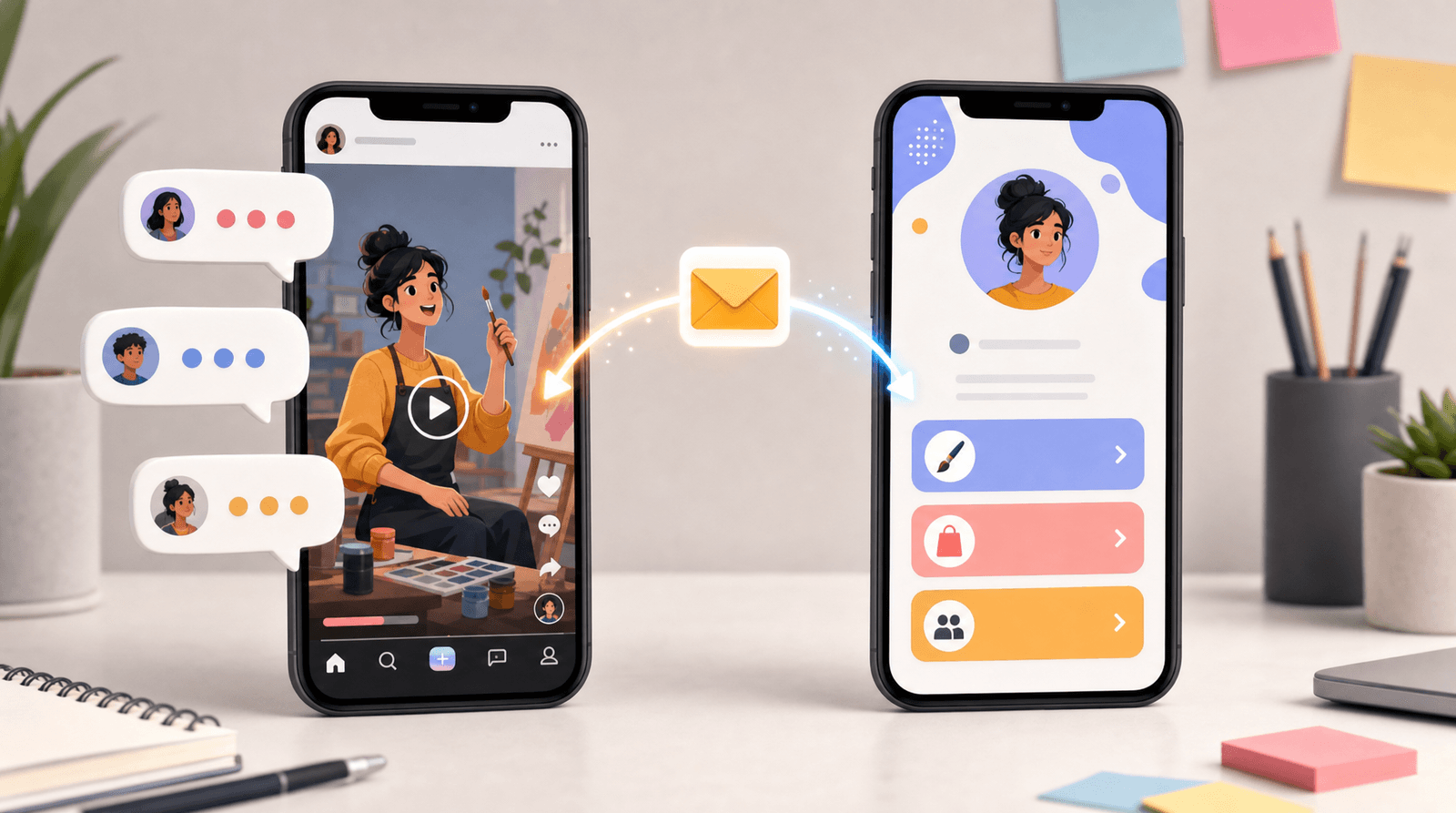
A/B Test Your Link in Bio (Without Losing Your Mind): Simple Experiments That Actually Move the Needle


You don’t need a data science degree to run smart experiments on your link in bio.
You do need:
- A clear goal (more email signups? more sales? more DMs from serious leads?)
- A simple testing plan
- A page that’s easy to tweak and nice to look at—like Liinks
Let’s walk through how to A/B test your link in bio in a way that’s structured enough to work, but chill enough that you don’t abandon it after week one.
Why Bother Testing a Tiny Little Bio Link?
Because that “tiny little bio link” is where everything you do online has to pass through.
You’re already putting in the effort:
- Filming Reels and TikToks
- Writing carousels and threads
- Sending emails
- Launching products and services
If your link in bio isn’t optimized, you’re basically pouring effort into a leaky bucket.
When you A/B test your link in bio, you can:
- Turn more profile visits into clicks (instead of shrugs)
- Send people to the right next step—not just a random list of options
- Spot dead-weight links that no one touches and retire them guilt-free
- Boost revenue and signups without posting more or “showing up” harder
If you’ve ever wondered, “Is it my content or my funnel?”—testing your link in bio gives you actual answers.
For a deeper dive into why your bio link is more like a story than a menu, check out Story-First Liinks: How to Use Micro-Copy, Emojis, and Layout to Guide Clicks Without Being Pushy.
First: Pick One Goal (Seriously, Just One)
Before you start swapping colors and rewriting buttons, decide what “better” means.
Ask yourself:
- Do I want more people on my email list?
- Do I want more sales of one main product or offer?
- Do I want more booked calls or inquiries?
- Do I want more people consuming a specific piece of content (podcast, YouTube, flagship guide)?
Then pick a primary metric that matches:
- Email list growth → clicks on your lead magnet link / signups
- Sales → clicks on your main product link / sales page
- Booked calls → clicks on your booking link / form submissions
- Content consumption → clicks on your featured content link
Everything else? Nice to have, but not the star.
If you’re using Liinks, you can see link-level click data right in your dashboard, which makes this much easier to track without spreadsheets.
What A/B Testing Actually Means (No Jargon, Promise)
A/B testing is just:
Showing people Version A and Version B, changing one main thing, and seeing which one performs better.
On a link-in-bio page, that usually means testing things like:
- The order of your links
- The headline at the top of your page
- The design and layout (buttons vs. cards, colors, spacing)
- The CTA copy on your buttons
- Whether you send people to one focused page vs. a list of everything
You do not need fancy split-testing software to start. With a flexible tool like Liinks, you can:
- Duplicate a page
- Make one key change
- Swap which one is live for a set period
- Compare the numbers
Is it “perfect” A/B testing? No. Is it more than enough to make smarter decisions and more money? Absolutely.
The 3 Types of Tests That Move the Needle
Let’s keep this simple and powerful. You don’t need 27 experiments. Start with these three.
1. The “What’s My Main Character?” Test (Page Focus)
If your link in bio currently looks like a buffet of everything you’ve ever made, this one’s for you.
What you’re testing:
- Version A: Your current “everything” page
- Version B: A focused page built around one primary action (e.g., “Get my free starter guide” or “Shop the new collection”)
How to set it up:
- In Liinks, duplicate your existing page.
- On Version B, ruthlessly prioritize:
- One main headline that clearly says what this page is about.
- 1–3 links max that support that goal.
- Move everything else below a divider or into a “More from me” section.
- Run Version A for 7–14 days, note link clicks and conversions.
- Run Version B for 7–14 days, same deal.
What to look at:
- Total clicks on your primary link
- Click-through rate (CTR) to that link compared to page views
- If you can, actual conversions (sales, signups, bookings)
If Version B (focused) gets fewer total clicks but more of the right clicks, it wins.
To make this even easier, pair this test with the ideas in Evergreen, Not Exhausting: How to Build a Liinks Page You Barely Touch but Always Converts. A focused, evergreen structure is much easier to test and maintain.
2. The “Say It Better” Test (Headline + Button Copy)
If people are landing on your page but not clicking much, your words—not your offer—may be the problem.
What you’re testing:
- Version A: Your current headline and button copy
- Version B: Clear, benefit-driven copy that spells out what they get
Ideas for what to change:
-
Headline examples
- Instead of: “Welcome to my world”
Try: “Resources to help you launch your first digital product” - Instead of: “Links + more”
Try: “Start here: free templates, my course, and 1:1 support”
- Instead of: “Welcome to my world”
-
Button copy examples (inspired by our post Steal These High-Converting CTAs: Real-World Liinks Button Copy That Gets the Click)
- Instead of: “Newsletter” → “Get weekly content prompts in your inbox”
- Instead of: “Shop” → “Shop the exact products from my Reels”
- Instead of: “Book a call” → “Apply for a 20-min strategy call”
How to set it up:
- Screenshot your current page (Version A).
- Duplicate the page and change only:
- The top headline/subheadline
- The CTA text on your top 2–3 buttons
- Alternate which version is live each week for 2–4 weeks.
What to look at:
- Change in clicks on your top buttons
- Which CTAs get the highest CTR relative to page views
Keep the winners, retire the losers. No hard feelings.
3. The “Does Design Actually Matter?” Test (Spoiler: Yes)
Design doesn’t just make your page pretty; it changes how people move through it.
What you’re testing:
- Version A: Your current design
- Version B: A cleaner, higher-contrast layout with clearer hierarchy
Design elements to play with:
- Contrast: Dark text on light background or vice versa so links are easy to read.
- Hierarchy: One visually dominant section for your main offer; secondary links look… secondary.
- Spacing: More breathing room between sections so it doesn’t feel cramped.
- Visual cues: Emojis, icons, or small thumbnails next to key links.
Liinks makes this painless with customizable fonts, colors, and layouts—no CSS tantrums required.
How to set it up:
- Keep your links and copy identical in both versions.
- Only change design: layout style, colors, button style, spacing.
- Run each version for at least 7 days with similar traffic levels.
What to look at:
- Overall clicks per page view
- Time on page (if you’re tracking it via analytics)
- Whether people scroll and click lower-priority links or drop off early
If Version B makes your main offer pop and people click it more, you’ve got proof that design tweaks are worth your time.
For more ideas, you can layer this with concepts from Design-First Link in Bio: How to Build a Stunning Liinks Page That Actually Converts.
How Long Should You Run a Test?
Short answer: long enough to get a real signal, not just vibes.
A simple rule of thumb:
- If you get lots of profile visits (hundreds per day):
→ Run each version for 3–7 days. - If you get moderate traffic (50–200 visits per week):
→ Run each version for 1–2 weeks. - If you get low traffic (under 50 visits per week):
→ Run each version for 2–4 weeks.
You’re looking for patterns, not perfection. You don’t need a stats calculator to see that “Version B got 2x more clicks on my main offer for two weeks straight.”
Pro tip: Avoid running tests during unusual spikes (big launches, viral posts, major holidays) unless the test is about that event—like a special promo page. If you are doing a holiday or launch test, pair it with ideas from Seasonal Campaigns with Liinks: Simple Link-in-Bio Swaps that Drive Holiday Revenue.
What Tools Do You Actually Need?
You can go full nerd if you want, but here’s the minimalist stack.
1. Your link-in-bio platform
Obviously. With Liinks, you get:
- Per-link click tracking
- Easy page duplication (perfect for A/B versions)
- Fast editing on desktop or mobile
2. Basic analytics (optional but helpful)
- Instagram, TikTok, and YouTube all give you profile visit data.
- If you want deeper data, you can add UTM parameters to your links and track in tools like:
- Google Analytics
- Fathom (privacy-friendly, simpler)
3. A simple tracking doc
This can be:
- A Google Sheet
- A Notion page
- A literal notes app
Track:
- Test name and goal
- Version A dates + key metrics
- Version B dates + key metrics
- Winner + what you learned
Future You will be very grateful.
A Simple 30-Day Testing Plan (So You Actually Do This)
If you like structure, steal this.
Week 1: Audit + Goal
- Screenshot your current link in bio.
- Pick one primary goal for the next 30 days.
- Note your current baseline:
- Profile visits per week
- Clicks on your main link
Week 2: Focus Test (Main Character)
- Create Version B: a focused page around your primary goal.
- Run it for the full week.
- Compare to your baseline.
Week 3: Copy Test (Say It Better)
- Keep the winning structure from Week 2.
- Create Version B with new headline + button copy.
- Alternate versions every 2–3 days.
Week 4: Design Test (Make It Obvious)
- Take the winning copy + structure.
- Create a clean, high-contrast Version B.
- Run each version for 3–4 days.
At the end of 30 days, you’ll have:
- A page that’s objectively better than where you started
- Real data about what your audience responds to
- A repeatable process you can dust off anytime
How to Avoid Testing Burnout
You are not trying to become a CRO agency. You’re trying to make your link in bio pull its weight.
A few rules to keep your sanity:
- One test at a time. Don’t test copy, design, and layout all at once. You won’t know what worked.
- Limit experiments. 1–2 tests per month is plenty for most creators.
- Decide in advance what “winning” means. Example: “At least 25% more clicks on my main offer for 7 days.”
- Stop when you hit “good enough.” Once your page is clearly performing, switch from “constant tinkering” to “light seasonal tweaks.”
If you like the idea of optimizing once and coasting, bookmark Optimize Once, Grow for Months: A Practical SEO and Analytics Checklist for High-Performing Liinks Pages.
Quick Experiment Ideas You Can Run This Week
If you want plug-and-play ideas, start here:
-
Top Link Showdown
- A: Lead magnet as top link
- B: Main paid offer as top link
-
“Warm-Up” vs “Straight to Offer”
- A: Send people to a value-packed free resource first
- B: Send them straight to your sales page
-
Social Proof vs. No Social Proof
- A: Plain buttons
- B: Add tiny proof lines: “3k+ downloads”, “Used by 200+ clients”, etc.
-
Short vs. Long Page
- A: 3–5 links only
- B: 10–12 links with sections
-
One Link vs. Many Links
- A: A single, ultra-focused Liinks page that acts like a mini site
- B: Your usual list of everything
You don’t have to run all of these. Pick one that matches your goal and start there.
Bringing It All Together
Here’s the big picture:
- Your link in bio is not a static business card. It’s a testable, tweakable mini funnel.
- You don’t need fancy tools—just a flexible page builder like Liinks, basic analytics, and a simple tracking doc.
- The tests that move the needle are usually boringly simple: focus, copy, design.
- A month of light, intentional experiments can easily outperform a year of “hope this works” guessing.
You’re already doing the hard part: showing up, creating, and sending people to that one little link. A/B testing just makes sure that when they get there, they actually do something.
Your Next Step (Yes, This Is Your CTA)
Don’t overthink this. Do one thing:
- Log into your link-in-bio tool—or create a free page with Liinks.
- Screenshot your current page.
- Duplicate it and make one intentional change:
- Reorder your links so your main offer is first, or
- Rewrite your headline to clearly state who you help and how, or
- Simplify your page to 3–5 key links.
- Run that version for the next 7 days and compare clicks.
That’s your first A/B test. No spreadsheets, no panic, no “am I doing this right?” spiral.
Just a slightly smarter link in bio, quietly working harder for you—one experiment at a time.