How to Turn YouTube Views Into Link-in-Bio Clicks

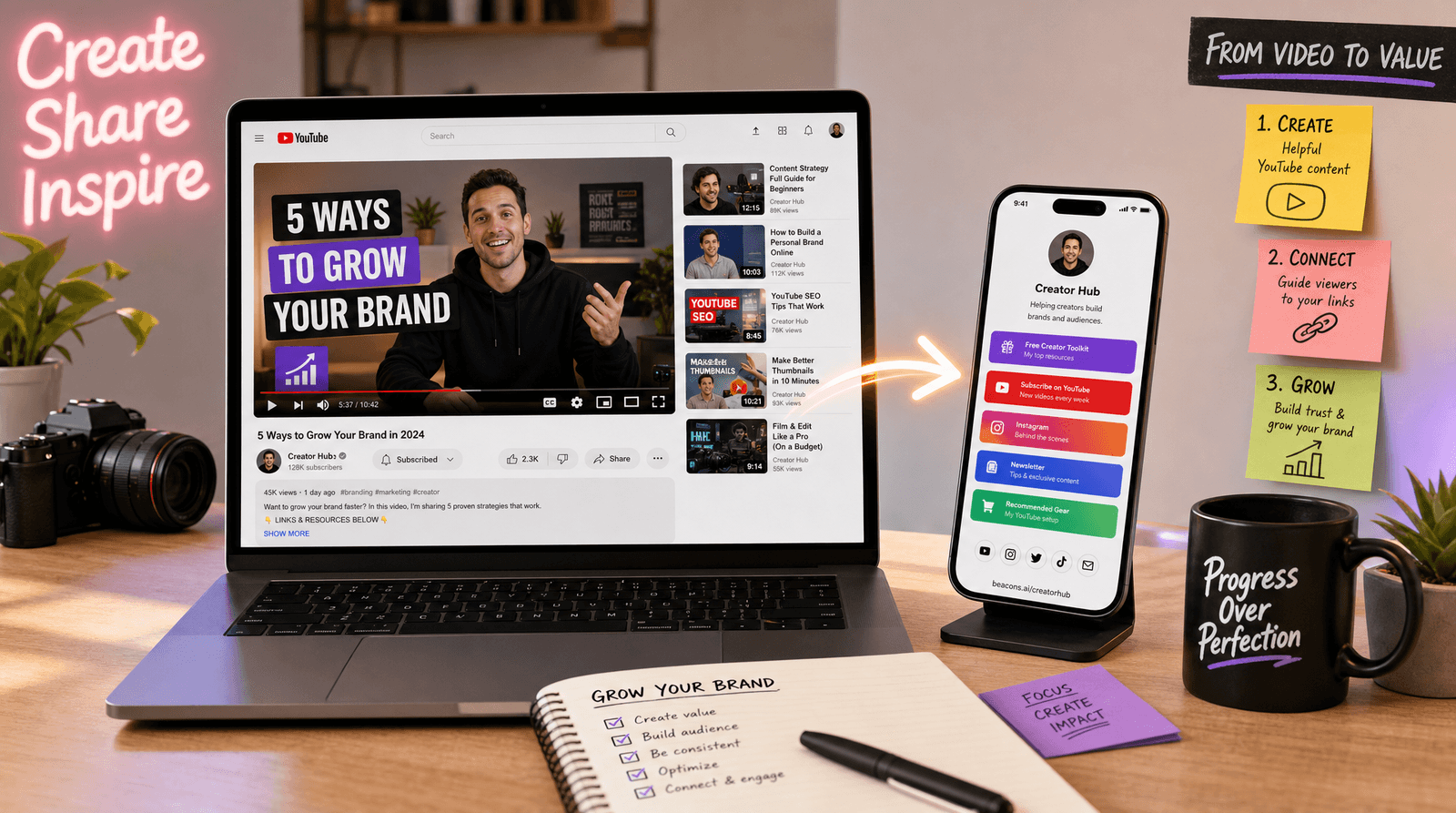
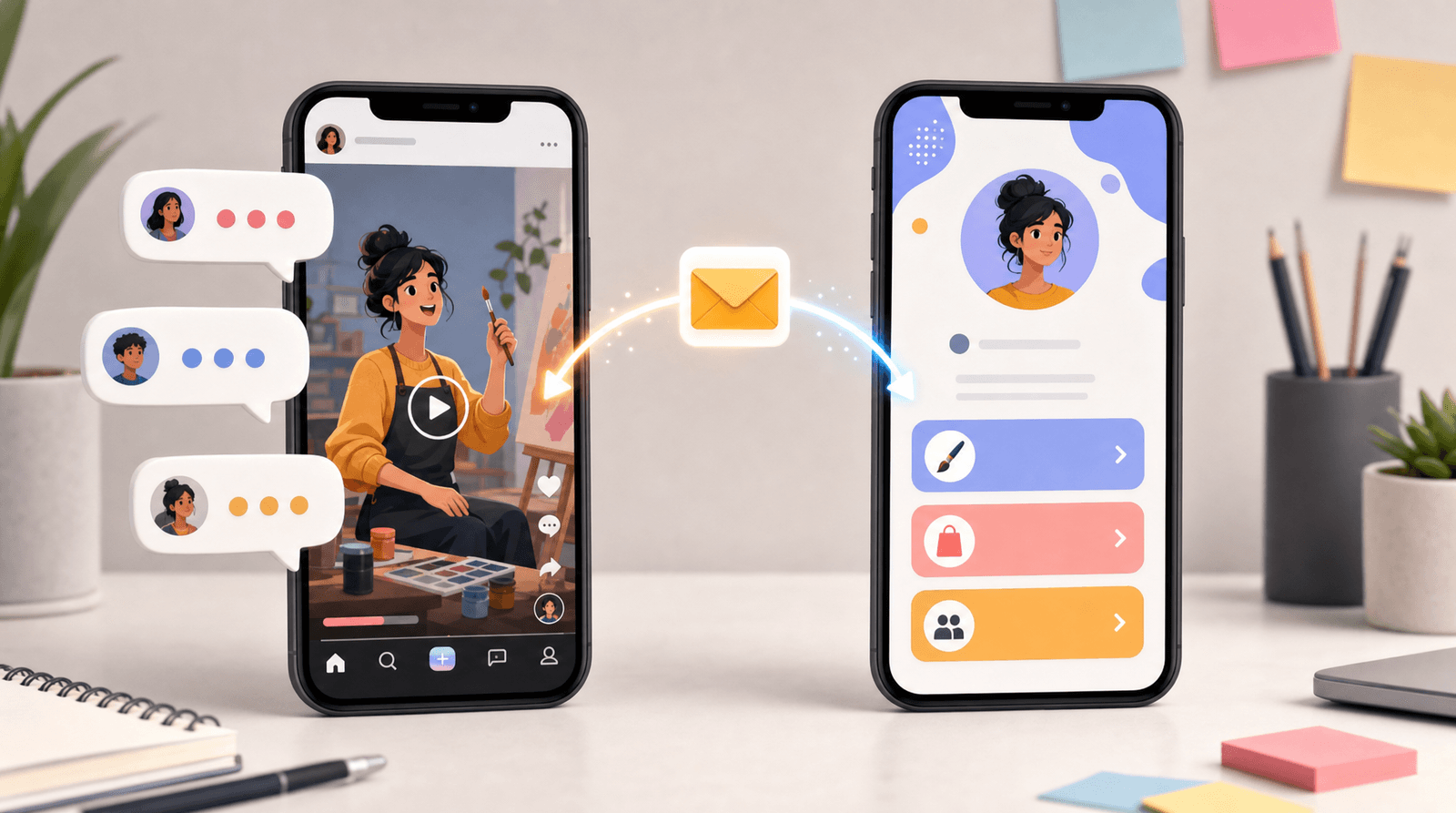
Here is an uncomfortable truth about YouTube: the platform is built to keep people watching, not to send them anywhere. Every design choice, from autoplay to the endless "up next" rail, is there to stop viewers from leaving. And yet YouTube quietly sends some of the most motivated traffic on the internet. Someone who watched eight minutes of your video and then clicked a link in your description is not a casual scroller. They are a warm lead who chose to leave a platform designed to trap them.
So why do most creators treat that traffic like an afterthought?
The average YouTube description is a graveyard of raw links: an Amazon storefront, three affiliate URLs, a Discord invite, a Patreon, a link to "my other channel," and somewhere in the pile, the thing you actually wanted people to click. Viewers do not read that. They skim the first two lines, and if the payoff is not obvious, they hit the back button and let autoplay take over. You earned the click and then lost it in the clutter.
This guide fixes that. Instead of scattering links across every video, you are going to point all of your YouTube traffic at one destination, your Liinks page, and then engineer the whole journey so views turn into clicks, subscribers, and buyers.
Why One Link Beats Ten
Most creators think more links mean more options, and more options mean more conversions. The opposite is true. Every additional choice you put in front of a viewer adds friction, and friction is where clicks go to die.
When you send everyone to a single link-in-bio page, three things happen:
- You control the experience. A raw Amazon link drops someone into Amazon's world, where you have no branding, no context, and no second offer. Your Liinks page keeps them in yours for one more step.
- You only update one place. New video, new product, new sponsor? You change a button on your Liinks page once, and every video you have ever posted now points to the right thing. No more editing descriptions on 200 old uploads.
- You learn what actually works. When ten different links live in ten different descriptions, you can't see the pattern. Route everything through one page and Liinks analytics shows you exactly which buttons your YouTube audience clicks, so you can reorder them around real behavior instead of guesses.
That last point matters more than it sounds. Most creators have no idea what their audience does after the click, which means they are optimizing blind. If you have never dug into this, our guide on why you don't need more followers, you need better clicks is a good companion read.
The goal is not to give viewers everything. It is to give them the one next step that makes sense, and make that step effortless.
Step 1: Build a YouTube-Aware Landing Page
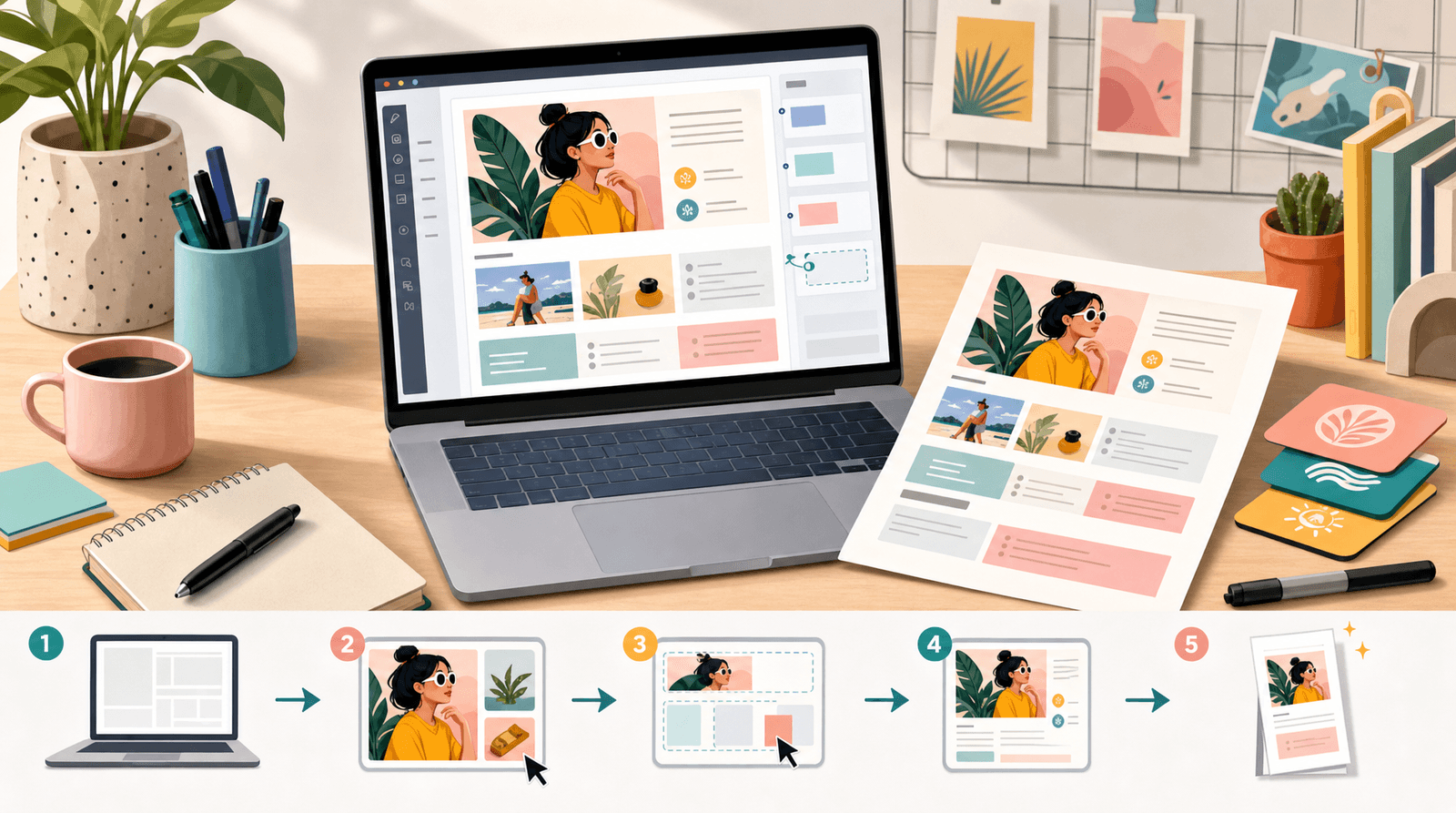
Before you touch a single video, build the page your YouTube traffic will land on. This is not the same as the page you'd hand to someone from Instagram. YouTube viewers arrive with specific intent: they just watched you talk about something, and they want the thing you mentioned.
Design the top of your Liinks page around that intent:
- Lead with the video's payoff. If your last upload was a review, the top button should be the product. If it was a tutorial, it should be the free template or resource you referenced. The number one link needs to answer "the thing from the video is right here."
- Add a subscribe or newsletter capture second. YouTube views are rented attention. An email address is owned attention. Put a newsletter signup in the number two slot so you convert borrowed viewers into a list you control.
- Group the rest into sections. Use Liinks sections to separate "shop," "free stuff," and "work with me" so the page stays scannable instead of turning into the same link graveyard you just escaped.
- Match your channel's look. Use your channel's colors and a clear photo or logo so the jump from video to page feels like one continuous brand, not a suspicious detour.
The whole page should load fast, look like you, and make the next step obvious in under three seconds. Arrange the buttons by intent, not by habit: the thing your viewer most likely wants goes first, and everything else earns its place below it.
Step 2: Place Your Link Where Viewers Actually Look
A perfect landing page is useless if nobody reaches it. YouTube gives you at least five places to drop your link, and most creators use one of them badly. Here is where to put it and how.
The first line of your description
Only the first two or three lines of a description show before the "...more" cutoff. That is prime real estate, and it should not be wasted on hashtags. Open with a one-line pitch and your Liinks URL:
Everything I mentioned in this video is here: yourname.liinks.co
That single line, above the fold, will outperform a wall of links buried below every time.
The pinned comment
The comment section is where engaged viewers hang out, and a pinned comment sits at the top of it permanently. Pin a short comment with your link and a reason to click: "Grab the free checklist from the video here." Engaged viewers, the ones most likely to convert, live in the comments.
The end screen and cards
Your spoken call to action does the heavy lifting, but end screens and info cards reinforce it visually. You can't put a clickable external link on an end screen without meeting YouTube's requirements, so use the end screen to say "link in the description and pinned comment" while the moment of intent is still hot.
Your channel banner and About page
These are evergreen. Someone who lands on your channel page, decides they like you, and wants to find your stuff should see your Liinks URL on your banner and in your channel description. This catches the browsers who never watch a full video but still want to follow you somewhere.
The spoken call to action
The most powerful placement isn't a placement at all, it's you, saying it out loud. "The link to everything is in my description and pinned comment" spoken at the right moment converts better than any on-screen text, because it arrives exactly when the viewer is deciding whether to act.
Step 3: Match the Link to the Moment
Here is where most creators leave the most money on the table. They use the same generic "check out my links" line on every video, regardless of what the video was about.
Your call to action should change with each video's intent. A viewer's willingness to click is highest in the seconds right after you deliver value, so name the specific payoff and point straight at it:
- Tutorial or how-to video: "The free template I used is the first link on my Liinks page." Point them at a lead magnet and capture the email.
- Product review or haul: "Everything I showed you is linked at the top of my page." Point them at your shop or affiliate section.
- Story or vlog: "If you want to support the channel, the link's in my description." Point them at a membership, tip jar, or newsletter.
- Announcement or launch: "Early access is live right now, first link on my page." Point them at the launch and let the urgency do the work.
Because everything routes through one Liinks page, you can reorder the buttons on that page to match whatever you're promoting this week without touching a single video description. Promoting a course this month? Drag it to the top. Done in three weeks? Swap it back. This is the exact cross-channel flexibility we cover in How to Use Pinterest to Drive Free, Long-Lasting Traffic to Your Link-in-Bio: build the destination once, then aim your traffic at it from everywhere.
Step 4: Turn Clicks Into a List You Own
Getting the click is the middle of the journey, not the end. A YouTube view is rented from the algorithm; the moment the video ends, that attention belongs to YouTube again. The only way to make it yours is to convert it into something you own, an email address or an SMS subscriber.
This is why the newsletter capture belongs near the top of your page. The strongest offer you can make a YouTube viewer is a free resource tied to the video they just watched: a checklist, a template, a resource list, a discount code. They came for that topic, so a giveaway in that exact topic converts far better than a generic "join my newsletter."
Once someone is on your list, you are no longer at the mercy of the next algorithm change. You can tell them about your new video, your launch, or your sale directly, without paying for reach or hoping the feed cooperates. The creators who survive platform shifts are the ones who used borrowed attention to build owned attention while they had it. Your Liinks page is the bridge between the two.
The same logic applies to every platform you're on, which is exactly why funneling all of your channels through one destination beats managing a dozen separate links. We made the full case for a single hub in How to Use LinkedIn to Drive Professional Traffic to Your Link-in-Bio; the mechanics are identical, only the platform changes.
Step 5: Read the Data and Adjust
Once traffic is flowing, stop guessing and start reading. Your Liinks analytics will show you which buttons your visitors actually click. Cross-reference that with your YouTube analytics, and patterns emerge fast:
- If a video drove a spike in visits but few clicks, your landing page's top link probably didn't match the video's promise. Fix the mismatch.
- If one button gets clicked far more than the others, move it up and build more content around it.
- If your newsletter signup underperforms, your offer isn't specific enough. Tie it to a video topic and watch it climb.
Small, data-informed tweaks compound. Moving your best-performing link from position four to position one can meaningfully lift clicks without a single new subscriber or view. You are simply keeping more of the traffic you already earned, which is almost always cheaper than chasing more of it.
TL;DR
- YouTube traffic is warm but fragile. Viewers who click a link are motivated, but the platform is built to pull them back, so make the next step effortless.
- Send everyone to one page, not ten links. A single Liinks page gives you control, one place to update, and real analytics on what your audience does.
- Build a YouTube-aware landing page. Lead with the video's payoff, put a newsletter capture second, and match your channel's branding.
- Use every placement: first line of the description, pinned comment, end screen, channel banner, and above all, a spoken call to action.
- Match the call to action to each video's intent and reorder your page buttons to match whatever you're promoting, without editing old descriptions.
- Convert borrowed views into an owned list with a free resource tied to the video topic.
- Read your Liinks analytics and move your best links up. You keep more of the traffic you already earned.
Turn Your Next Upload Into Clicks
Your next video is going to send people somewhere. The only question is whether it sends them into a cluttered description that loses them, or to a clean page that turns a view into a subscriber, a sale, or a fan.
Liinks makes the destination part effortless: build one branded page, drop the link in your description and pinned comment, and reorder your buttons anytime the story changes. No editing 200 old videos, no guessing what works, just a single link doing the job that ten scattered ones never could.
Build your free Liinks page and give your YouTube audience somewhere worth clicking.