How to Run a 'Comment for the Link' Campaign Without Losing the Click

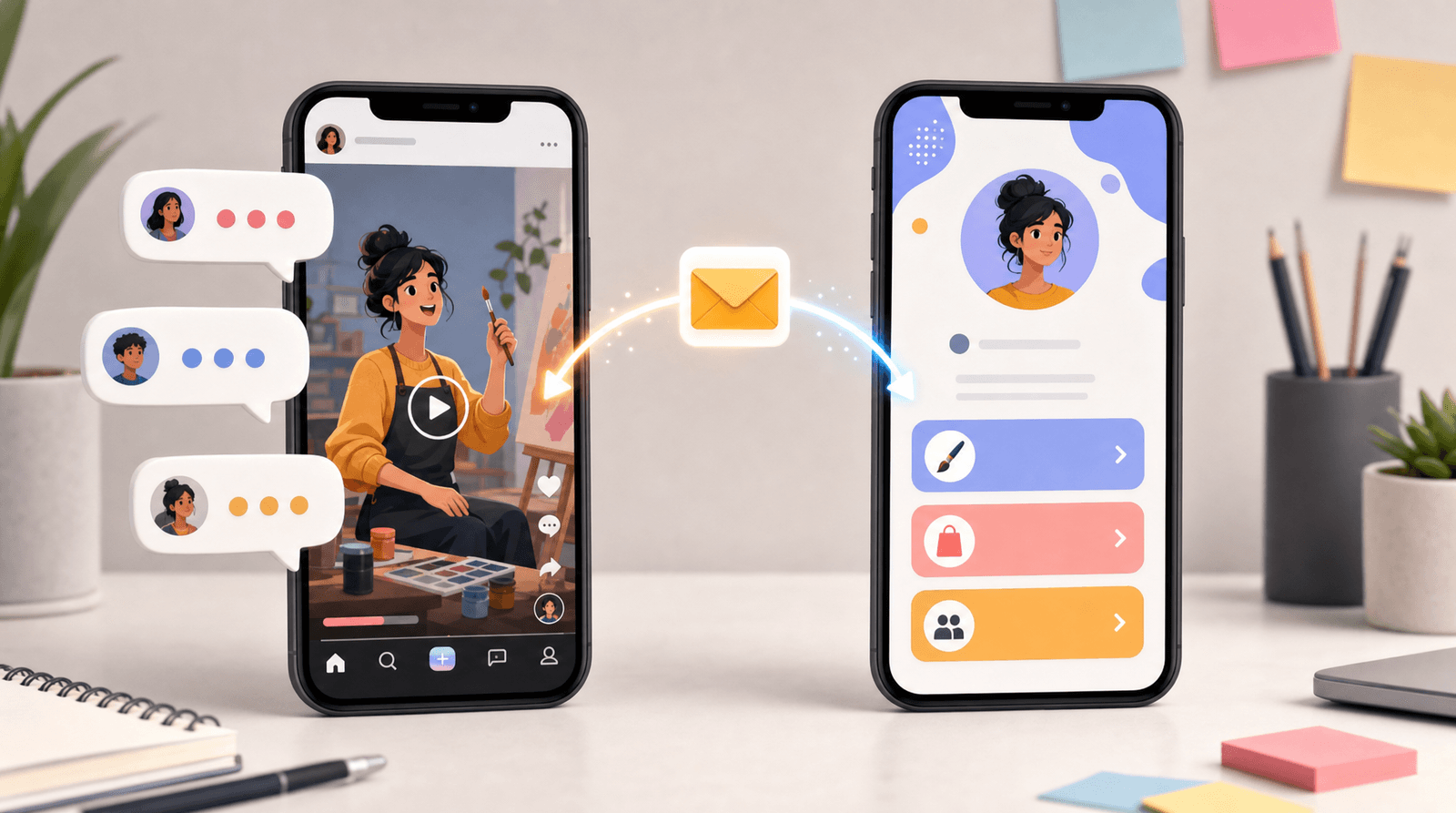
You have seen the caption a hundred times. "Comment GUIDE and I'll send it to you." Then two hundred people comment the word, an automation fires, and everybody gets a link in their DMs.
It works because it solves a real problem. Feeds punish outbound links, bios hold exactly one URL, and the gap between "this person is interested right now" and "this person is on my page" is where most attention goes to die. A comment keyword closes that gap in one tap, keeps the engagement on the post, and lands your link in the one place people reliably open.
It also leaks. Badly, and invisibly. Most creators who run these campaigns can tell you how many comments they got. Very few can tell you how many people actually opened the link, and the honest answer is usually somewhere between a quarter and a half of the comment count. The campaign looks like a hit in the comment section and does almost nothing further down. This guide is about closing that gap: how to set up a comment-for-the-link campaign so the comments turn into clicks, and where to check when they don't.
Why the comment trick works, and the three places it leaks
Before the steps, it helps to know exactly where people fall out, because each leak has a different fix.
Leak one: the comment never happens. Your ask is buried at the end of a caption, the keyword is long or ambiguous, or the post never gives anyone a reason to want the thing. No comment, no DM, no click.
Leak two: the DM arrives and gets ignored. This is the big one. A stranger's automated message lands in a request folder next to twelve other automated messages. If your DM opens with three lines of throat-clearing before the link, or if it reads like a template, people close it. Some never even see it, because on most platforms a DM from an account you do not follow sits behind a request screen.
Leak three: the click lands somewhere confusing. Someone commented a keyword because they wanted one specific thing. If the link drops them on a generic page with eleven buttons, they have to hunt for the one they asked for. A good share of them will not bother.
Notice that only the first leak is about the post. The other two happen after the part most people optimize. That is why campaigns that "get great engagement" so often produce nothing you can measure.
Step 1: Pick one keyword and one destination
The single most common mistake is running the campaign for a vague thing. "Comment INFO." Info about what?
Start at the other end. Decide the one destination you want people to reach, then name it in a way someone would actually type.
Choose a destination that rewards the tap. A specific guide, a waitlist, a booking page, a discount, a template, an episode. It should be something a person can consume or act on in under two minutes. Long, heavy destinations lose people who arrived on impulse from a feed.
Choose a keyword that is short, spellable, and unique. One word, five to eight letters, no numbers, no punctuation, and ideally not a word that appears anywhere else in your caption. Automations match on exact strings, and people type fast on phones. "COFFEE" collects everyone. "MYFREEGUIDE2026" collects the seven people who typed it correctly.
Do not run two keywords in one post. Split-testing keywords sounds clever and mostly produces confusion in your comment section and two half-sized data sets. One post, one keyword, one destination.
If you cannot name the destination in a short phrase, the campaign is not ready. Fix the offer before you write the caption.
Step 2: Make the ask early, then repeat it
The ask needs to appear before the caption gets truncated, because most people never tap "more."
A structure that works, in order:
- One line on what the thing is and who it is for. Not a tease. Specific.
- The ask, with the keyword in caps. "Comment SETUP and I'll send it over."
- The proof or context. Why this exists, what is in it, what happened when you used it.
- The ask again, at the very end, for people who read all the way down.
Then say the same thing out loud in the video, and put it on screen. On short-form video, the spoken ask outperforms the caption ask by a wide margin, because a meaningful share of viewers never read captions at all.
One more thing that quietly matters: reply to the comments. Even a single character reply. Platforms read a reply as a real conversation and keep showing the post, and it also gives you a manual fallback for anyone the automation missed. If your campaign is small enough to reply to every comment by hand, you may not need automation at all. The manual version of this is covered at the end.
Step 3: Build the destination before you post, not after
This is the step order people get wrong. They post, the comments come in, and then they scramble to point a link somewhere.
Build the page first, and build it for this campaign specifically. That does not mean a whole new website. It means the person who commented your keyword should land on something where the thing they asked for is the first thing they see.
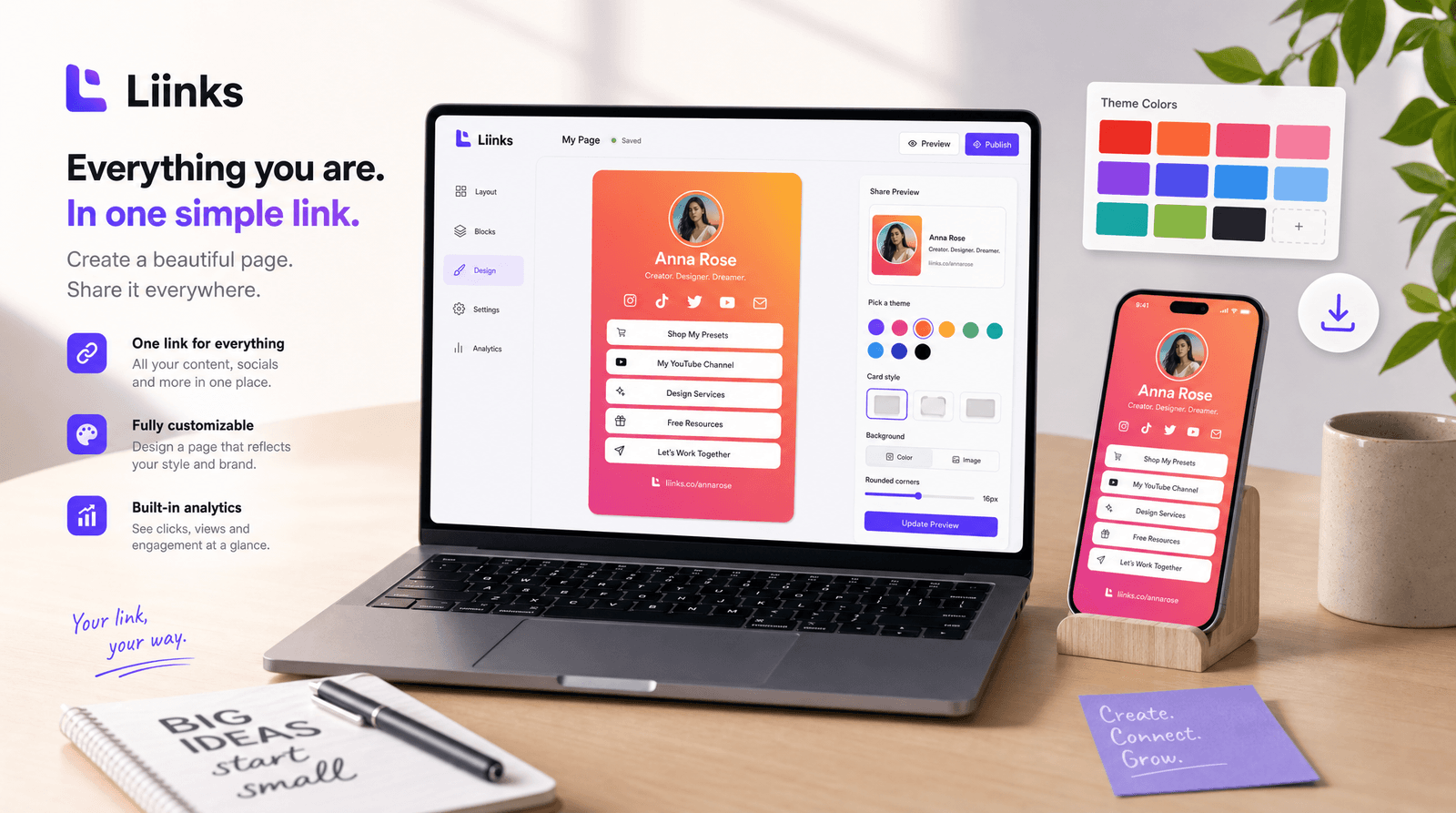
There are two clean ways to do it with a Liinks page:
Option A: a dedicated page for the campaign. Make a second page whose entire job is this one offer. One clear headline, one button, maybe an email capture. No navigation, no distractions, nothing else competing. This is the highest-converting option and it takes about ten minutes to build.
Option B: your main page with the campaign link pinned at the top. Simpler to maintain, and it has a side benefit: people who came for one thing see the rest of what you do. It works well when your offer is closely related to the rest of your page. Just make sure the campaign link is genuinely first, visually distinct, and labeled with the same words you used in the caption. If the caption said "the setup guide," the button should say "The setup guide," not "Free resource."
Whichever you pick, the principle is the same: matched language between the ask, the DM, and the button. Every time a visitor has to translate one phrase into another, a few more of them leave. We have written more about sending different traffic to different destinations if you are running several of these at once.
Set your link preview while you are in there. When the DM arrives, most platforms render your URL as a preview card with an image and a title. That card is the first impression of your offer, and a blank grey box is a weak one.
Step 4: Write the DM like a person, with the link near the top
Your automated DM has about two seconds. Treat it like a text message, not an email.
Lead with the link. Not after a greeting, not after a paragraph about how excited you are. First or second line. Anyone who scrolls past your link to find your link is a person you have already lost.
Reference the post. One short clause that reminds them what they asked for and proves this is not a mass blast: "Here's the setup guide from the reel."
Keep it to three lines. Link, context, one optional next step. That is the whole message.
Add one soft follow-up question at the end. "Tell me which part you get stuck on and I'll point you at the right thing." This does two useful jobs: it turns a broadcast into a conversation, and a reply from them opens the DM thread properly, which matters on platforms that filter messages from strangers. If you want a fuller version of that idea, our piece on using DMs to pre-qualify people before they ever book goes deeper on what to ask.
Send a second message a day later, once. Something short: "Did this come through okay?" A meaningful share of first DMs land in a request folder and are never opened. A single follow-up recovers a chunk of them. Two follow-ups makes you the thing people mute.
One caution worth stating plainly: automated DMs sit close to the line platforms draw around spam. Keep the volume proportionate to your actual engagement, do not send to people who did not ask, and make it trivially easy to opt out. A campaign that gets your account limited costs far more than it earned.
Step 5: Catch the people who never comment
Here is the part almost everyone skips. For every person who comments your keyword, several more want the thing and will not comment for it. Some find the whole ritual awkward. Some are lurkers who never comment on anything. Some are in a group chat with the post open and no intention of typing.
Give those people a route.
Put the same destination in your bio link for the duration of the campaign. Same button, same label, top of the page. Then add one line to the caption: "or it's in my bio if you'd rather not comment." That sentence costs you nothing and recovers the quiet half of your audience.
Add it to your story with a link sticker on the day the post goes up, and again two days later.
This is also the reason the bio link and the DM should point at the same place rather than two subtly different pages. You want one destination and one set of numbers, not two campaigns you cannot compare. Our post on splitting traffic between your page and your DMs covers the trade-offs when the two paths genuinely need to differ.
Step 6: Measure three numbers, not one
Comment count is a vanity number for this campaign. It tells you the ask landed and nothing about whether the campaign worked. Track three things instead.
Comments to clicks. Divide clicks on the destination button by the number of keyword comments. This is your DM funnel's health. If it is under half, your DM copy or your destination is the problem, not your post. Rewrite the DM to lead with the link and try again.
Clicks to action. Of the people who reached your page, how many did the thing: downloaded, signed up, booked, bought. If clicks are strong and actions are weak, the offer was oversold in the caption or the page asks for too much.
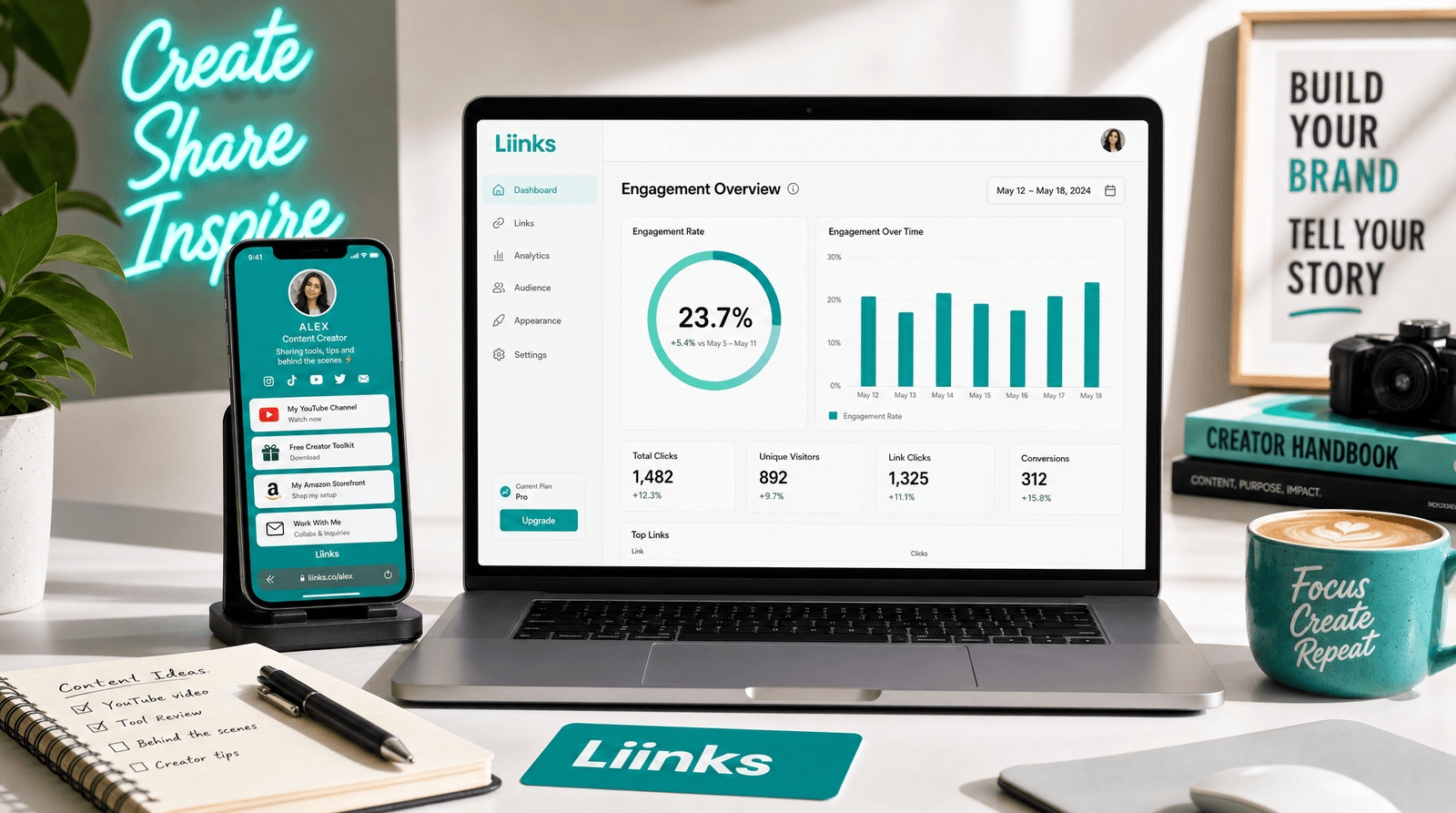
Where the clicks came from. Your page analytics will show the split between the DM traffic and the bio traffic. That split tells you whether the comment mechanic is doing real work or whether your bio would have delivered the same result without any of the theatre.
Use a separate tracking link for the DM version if you want the split to be exact. Two clean numbers beat one big number you cannot decompose. If you want a shortlist of which metrics deserve attention at all, we have written about the handful that actually matter.
Give the campaign four or five days before you judge it. Comment automations keep firing for days after a post stops being served, and the bio route keeps trickling long after that.
The manual version, for anyone without automation tools
You do not need a paid automation tool to run this. Under roughly fifty comments, doing it by hand is entirely reasonable and converts better, because a real reply from a real person gets opened.
The manual flow:
- Post with the keyword ask.
- Reply publicly to each keyword comment with a short "Sent!" so other people see the campaign working.
- DM each commenter the link with one personal clause.
- Put the same link at the top of your Liinks page so the non-commenters have a route.
An hour of that on the day of the post will out-convert most automated setups, and it tells you exactly what people say when they ask for the thing, which is research you cannot buy.
TL;DR
- The comment mechanic works because it closes the gap between interest and destination without putting a link in your caption. It leaks at the comment, the DM, and the landing.
- One keyword, one destination. Short, spellable, unique, and named the same way in the caption, the DM, and the button.
- Ask early, say it out loud, ask again at the end. Most people never expand a caption and a good share never read one.
- Build the destination before you post. Either a dedicated campaign page or your main page with the offer pinned to the top and labeled in the caption's exact words.
- Lead the DM with the link, keep it to three lines, and send exactly one follow-up a day later.
- Give the non-commenters a route by putting the same offer at the top of your bio link for the run of the campaign.
- Track comments-to-clicks, clicks-to-action, and traffic source. Comment count on its own tells you nothing about whether it worked.
The campaign is not the comment section. The campaign is what happens on the page you send people to, and that part is entirely within your control.
Build the page before your next post
Liinks gives you the destination half of this: a page you can rebuild in ten minutes for a specific campaign, sections and folders to keep one offer above everything else, proper link previews so your DM renders as a real card, and analytics that show you which links pulled their weight and where the traffic came from.
Create your page for free, pin your next offer to the top, and write the caption second. The comments are the easy part.