How to Find and Fix Broken Links on Your Link in Bio

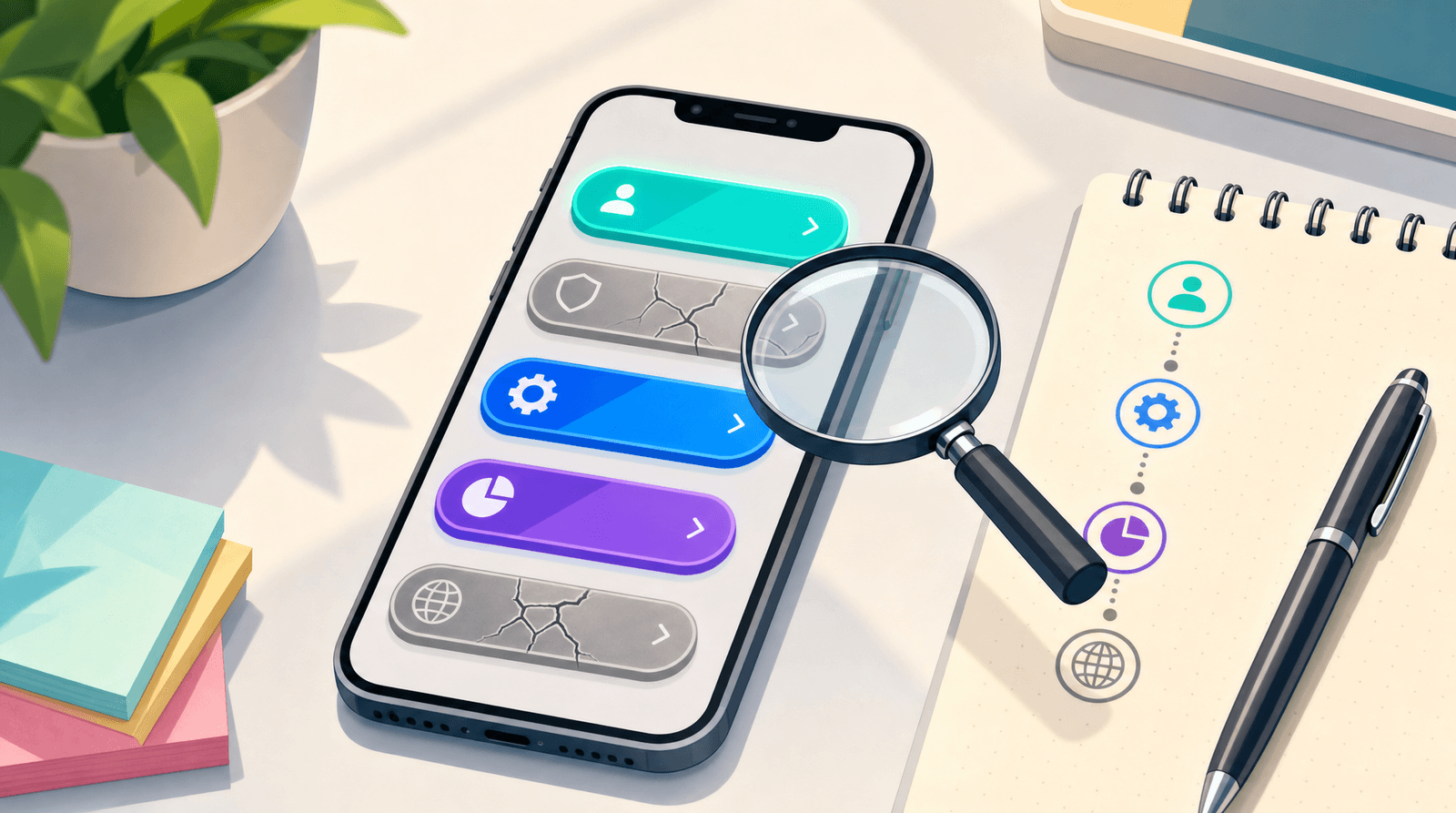
Here is the uncomfortable thing about a broken link on your bio page: it does not look broken to you.
The button is still there. It still has the right label and the right colour. It still gets tapped, and the tap still gets counted, because your page records the click the moment someone presses the button, not when the destination loads. From where you are sitting, that link is working. From where your audience is sitting, it is a dead end with an error message on it.
Most creators find out about this by accident. Someone sends a polite DM saying the shop link is not working. You open it, and it turns out the product page moved four months ago. Then you wonder how many people hit that same wall in the meantime and did not bother to tell you, and the honest answer is: nearly all of them. People do not report broken links. They close the tab.
This guide is the fix. It covers where dead links actually come from, how to check every link on your page in about fifteen minutes, what to do with each kind of breakage, and how to make sure the problem never quietly rebuilds itself.
Why your analytics will not warn you
If you only take one thing from this post, make it this one.
Click tracking on a link-in-bio page happens at your end. Someone taps the button, your page logs a click, and then the browser goes off to fetch whatever URL you pointed at. Whether that URL returns a real page, a 404, a login wall, or a parked domain full of ads is not something your page finds out about. The click has already been counted.
So a broken link and a working link produce identical numbers. A URL you set up during a launch can keep collecting taps from an old post long after the destination came down, and the chart will look healthy the whole time.
This matters for how you read your dashboard. In Liinks you can see page visits and per-link click counts, and those numbers are genuinely useful for working out what your audience wants. What they cannot do is tell you whether the person who clicked actually arrived somewhere. That check has to be done by a human, on purpose, on a schedule. If you want a sense of which numbers deserve your attention in the first place, we have written about the handful of metrics that actually matter.
Where broken links come from
Dead links are rarely the result of carelessness. They are the result of time passing. Here are the six sources that account for almost all of them.
1. The destination moved or was deleted
The most common one. A shop restructures its URLs. A blog post gets a new slug. A Notion page gets unshared. A Google Doc that used to be public reverts to private. A YouTube video gets set to unlisted. Nothing about your page changed, and the link died anyway.
2. A platform you linked to shut down or rebranded
Platforms disappear, merge, or change their URL structure with no notice and no redirects. If a link on your page points at a service you have not thought about in a year, check it before you assume it still resolves.
3. Your own campaign links expired
Discount codes, waitlists, early-bird pricing, event registrations, "doors close Friday" pages. These are supposed to be temporary, but the button on your bio page is permanent unless you remove it. This is the most damaging category, because the person tapping it is usually the most motivated person you have.
4. A URL shortener stopped resolving
If you used a shortener for a campaign and the account lapsed, or the free tier changed, every link built on it breaks at once. Shorteners are a single point of failure sitting between you and everything you have ever promoted. Where you can, link to the real URL and let your page handle the presentation.
5. You migrated tools and did not bring everything
Moving from one link-in-bio tool to another is a classic source of half-working pages, especially when some links were pasted from memory rather than copied. If you are in the middle of a move, our guide on switching link-in-bio tools without losing your traffic covers the inventory step that prevents this.
6. A typo that has been there since day one
It happens more than anyone admits. A missing character in a handle, an http that should be https, a trailing bracket copied along with the URL. If a link has never received a single click despite being on the page for months, suspect the URL before you blame the copy.
The fifteen-minute link check
You do not need a tool for this. You need a phone, a notes app, and fifteen uninterrupted minutes.
Step 1: Open your own page as a stranger would
Open your bio page on your phone, in a private or incognito window, not from your editor's preview. This matters for two reasons. Your editor preview may not follow links the same way, and your normal browser is logged into everything, which means a link that requires a login will silently work for you and fail for everyone else. That last one catches people constantly: the shared drive folder, the client portal, the members-only page that looks fine from your account and asks everybody else for a password.
Step 2: Tap every single link, top to bottom
Every one. Including the ones you are sure about. Including your social icons. Including the links inside folders and sections, which are the easiest to forget precisely because they are one tap deeper than everything else.
For each link, note one of four outcomes:
- Works: the destination loads and shows what you expected
- Broken: an error page, a 404, a parked domain, or a redirect somewhere unexpected
- Gated: it loads for you, but only because you are logged in
- Stale: it loads fine, but the content is out of date: an old price, a closed waitlist, a past event
Step 3: Check what the destination actually says
A link resolving is not the same as a link being useful. A product page that loads but says "sold out" is technically alive and functionally dead. So is an event page for something that happened in March. Read the page you land on, not just the status of the tab.
Step 4: Check your link previews too
If your buttons pull in images or preview cards from the destination, look at them. A preview that has gone blank or reverted to a generic placeholder is often the first visible sign that something changed on the other end, even when the link itself still loads.
Step 5: Write down what you found before you fix anything
Do the whole pass first, then fix. If you stop to fix each problem as you find it, you will get absorbed in rewriting one button and never finish the audit. Five minutes of checking, ten minutes of fixing.
What to do with each type of breakage
Not every dead link should be repaired. Some should be removed, and knowing the difference is most of the skill.
Broken links: fix or remove, never leave
If the destination still exists somewhere, update the URL. If it does not, delete the button. There is no third option where you leave it up because you might rebuild that page eventually. A button that goes nowhere costs you more than an empty slot does, because it teaches people that your links are unreliable, and that lesson applies to every other button on the page.
Gated links: add a note, or point somewhere public
If a link genuinely requires a login, say so on the button itself. "Members area (login required)" costs you nothing and prevents the confusion of an unexplained password prompt. If it was supposed to be public, fix the sharing setting.
Stale links: update the destination or retire the button
An expired offer should come down the day it expires. Better still, decide the removal date at the same time you create the button, and put it in your calendar then, while you still remember. A launch that ended two months ago sitting at the top of your page is not just a dead end. It is a signal that nobody has looked at this page recently, which is exactly what a brand checking you out does not want to see.
Working links in the wrong order: reorder while you are in there
Once you have the whole list in front of you, the ordering problem usually becomes obvious. The link you most want people to tap is often third or fourth, below two things you added out of habit. Sections, folders, and link styles in Liinks exist for exactly this: one visibly primary action at the top, and everything else grouped underneath so it stays available without competing. If you want a broader pass on the page while you are already in the editor, our ten-minute audit covers the presentation side.
Do not forget the links that are not on your page
Your bio page is the easy part, because everything lives in one list. The links that break silently are the ones scattered everywhere else.
QR codes. A printed QR code cannot be edited. If it encodes a URL that has since died, every copy of that flyer, business card, or sticker is now pointing at nothing. This is the strongest argument for pointing physical codes at a stable page you control rather than at a campaign URL. Our guide on making a branded QR code that actually scans covers the durability side of this in more detail.
Pinned posts and old captions. A pinned post from last year that says "link in bio for the free guide" is a broken promise if the guide is gone, even though the link itself is fine.
Your email signature and DM autoresponders. Set once, never reviewed. Worth a look.
Other people's pages. Collaborators, podcast show notes, directory listings, and press mentions may all point at an old URL of yours. You cannot fix those directly, but if you know they exist you can keep the old destination alive with a redirect instead of deleting it.
Build the routine so it stops piling up
A one-off audit fixes today. A routine is what stops you doing this again in a panic.
Set a recurring check. Once a month if you are actively launching things, once a quarter if your page is fairly stable. Fifteen minutes in the calendar, treated like any other admin task. The whole point is that it is small enough that you actually do it.
Give every temporary link an end date when you create it. The moment you add a waitlist button, put its removal in the calendar. Deciding this later never happens, because later is exactly when you have forgotten the offer existed.
Prefer stable destinations over campaign URLs. Where you can, point buttons at pages that will still exist in a year: your shop's main page rather than one product, your newsletter's signup page rather than a single issue. Fewer moving parts, fewer things to break.
Check after every migration or redesign. Any time a destination site gets rebuilt, its URLs probably changed. That is the moment to re-run the pass, not six months later.
Watch for the silent zero. A link that used to get clicks and now gets none is worth opening. It might be a seasonal drop. It might also be that the button stopped being visible after a layout change.
None of this requires a tool that scans your links for you. It requires fifteen minutes and a calendar reminder, which is a good trade for the number of people who currently tap something on your page and land on an error.
TL;DR
- Your analytics cannot detect broken links. Clicks are counted when the button is tapped, not when the destination loads, so a dead link and a live one look identical in your numbers.
- Dead links come from time, not carelessness. Moved destinations, shut-down platforms, expired campaigns, lapsed shorteners, incomplete migrations, and old typos account for nearly all of them.
- Run the check as a stranger. Private window, on your phone, tap every link including social icons and anything inside folders. Log each one as works, broken, gated, or stale.
- Fix or remove, never leave. A button that goes nowhere damages trust in every other button on the page.
- Look beyond the page. Printed QR codes, pinned posts, email signatures, and other people's links to you break silently and are not visible from your editor.
- Schedule it. Monthly if you are launching often, quarterly otherwise, plus a removal date set for every temporary link the day you create it.
Give your links somewhere solid to point
Most of the maintenance burden in this post comes from the same root cause: too many separate URLs doing jobs that one page could do. Every campaign link, every shortener, every one-off landing page is another thing that can break without telling you.
Liinks is built to be the stable destination in the middle of that. One page you fully control, with sections and folders so a launch can sit at the top without burying everything else, link styles that make the primary action obvious, proper link previews, and analytics that show you which links are pulling their weight. When an offer ends, you edit one page instead of chasing seven URLs across three platforms. When a destination moves, you update it in one place and every post, QR code, and profile that points at your Liinks page keeps working.
You can build your whole page for free and only publish it when it looks right. Then put fifteen minutes in the calendar for next month, and keep it that way.